> For the complete documentation index, see [llms.txt](https://docs.avonnicomponents.com/llms.txt). Markdown versions of documentation pages are available by appending `.md` to page URLs; this page is available as [Markdown](https://docs.avonnicomponents.com/welcome.md).

# Welcome

<h2 align="center">Avonni Components, for every Salesforce screen</h2>

<p align="center">Five component lines for the four places you build: Lightning pages, screen flows, Experience Sites, and your own code. Start where you are building today.</p>

<button type="button" class="button primary" data-action="ask" data-icon="gitbook-assistant">What are you trying to build?</button>

<a href="/choosing-the-right-components/selection-guide.md" class="button primary" data-icon="grid-round-2-plus">Open the Selection Guide</a><a href="/build-with-ai.md" class="button secondary" data-icon="wand-magic-sparkles">Build with an AI assistant</a>

***

<h3 align="center">Where are you building?</h3>

<p align="center">Five lines, each with its own hub. Pick the surface you work on, and the quickstart is one click away.</p>

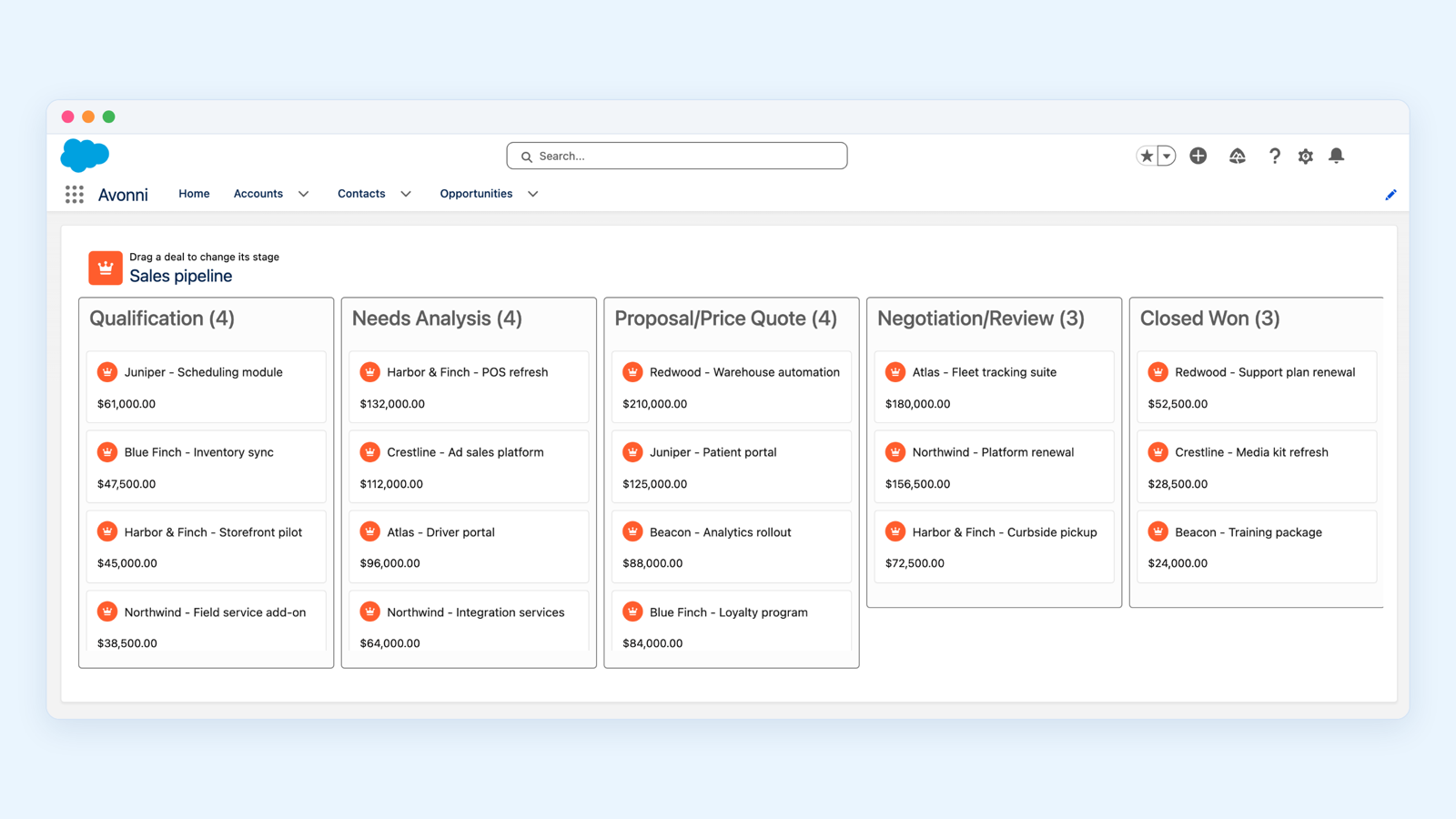
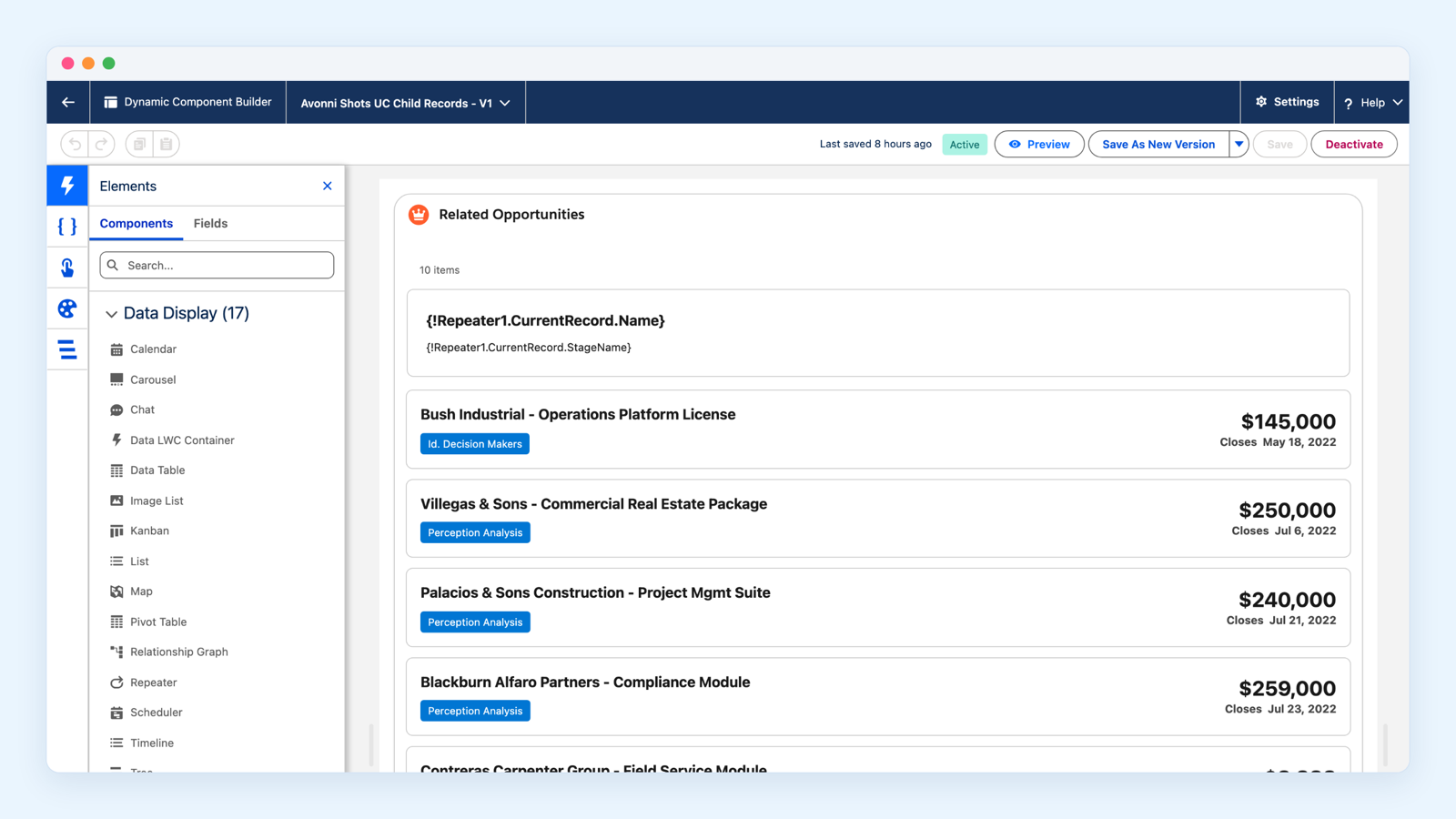
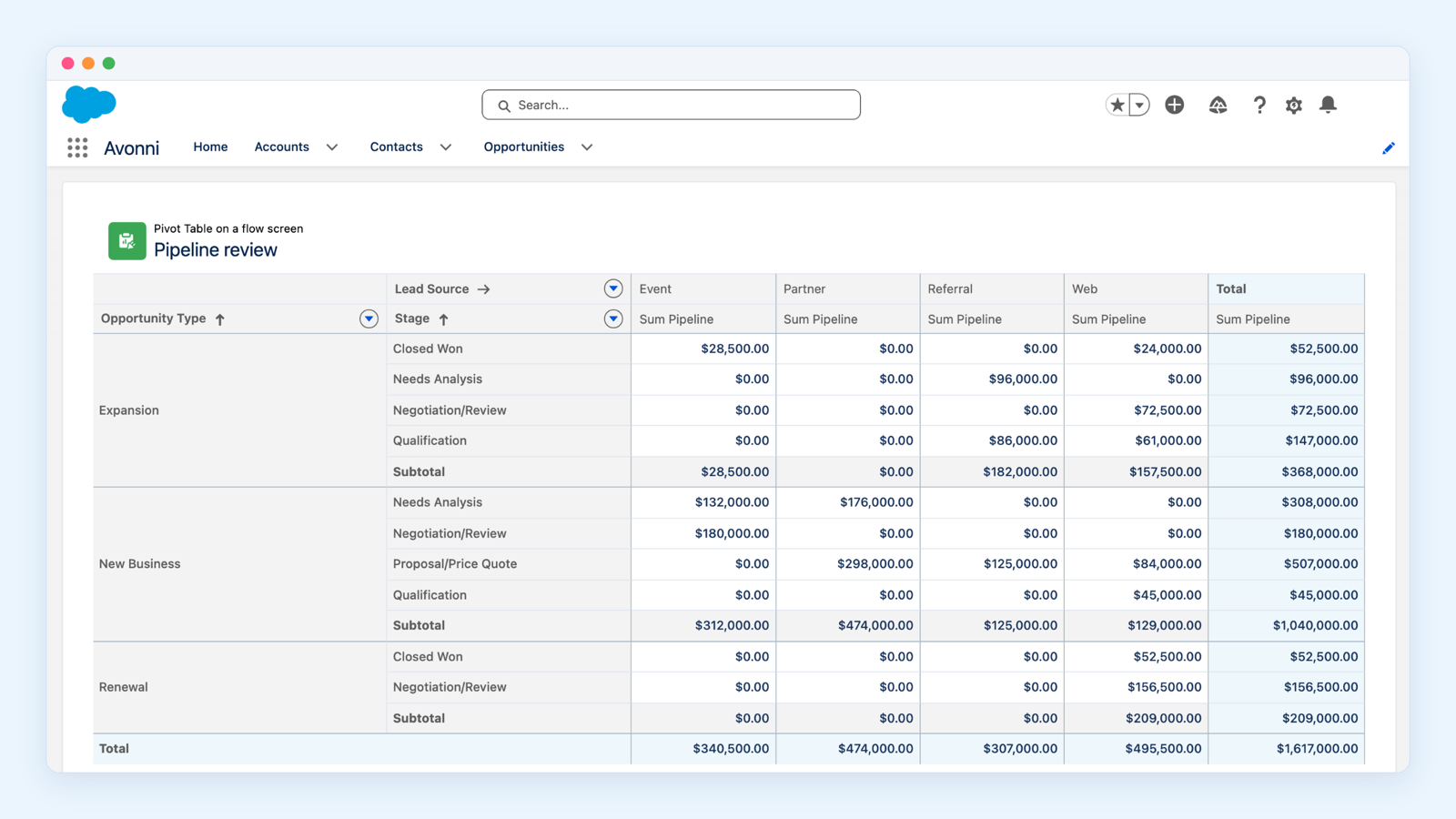
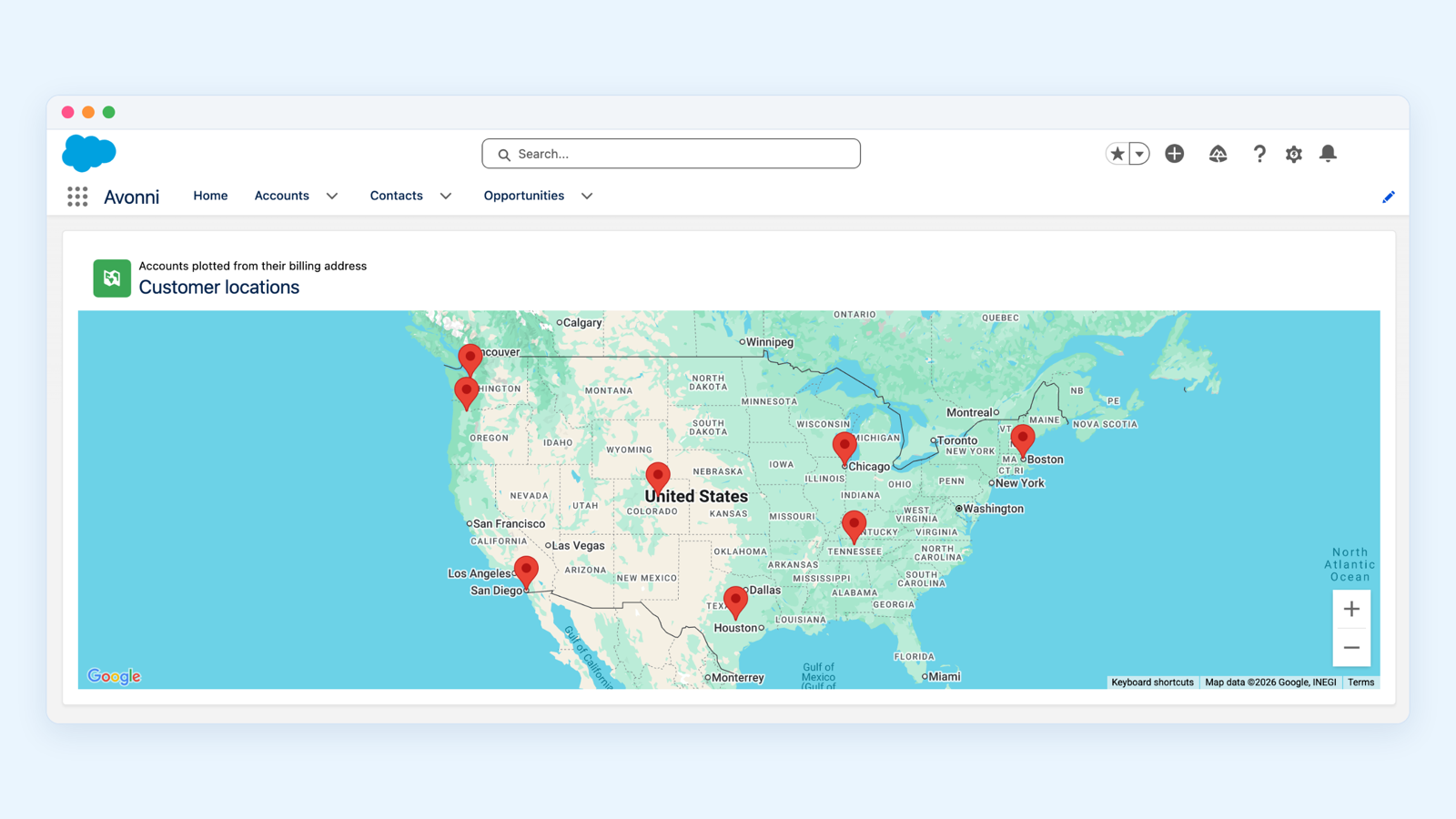
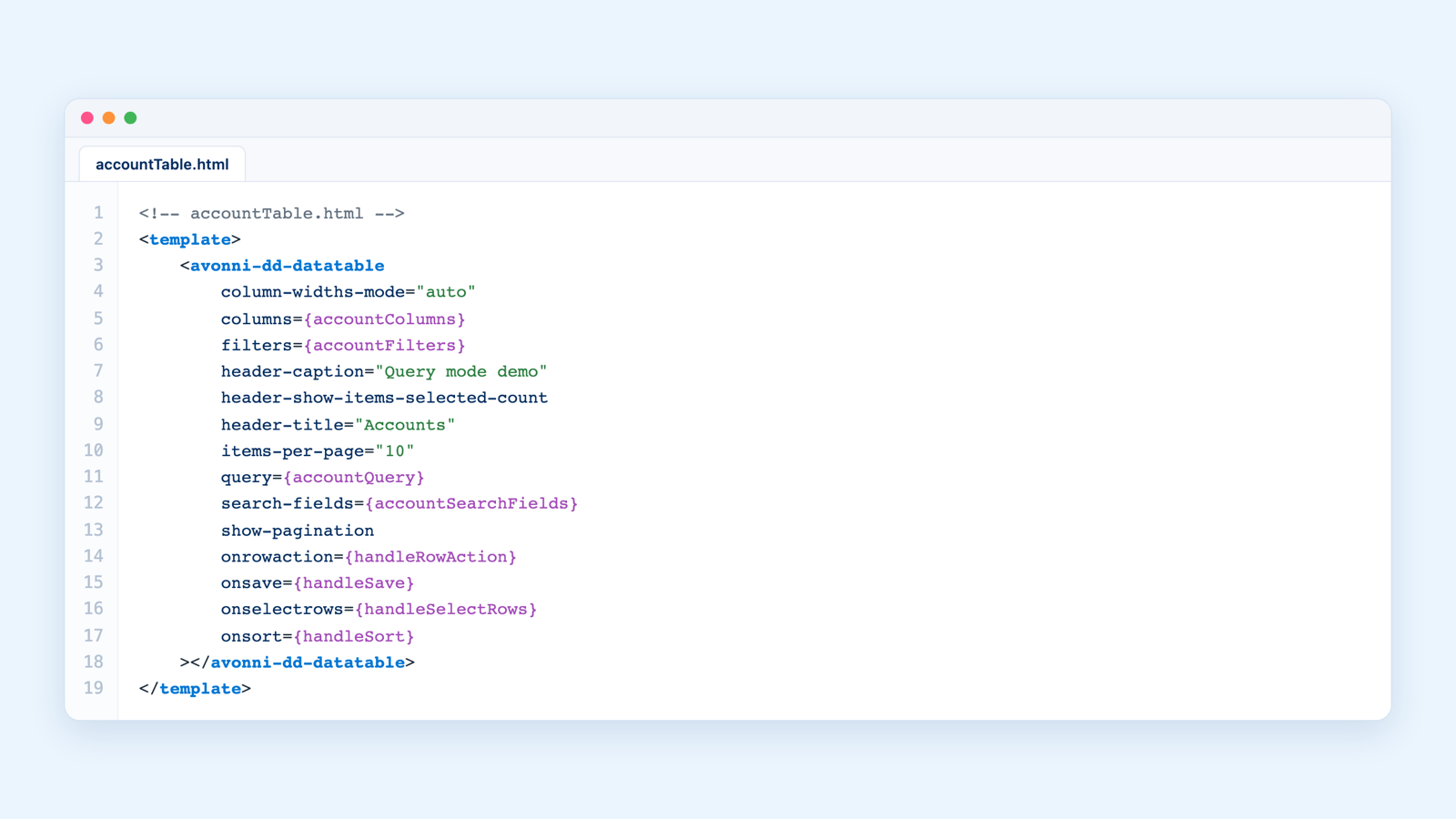
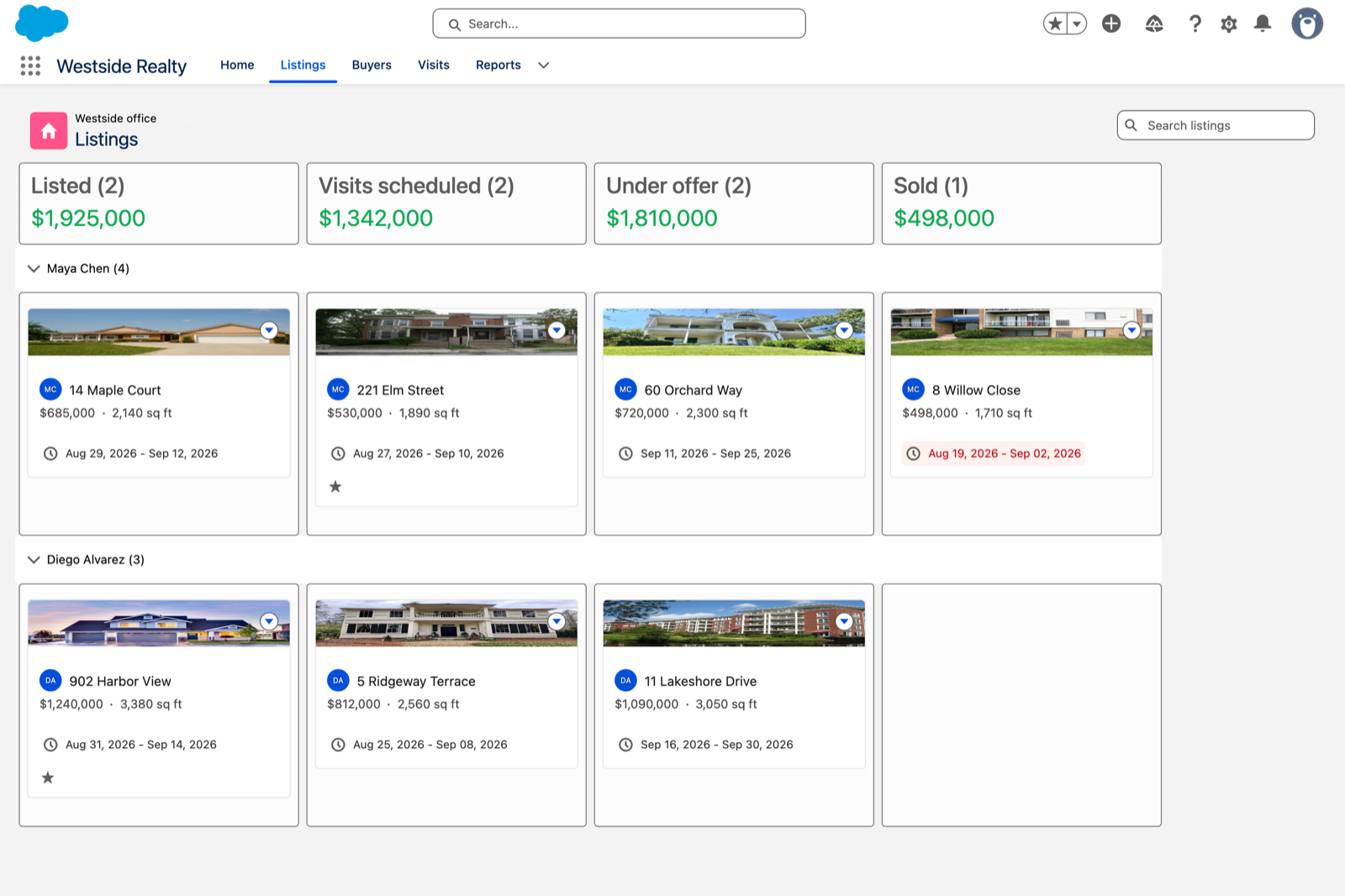
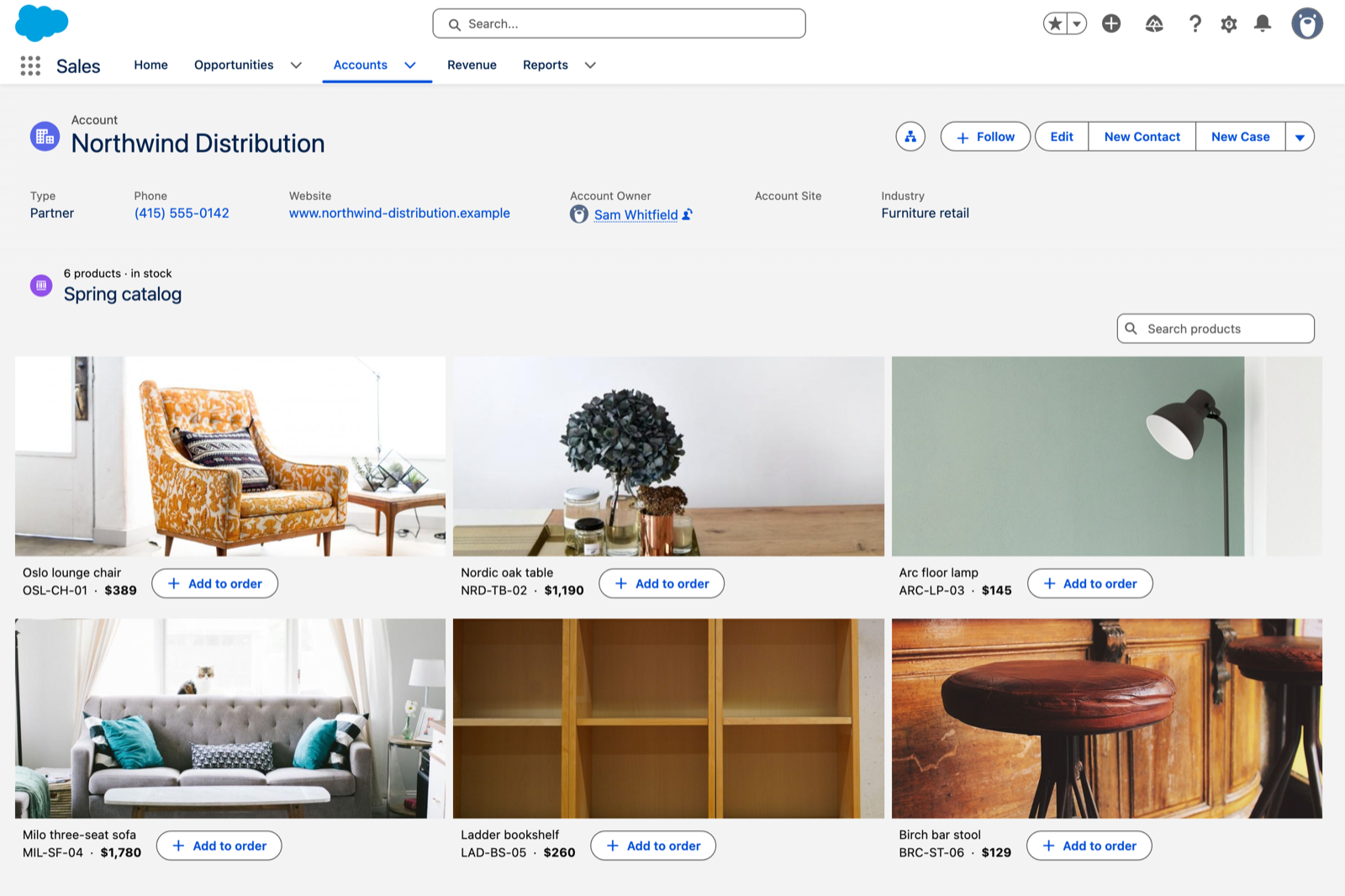
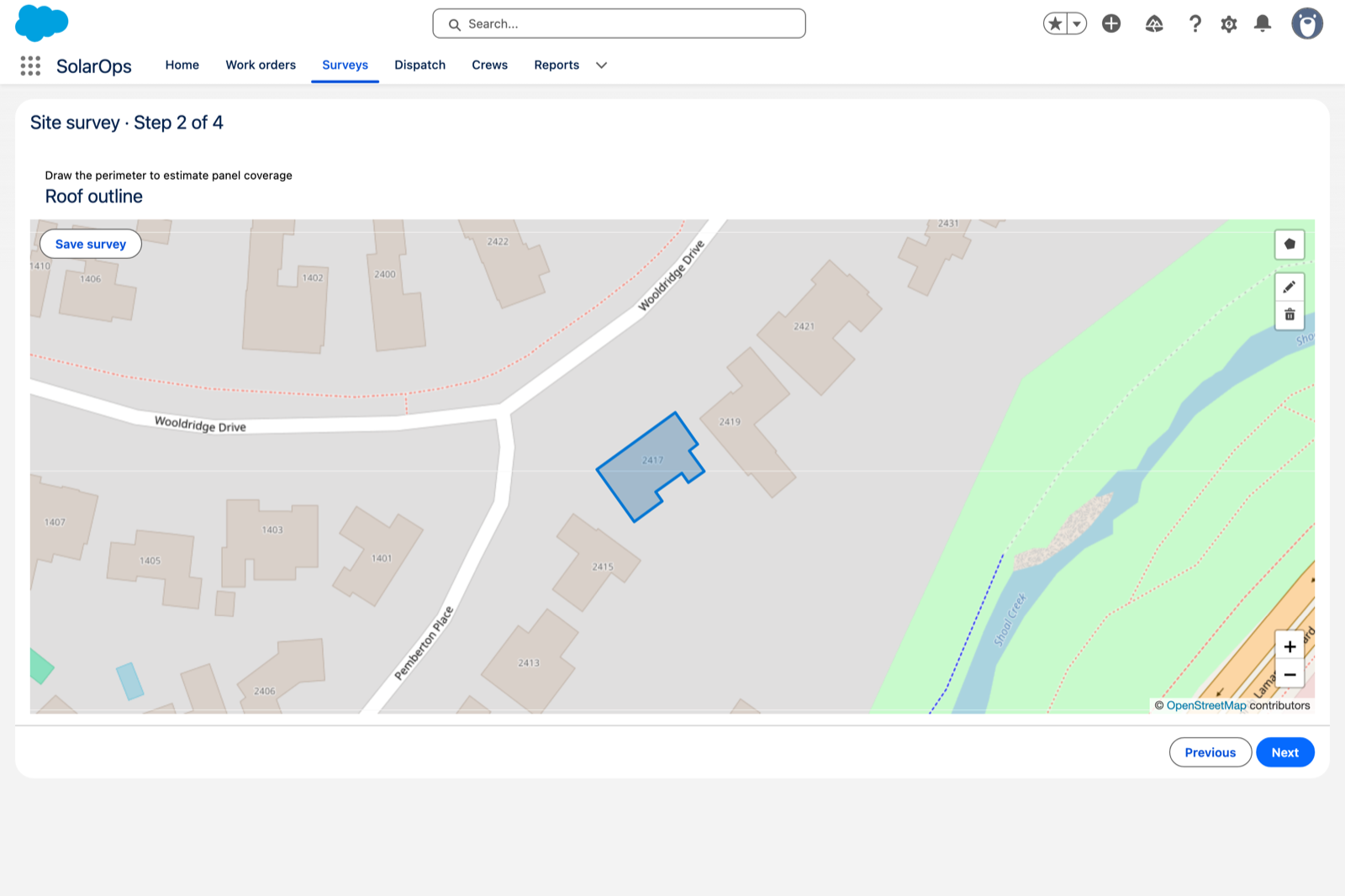
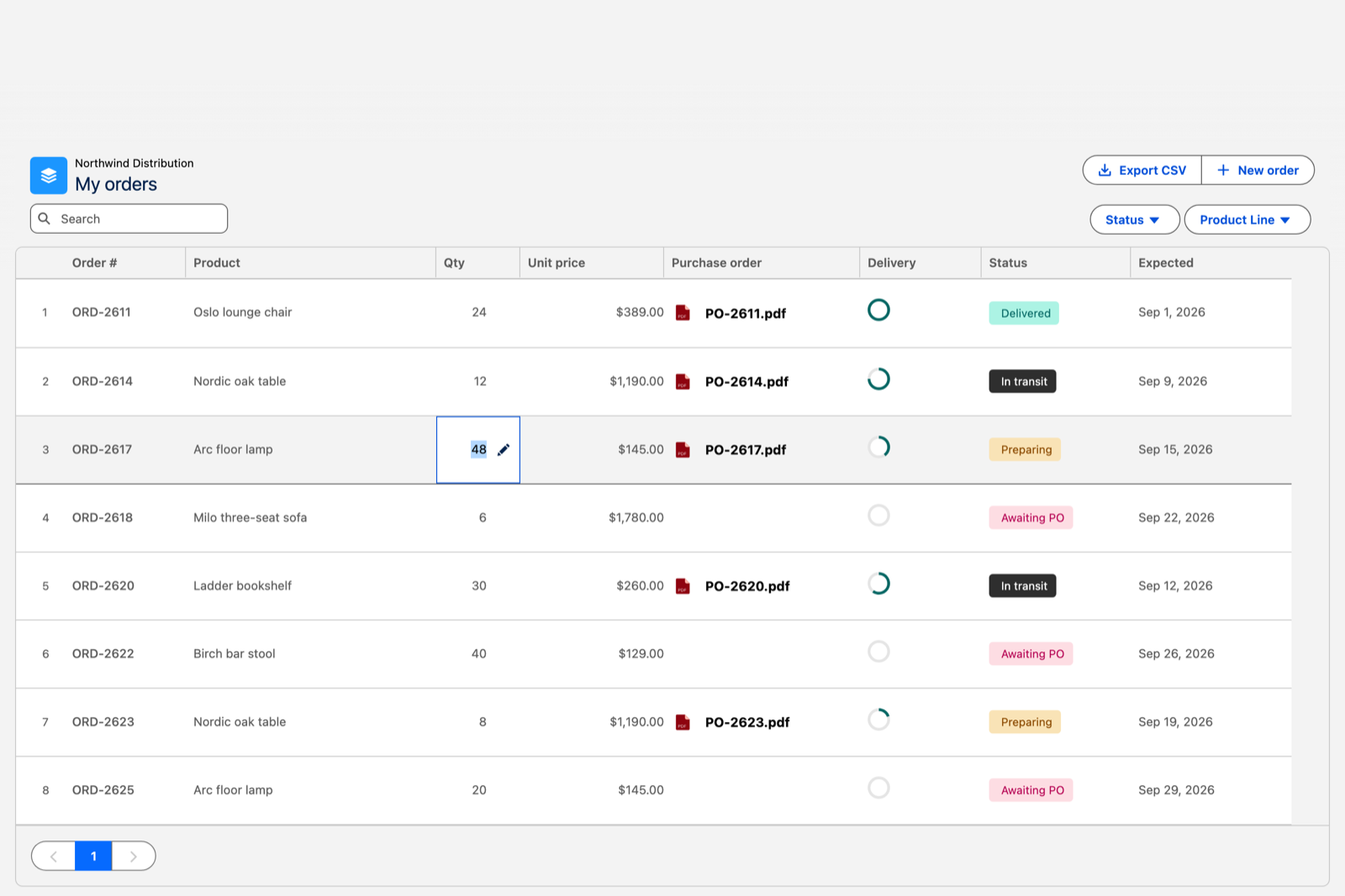
<table data-view="cards"><thead><tr><th><select><option value="surfLightning" label="LIGHTNING PAGES" color="blue"></option><option value="surfFlow" label="FLOW SCREENS" color="blue"></option><option value="surfXP" label="EXPERIENCE SITES" color="blue"></option><option value="surfCode" label="YOUR CODE" color="blue"></option></select></th><th></th><th></th><th></th><th></th><th></th><th data-hidden data-card-cover data-type="image">Cover image</th></tr></thead><tbody><tr><td><span data-option="surfLightning">LIGHTNING PAGES</span></td><td><h4>App Builder Components</h4></td><td>Sixteen ready-made components you drag onto a Lightning page and configure in the App Builder. Nothing to build, nothing to code.</td><td><a href="https://docs.avonnicomponents.com/app-builder-components/getting-started/quickstart-guide">Quickstart guide</a></td><td><a href="https://docs.avonnicomponents.com/app-builder-components/app-builder-components/explore-all-components">Explore all components</a></td><td><a href="https://docs.avonnicomponents.com/app-builder-components/getting-started/installation-and-licenses-management">Installation and licenses</a></td><td><a href="https://4064884509-files.gitbook.io/~/files/v0/b/gitbook-x-prod.appspot.com/o/spaces%2FtAjHpTxL9rEknLdE4DOb%2Fuploads%2FBcrppmzFXxWvqYT1WnXM%2Fline-app-builder-kanban.png?alt=media">https://4064884509-files.gitbook.io/~/files/v0/b/gitbook-x-prod.appspot.com/o/spaces%2FtAjHpTxL9rEknLdE4DOb%2Fuploads%2FBcrppmzFXxWvqYT1WnXM%2Fline-app-builder-kanban.png?alt=media</a></td></tr><tr><td><span data-option="surfLightning">LIGHTNING PAGES</span></td><td><h4>Dynamic Components</h4></td><td>Compose your own component: pick the data, the layout, and what happens on click, then place it on any App, Record or Home page.</td><td><a href="https://docs.avonnicomponents.com/dynamic-components/getting-started/quickstart-guide">Quickstart guide</a></td><td><a href="https://docs.avonnicomponents.com/dynamic-components/core-concepts/component-builder-overview">Component Builder overview</a></td><td><a href="https://docs.avonnicomponents.com/dynamic-components/getting-started/installation-and-licenses-management">Installation and licenses</a></td><td><a href="https://4064884509-files.gitbook.io/~/files/v0/b/gitbook-x-prod.appspot.com/o/spaces%2FtAjHpTxL9rEknLdE4DOb%2Fuploads%2F7ciirtiBZSZoZxj1WEKn%2Fline-dynamic-component-builder.png?alt=media">https://4064884509-files.gitbook.io/~/files/v0/b/gitbook-x-prod.appspot.com/o/spaces%2FtAjHpTxL9rEknLdE4DOb%2Fuploads%2F7ciirtiBZSZoZxj1WEKn%2Fline-dynamic-component-builder.png?alt=media</a></td></tr><tr><td><span data-option="surfFlow">FLOW SCREENS</span></td><td><h4>Flow Screen Components</h4></td><td>Over seventy components for screen flows: collect data, guide a wizard, show a calendar or a map without leaving the flow.</td><td><a href="https://docs.avonnicomponents.com/flow/getting-started/quickstart-guide">Quickstart guide</a></td><td><a href="https://docs.avonnicomponents.com/flow/getting-started/learn-the-basics">Learn the basics</a></td><td><a href="https://docs.avonnicomponents.com/flow/getting-started/installation-and-licenses-management">Installation and licenses</a></td><td><a href="https://4064884509-files.gitbook.io/~/files/v0/b/gitbook-x-prod.appspot.com/o/spaces%2FtAjHpTxL9rEknLdE4DOb%2Fuploads%2FKk4YIbOQXrGIIabiKHaq%2Fline-flow-pivot-table.png?alt=media">https://4064884509-files.gitbook.io/~/files/v0/b/gitbook-x-prod.appspot.com/o/spaces%2FtAjHpTxL9rEknLdE4DOb%2Fuploads%2FKk4YIbOQXrGIIabiKHaq%2Fline-flow-pivot-table.png?alt=media</a></td></tr><tr><td><span data-option="surfXP">EXPERIENCE SITES</span></td><td><h4>Experience Sites Components</h4></td><td>Over forty components for Experience Cloud sites, with the same data sources and interactions as the rest of the suite.</td><td><a href="https://docs.avonnicomponents.com/experience-cloud/getting-started/quick-start-guide">Quick start guide</a></td><td><a href="https://docs.avonnicomponents.com/experience-cloud/experience-components/view-all-components">View all components</a></td><td><a href="https://docs.avonnicomponents.com/experience-cloud/getting-started/license-management">License management</a></td><td><a href="https://4064884509-files.gitbook.io/~/files/v0/b/gitbook-x-prod.appspot.com/o/spaces%2FtAjHpTxL9rEknLdE4DOb%2Fuploads%2FqbLestvfe1GEEvAfkHpj%2Fline-experience-sites-map.png?alt=media">https://4064884509-files.gitbook.io/~/files/v0/b/gitbook-x-prod.appspot.com/o/spaces%2FtAjHpTxL9rEknLdE4DOb%2Fuploads%2FqbLestvfe1GEEvAfkHpj%2Fline-experience-sites-map.png?alt=media</a></td></tr><tr><td><span data-option="surfCode">YOUR CODE</span></td><td><h4>LWC Components</h4></td><td>Production-ready building blocks for developers writing their own Lightning Web Components, including data driven ones that query records with no Apex.</td><td><a href="https://docs.avonnicomponents.com/lwc-components/getting-started/product-tour">Product tour</a></td><td><a href="https://docs.avonnicomponents.com/lwc-components/core-components/core-components">Core components</a></td><td><a href="https://docs.avonnicomponents.com/lwc-components/data-driven-components/data-driven-components">Data driven components</a></td><td><a href="https://4064884509-files.gitbook.io/~/files/v0/b/gitbook-x-prod.appspot.com/o/spaces%2FtAjHpTxL9rEknLdE4DOb%2Fuploads%2FXssXQlk4q2O7Q34eGtkY%2Fline-lwc-template.png?alt=media">https://4064884509-files.gitbook.io/~/files/v0/b/gitbook-x-prod.appspot.com/o/spaces%2FtAjHpTxL9rEknLdE4DOb%2Fuploads%2FXssXQlk4q2O7Q34eGtkY%2Fline-lwc-template.png?alt=media</a></td></tr></tbody></table>

***

<h3 align="center">Not sure which line you need?</h3>

<p align="center">Three pages answer it: the decision path, the five lines side by side, and the package that carries the one you picked.</p>

<table data-view="cards"><thead><tr><th></th><th></th><th></th><th data-hidden data-card-target data-type="content-ref"></th></tr></thead><tbody><tr><td><h4><i class="fa-grid-round-2-plus">:grid-round-2-plus:</i></h4></td><td><h4>Selection Guide</h4></td><td>One question, where are you building today, and a path straight to the line that fits. About a minute.</td><td><a href="/choosing-the-right-components/selection-guide.md">Selection Guide</a></td></tr><tr><td><h4><i class="fa-code-compare">:code-compare:</i></h4></td><td><h4>Feature Comparison</h4></td><td>The five lines side by side: what each one does, where it runs, and who it is for.</td><td><a href="/choosing-the-right-components/feature-comparison.md">Feature Comparison</a></td></tr><tr><td><h4><i class="fa-arrow-down-to-bracket">:arrow-down-to-bracket:</i></h4></td><td><h4>Installation and Package</h4></td><td>Three managed packages carry the five lines. This page tells you which one to install, and how.</td><td><a href="/choosing-the-right-components/installation-and-package.md">Installation &amp; Package</a></td></tr></tbody></table>

***

<h3 align="center">Build it with an AI assistant</h3>

<p align="center">Describe what you want in plain language, and Claude, Cursor or GitHub Copilot builds real Avonni components on all four surfaces. Setup takes about ten minutes, once.</p>

<table data-view="cards"><thead><tr><th></th><th></th><th></th><th></th><th></th><th></th><th></th></tr></thead><tbody><tr><td><h4><i class="fa-wand-magic-sparkles">:wand-magic-sparkles:</i></h4></td><td><h4>Set it up once</h4></td><td>One MCP server, one set of skills. Your assistant then looks up the real component knowledge instead of guessing.</td><td><a href="/build-with-ai.md">Build with AI</a></td><td></td><td></td><td></td></tr><tr><td><h4><i class="fa-list-check">:list-check:</i></h4></td><td><h4>Prompt libraries</h4></td><td>Copy-paste prompts organized by goal, one library per surface.</td><td><a href="https://docs.avonnicomponents.com/dynamic-components/build-with-ai/prompt-library">Dynamic Components</a></td><td><a href="https://docs.avonnicomponents.com/flow/build-with-ai/prompt-library">Flow Screen Components</a></td><td><a href="https://docs.avonnicomponents.com/experience-cloud/build-with-ai/prompt-library">Experience Sites</a></td><td><a href="https://docs.avonnicomponents.com/lwc-components/build-with-ai/prompt-library">LWC Components</a></td></tr><tr><td><h4><i class="fa-robot">:robot:</i></h4></td><td><h4>For AI agents</h4></td><td>Everything here is machine readable: Markdown URLs, a full index, and an endpoint that answers questions about the docs.</td><td><a href="https://docs.avonnicomponents.com/dynamic-components/build-with-ai/for-ai-agents">For AI agents</a></td><td><a href="https://docs.avonnicomponents.com/llms.txt">llms.txt</a></td><td></td><td></td></tr></tbody></table>

***

<h3 align="center">See what others have built</h3>

<p align="center">Projects built end to end in a real org, with the screenshots and the configuration behind each one.</p>

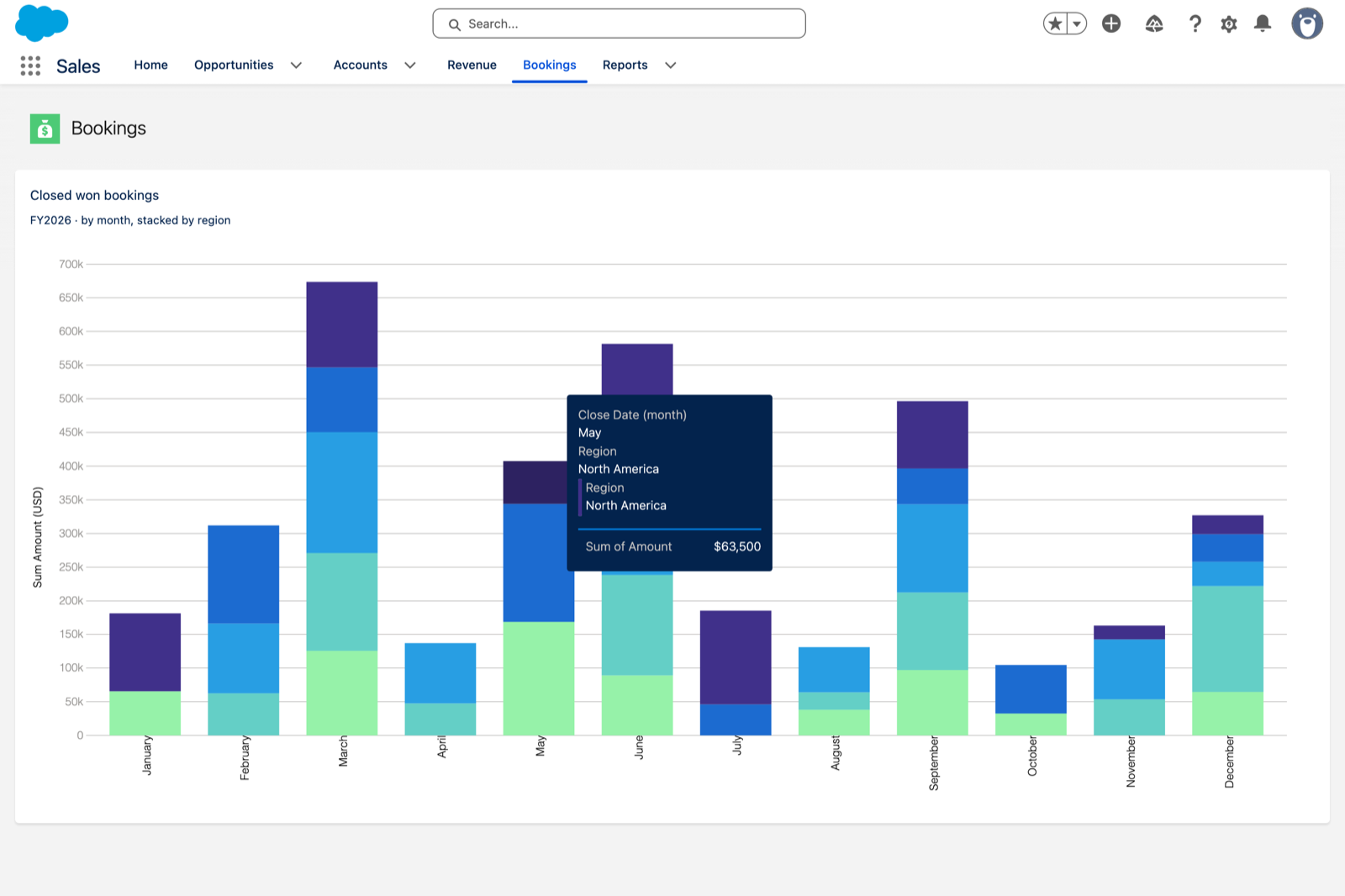
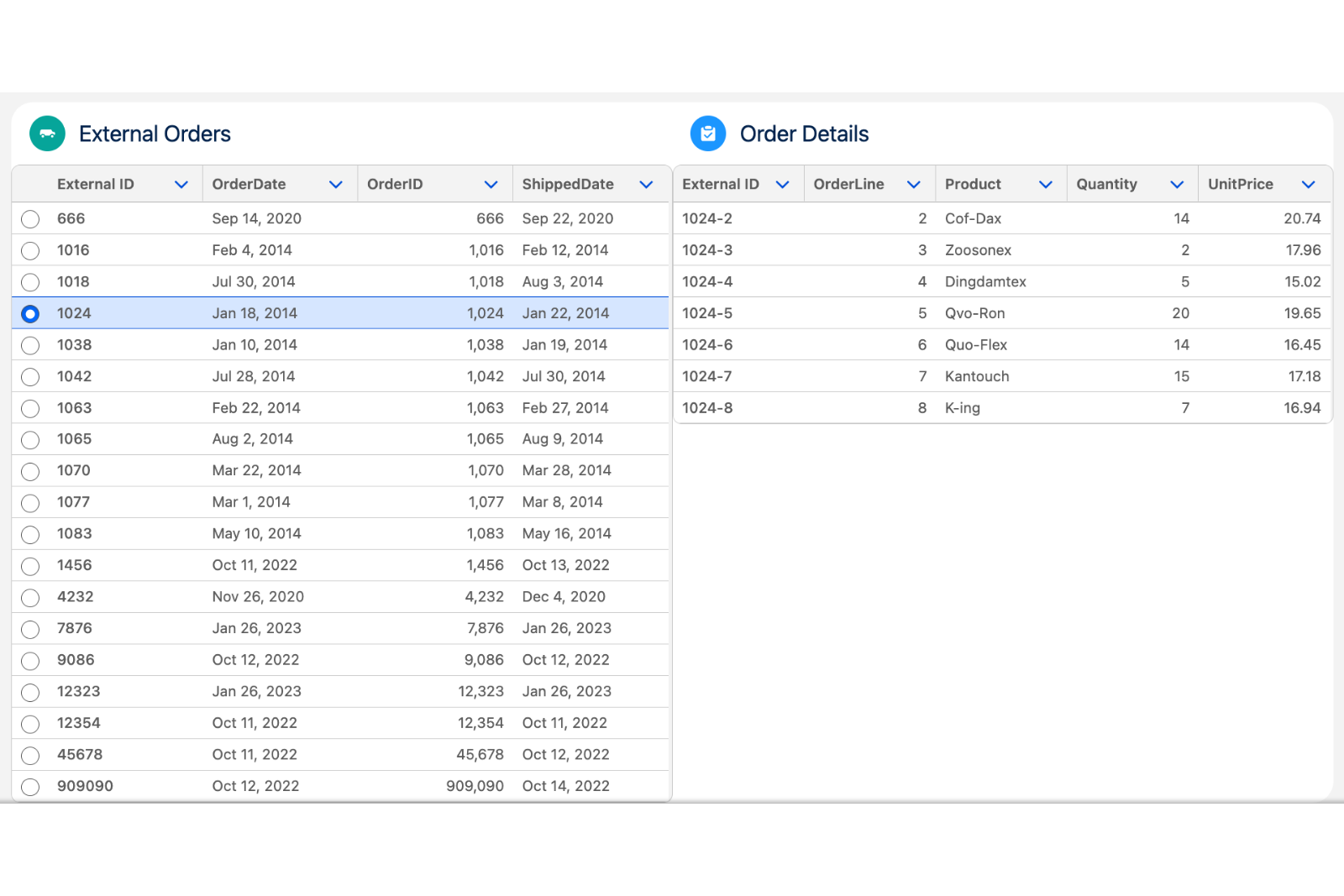
<table data-view="cards"><thead><tr><th></th><th></th><th data-hidden data-card-cover data-type="image">Cover image</th><th data-hidden data-card-target data-type="content-ref"></th></tr></thead><tbody><tr><td><h4>Boards and pipelines</h4></td><td>Kanban boards, dispatch timelines and live walls, where a drag is a real update.</td><td><a href="https://4064884509-files.gitbook.io/~/files/v0/b/gitbook-x-prod.appspot.com/o/spaces%2FtAjHpTxL9rEknLdE4DOb%2Fuploads%2FwC4BGZHzcxX63peZ5NXP%2Fproject-boards-and-pipelines.png?alt=media">https://4064884509-files.gitbook.io/~/files/v0/b/gitbook-x-prod.appspot.com/o/spaces%2FtAjHpTxL9rEknLdE4DOb%2Fuploads%2FwC4BGZHzcxX63peZ5NXP%2Fproject-boards-and-pipelines.png?alt=media</a></td><td><a href="https://docs.avonnicomponents.com/projects/use-cases/boards-and-pipelines">https://docs.avonnicomponents.com/projects/use-cases/boards-and-pipelines</a></td></tr><tr><td><h4>Richer record pages</h4></td><td>Panels, timelines, catalogs and threads that live on the record page itself.</td><td><a href="https://4064884509-files.gitbook.io/~/files/v0/b/gitbook-x-prod.appspot.com/o/spaces%2FtAjHpTxL9rEknLdE4DOb%2Fuploads%2F34seVORrbWls66I2MxNY%2Fproject-record-pages.png?alt=media">https://4064884509-files.gitbook.io/~/files/v0/b/gitbook-x-prod.appspot.com/o/spaces%2FtAjHpTxL9rEknLdE4DOb%2Fuploads%2F34seVORrbWls66I2MxNY%2Fproject-record-pages.png?alt=media</a></td><td><a href="https://docs.avonnicomponents.com/projects/use-cases/record-pages">https://docs.avonnicomponents.com/projects/use-cases/record-pages</a></td></tr><tr><td><h4>Inside a screen flow</h4></td><td>Flow screens that capture a drawing, a signature, a slot or a CSV file.</td><td><a href="https://4064884509-files.gitbook.io/~/files/v0/b/gitbook-x-prod.appspot.com/o/spaces%2FtAjHpTxL9rEknLdE4DOb%2Fuploads%2FRc3RR56Lq1GlVY3jx8ik%2Fproject-inside-a-flow.png?alt=media">https://4064884509-files.gitbook.io/~/files/v0/b/gitbook-x-prod.appspot.com/o/spaces%2FtAjHpTxL9rEknLdE4DOb%2Fuploads%2FRc3RR56Lq1GlVY3jx8ik%2Fproject-inside-a-flow.png?alt=media</a></td><td><a href="https://docs.avonnicomponents.com/projects/use-cases/inside-a-flow">https://docs.avonnicomponents.com/projects/use-cases/inside-a-flow</a></td></tr><tr><td><h4>Portals and partner sites</h4></td><td>Experience site pages for the people who are not in your org.</td><td><a href="https://4064884509-files.gitbook.io/~/files/v0/b/gitbook-x-prod.appspot.com/o/spaces%2FtAjHpTxL9rEknLdE4DOb%2Fuploads%2FlYD3VS3hjD4TUaLC3HQw%2Fproject-portals.png?alt=media">https://4064884509-files.gitbook.io/~/files/v0/b/gitbook-x-prod.appspot.com/o/spaces%2FtAjHpTxL9rEknLdE4DOb%2Fuploads%2FlYD3VS3hjD4TUaLC3HQw%2Fproject-portals.png?alt=media</a></td><td><a href="https://docs.avonnicomponents.com/projects/use-cases/portals-and-partner-sites">https://docs.avonnicomponents.com/projects/use-cases/portals-and-partner-sites</a></td></tr><tr><td><h4>Reporting without a report</h4></td><td>Pivots, charts and grouped tables computed live from your records.</td><td><a href="https://4064884509-files.gitbook.io/~/files/v0/b/gitbook-x-prod.appspot.com/o/spaces%2FtAjHpTxL9rEknLdE4DOb%2Fuploads%2FDXEtyoCeqaFwYauO37mY%2Fproject-reporting.png?alt=media">https://4064884509-files.gitbook.io/~/files/v0/b/gitbook-x-prod.appspot.com/o/spaces%2FtAjHpTxL9rEknLdE4DOb%2Fuploads%2FDXEtyoCeqaFwYauO37mY%2Fproject-reporting.png?alt=media</a></td><td><a href="https://docs.avonnicomponents.com/projects/use-cases/reporting">https://docs.avonnicomponents.com/projects/use-cases/reporting</a></td></tr><tr><td><h4>Data from outside Salesforce</h4></td><td>External objects and live API calls, shown like any other record.</td><td><a href="https://4064884509-files.gitbook.io/~/files/v0/b/gitbook-x-prod.appspot.com/o/spaces%2FtAjHpTxL9rEknLdE4DOb%2Fuploads%2F00RSQKeIwZWkb0GjfebC%2Fproject-outside-data.png?alt=media">https://4064884509-files.gitbook.io/~/files/v0/b/gitbook-x-prod.appspot.com/o/spaces%2FtAjHpTxL9rEknLdE4DOb%2Fuploads%2F00RSQKeIwZWkb0GjfebC%2Fproject-outside-data.png?alt=media</a></td><td><a href="https://docs.avonnicomponents.com/projects/use-cases/outside-data">https://docs.avonnicomponents.com/projects/use-cases/outside-data</a></td></tr></tbody></table>

<p align="center"><a href="https://docs.avonnicomponents.com/projects/use-cases/overview" class="button secondary" data-icon="graduation-cap">Browse all projects</a></p>

***

<h3 align="center">Keep going</h3>

<table data-view="cards"><thead><tr><th></th><th></th><th></th><th data-hidden data-card-target data-type="content-ref"></th></tr></thead><tbody><tr><td><h4><i class="fa-book-open">:book-open:</i></h4></td><td><h4>What is new</h4></td><td>New components, improvements and fixes, release by release.</td><td><a href="https://docs.avonnicomponents.com/changelog/whats-new-at-avonni">https://docs.avonnicomponents.com/changelog/whats-new-at-avonni</a></td></tr><tr><td><h4><i class="fa-life-ring">:life-ring:</i></h4></td><td><h4>Get help</h4></td><td>Answers to the questions we get most, and a way to reach the team.</td><td><a href="https://docs.avonnicomponents.com/dynamic-components/resources/troubleshooting-and-faq">https://docs.avonnicomponents.com/dynamic-components/resources/troubleshooting-and-faq</a></td></tr><tr><td><h4><i class="fa-shield-check">:shield-check:</i></h4></td><td><h4>Security</h4></td><td>How the packages handle your data, and what they need access to.</td><td><a href="https://docs.avonnicomponents.com/dynamic-components/resources/security">https://docs.avonnicomponents.com/dynamic-components/resources/security</a></td></tr></tbody></table>


---

# Agent Instructions
This documentation is published with GitBook. GitBook is the documentation platform designed so that both humans and AI agents can read, navigate, and reason over technical content effectively. Learn more at gitbook.com.

## Querying This Documentation
If you need additional information that is not directly available in this page, you can query the documentation dynamically by asking a question.

Perform an HTTP GET request on the current page URL with the `ask` query parameter, and the optional `goal` query parameter:

```
GET https://docs.avonnicomponents.com/welcome.md?ask=<question>&goal=<endgoal>
```

`ask` is the immediate question: it should be specific, self-contained, and written in natural language.
`goal` is optional and describes the broader end goal you are ultimately trying to accomplish on behalf of the user. GitBook uses it to tailor the answer towards what is most useful for that goal.

The response will contain a direct answer to the question and relevant excerpts and sources from the documentation.

Use this mechanism when the answer is not explicitly present in the current page, you need clarification or additional context, or you want to retrieve related documentation sections.