> For the complete documentation index, see [llms.txt](https://docs.avonnicomponents.com/llms.txt). Markdown versions of documentation pages are available by appending `.md` to page URLs; this page is available as [Markdown](https://docs.avonnicomponents.com/flow/build-with-ai/prompt-library.md).

# Prompt Library

{% hint style="warning" %}
🚧 **Early access.** Build with AI is rolling out gradually and improving with every release. Something unclear, missing, or broken? [Tell us](/flow/help/support-and-troubleshooting.md): your feedback directly shapes what we improve next.
{% endhint %}

Every prompt on this page is ready to paste into Claude, Cursor, or GitHub Copilot once your assistant is set up. Copy one, swap in your own objects and fields, and send. The assistant verifies every component and interaction against the MCP server before generating, so you can be ambitious.

{% hint style="info" %}
**How to adapt a prompt:** replace the objects (`Account`, `Case`, `Event`) and groupings with yours, and describe the outcome you want. You don't need to name properties or settings: the assistant looks up what exists and configures it.
{% endhint %}

## Guided data entry

Screens that make input fast and hard to get wrong.

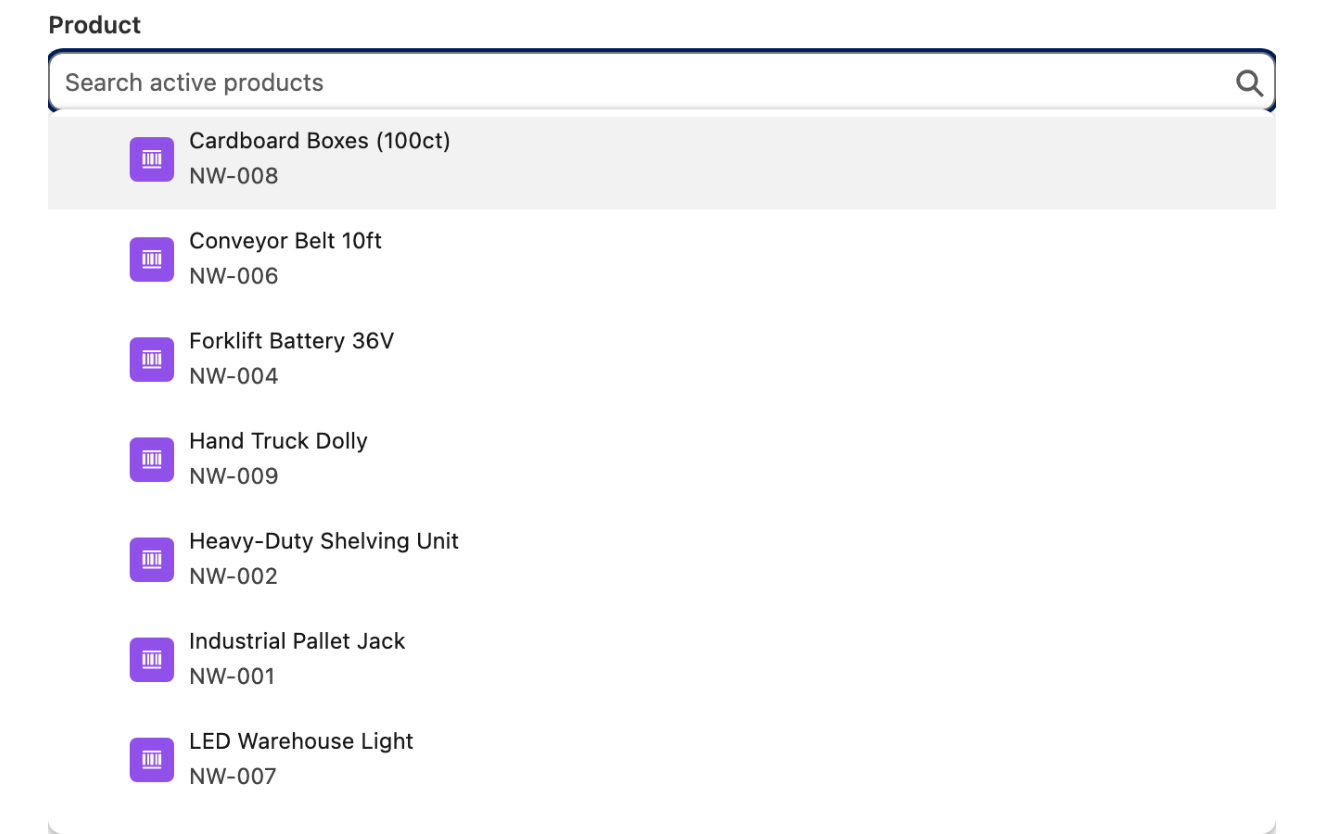
> Add a Combobox of active Products to my screen, searchable, with the selected record available to the next screen.

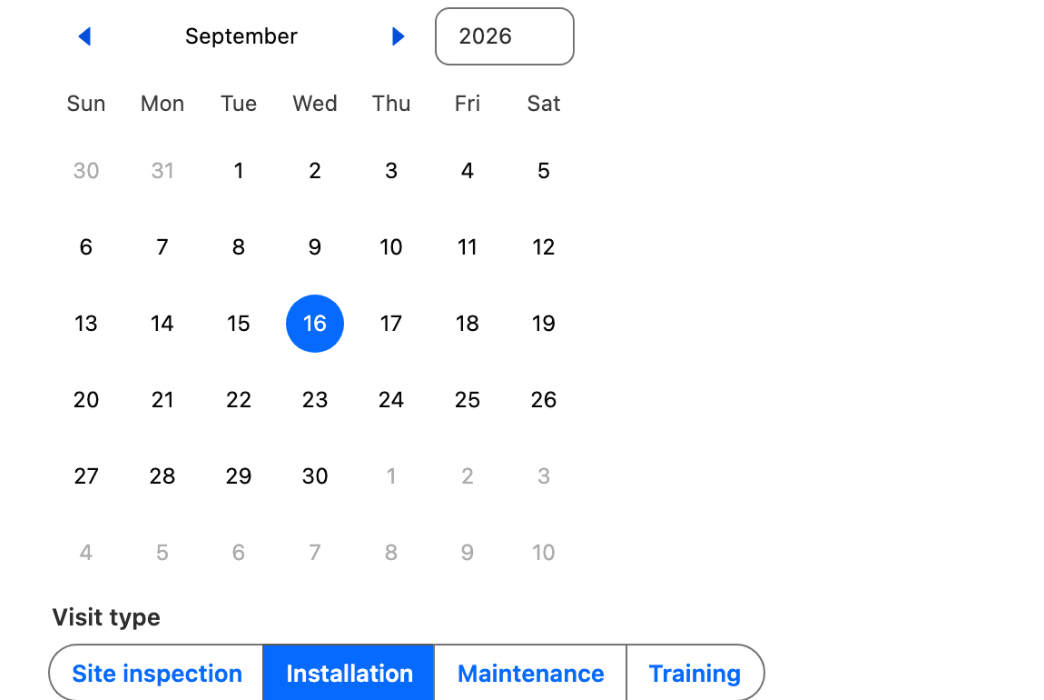
> Add a Date Picker and a Choice Set for the visit type to my intake screen.

> Add a Barcode Scanner to my screen and store the scanned value in a flow variable.

## Working with records

Let users find, pick, and act on records inside the flow.

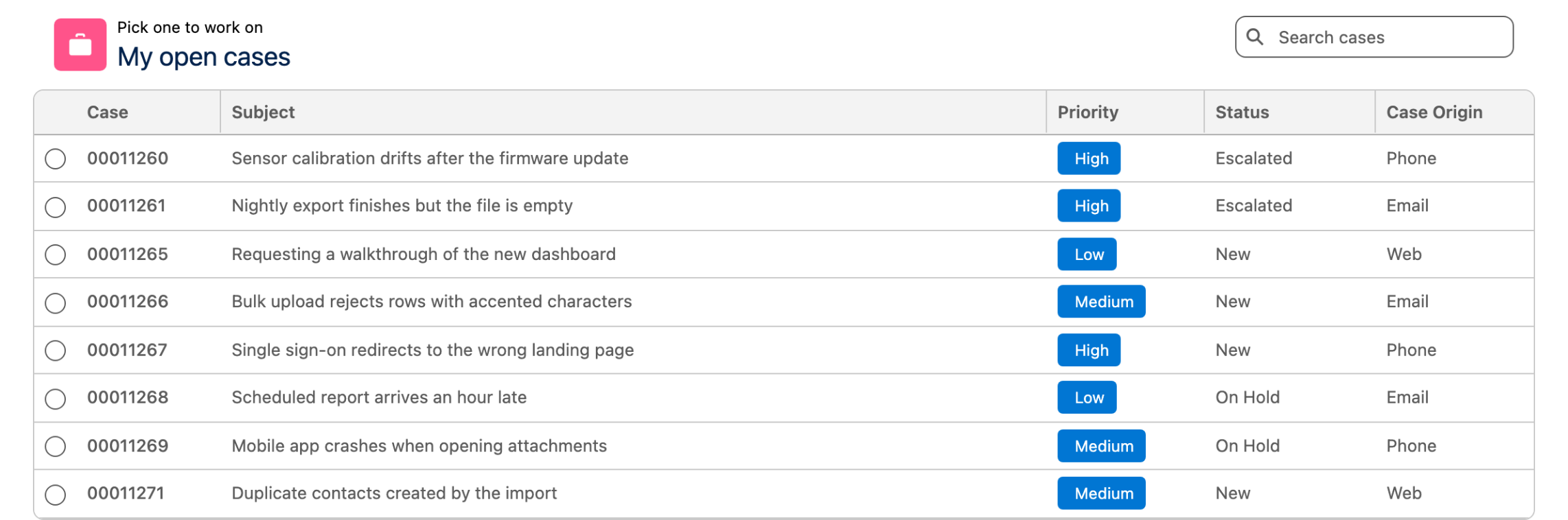
> Add an Avonni Data Table of open Cases for the current user with a search bar, and move to the next screen when a row is selected.

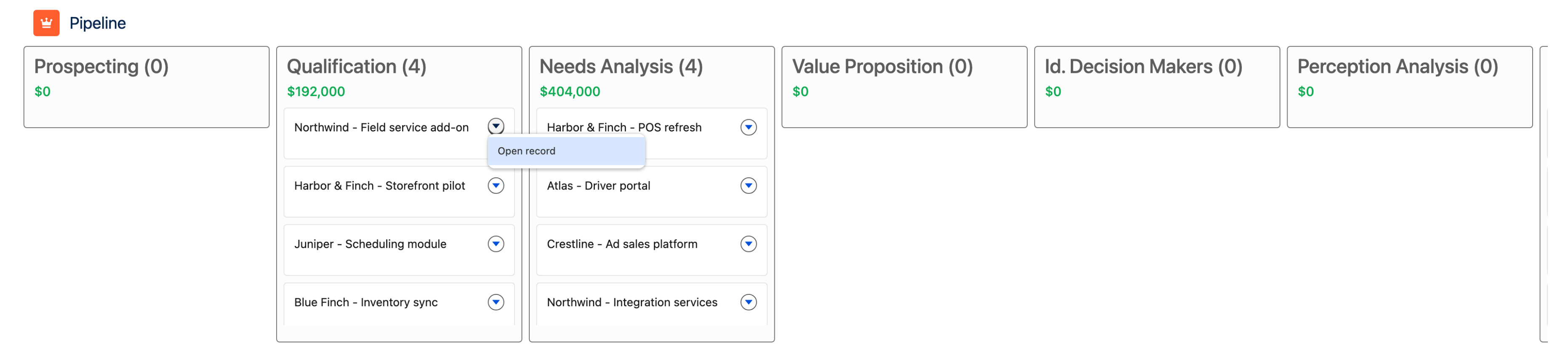
> Add a Kanban of Opportunities grouped by stage to my screen flow, with a card action that opens the record.

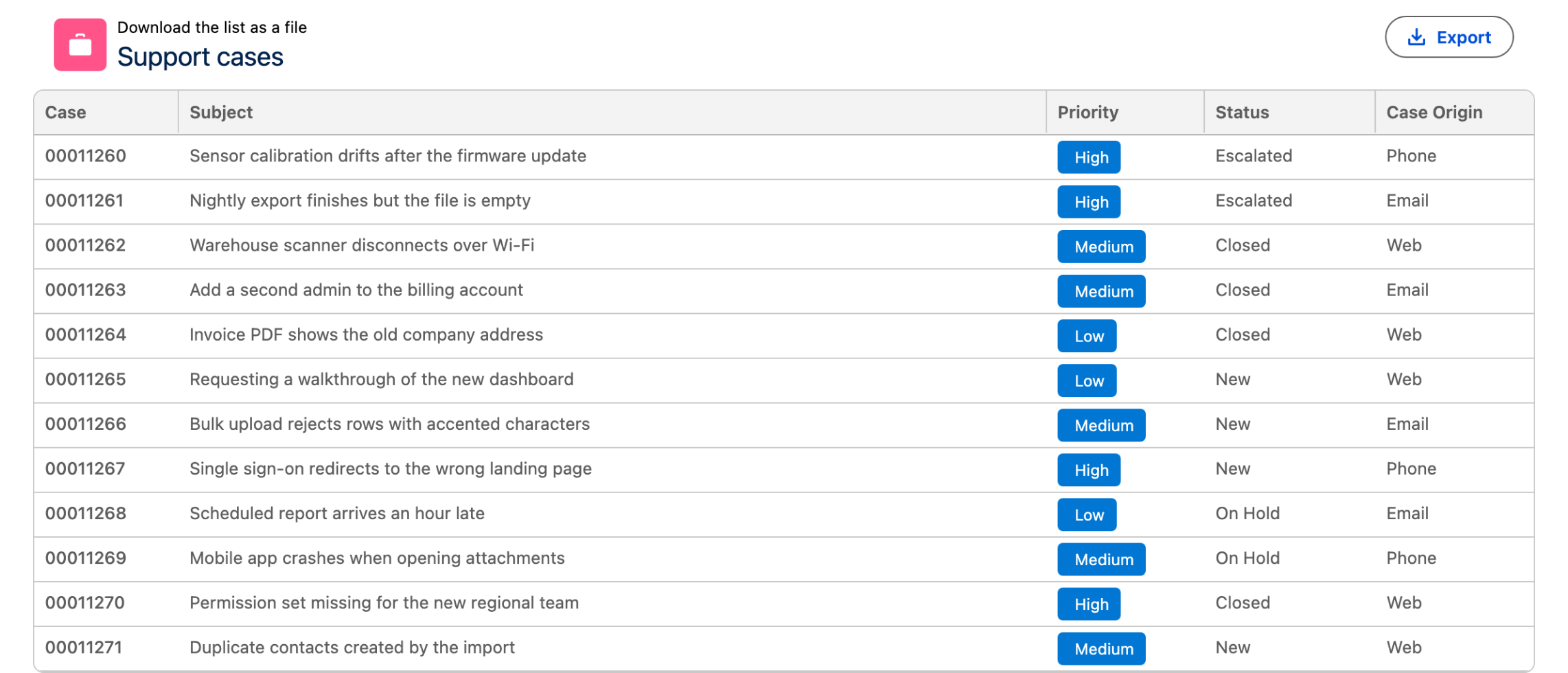
> Add an export button so users can download the Data Table as a file.

## Scheduling and booking

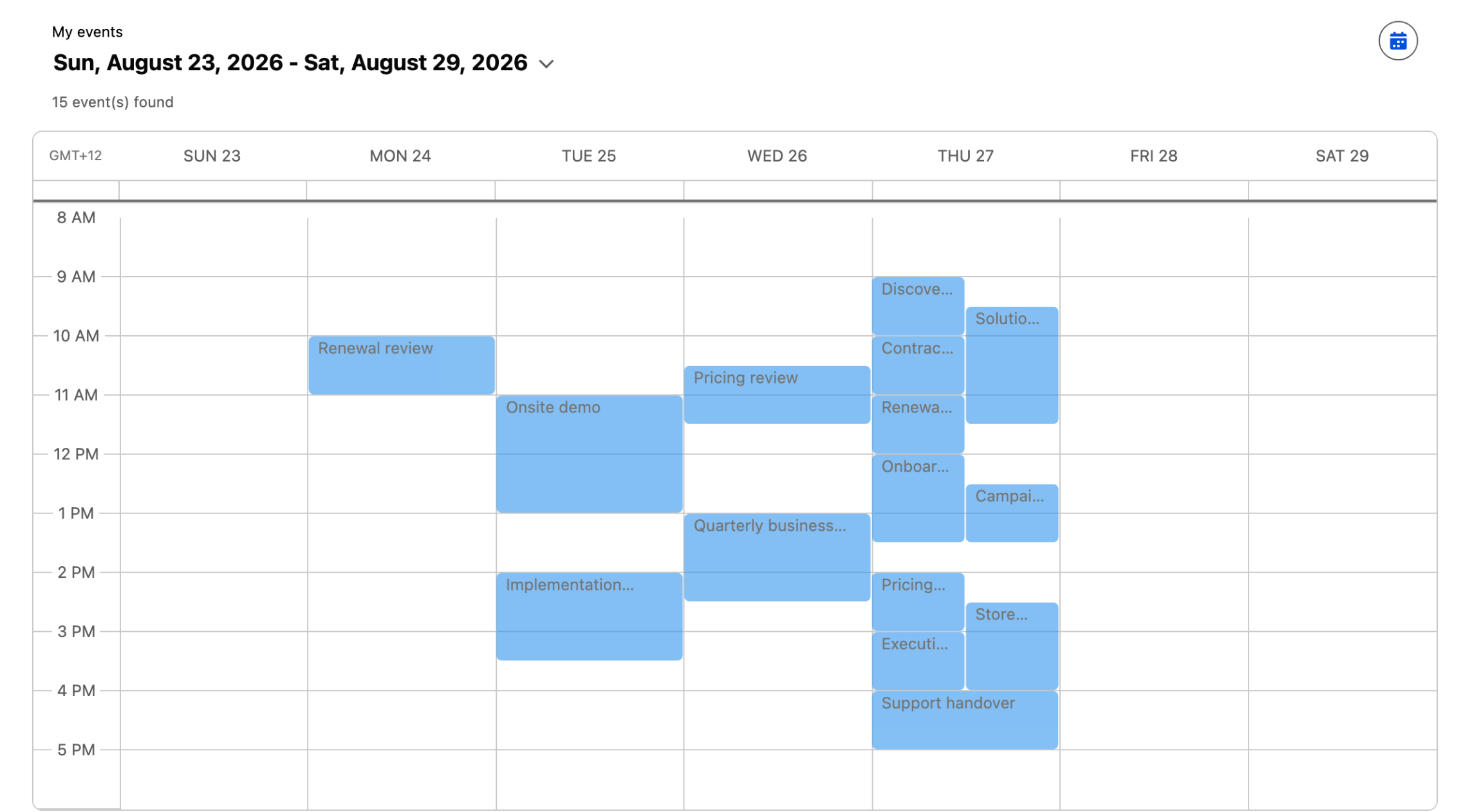
> Create a screen flow with an Avonni Calendar showing Events for the current user.

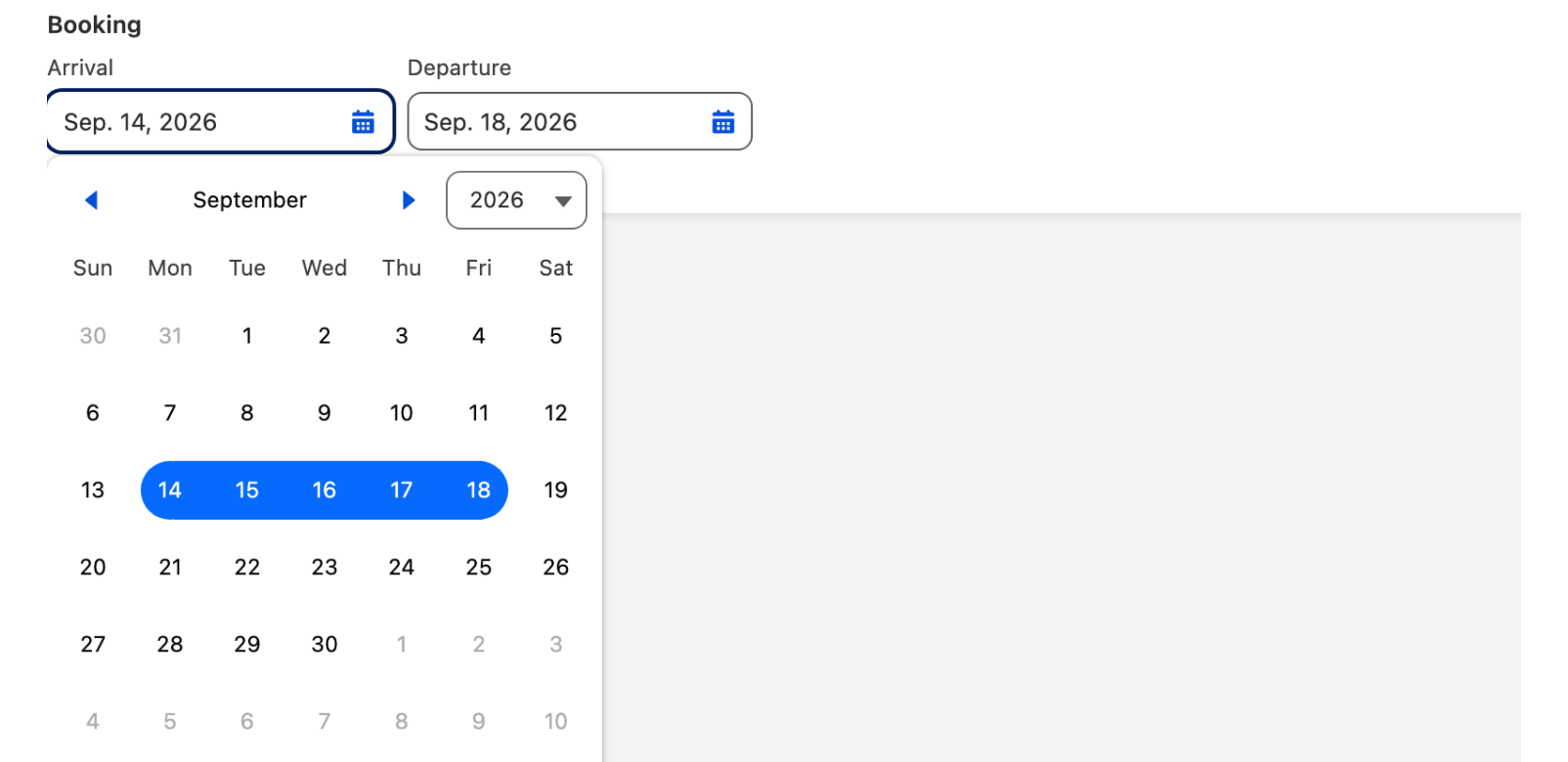
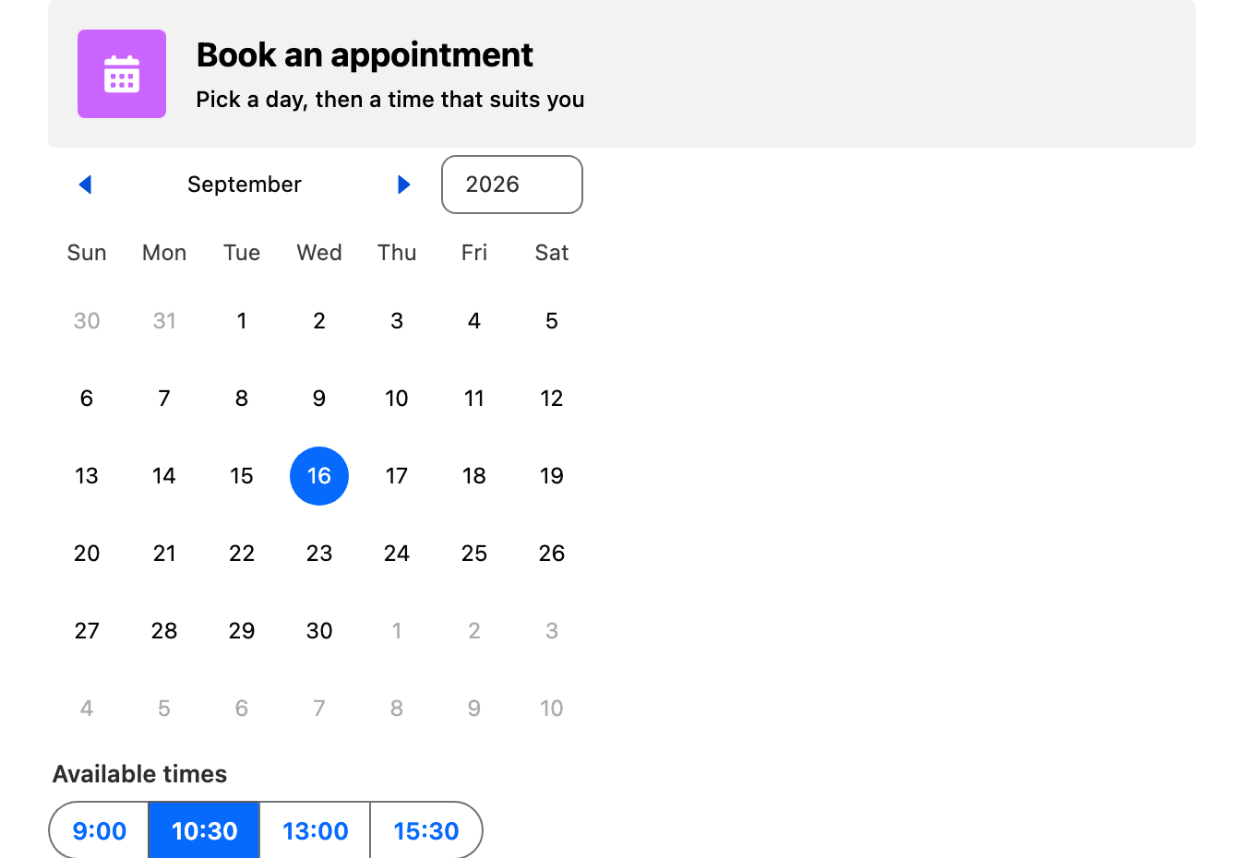
> Add a Date Range Picker so the user can pick a start and end date for their booking.

## Screen polish and feedback

Small touches that make a flow feel finished.

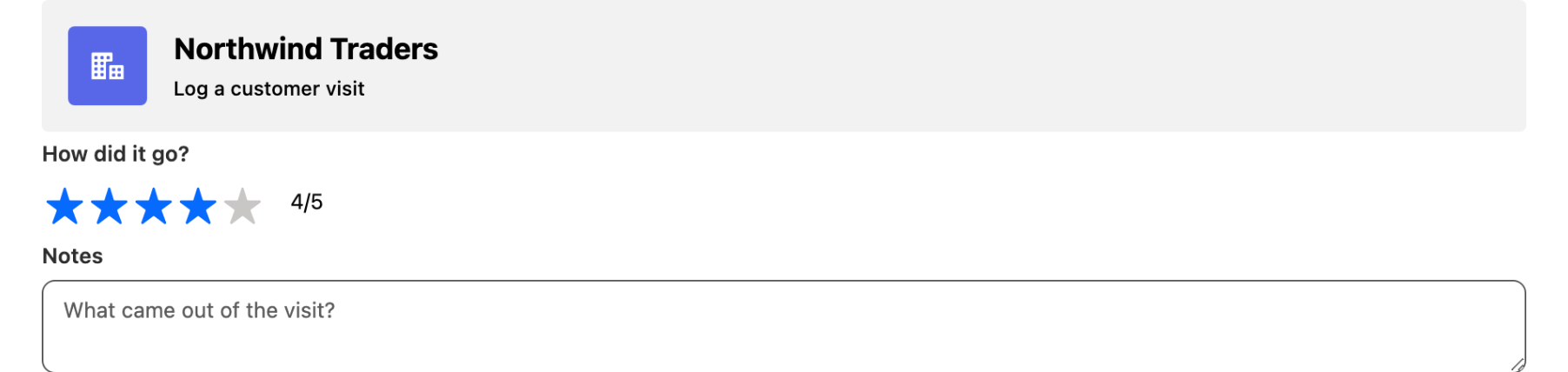
> Add a Header with the account name and an icon at the top of my screen.

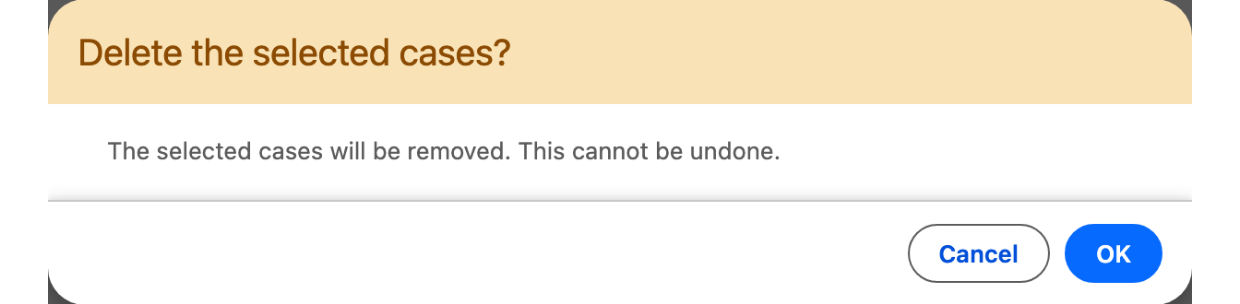
> Open a confirmation modal before deleting the selected records.

> Show a toast when the record updates, and fire confetti when the user submits the final screen.

## Complete use cases

When a request spans several artifacts, `avonni-architect` plans and builds all the pieces in the right order.

> Create a screen flow for booking appointments, and a Dynamic Component with a button that launches it.

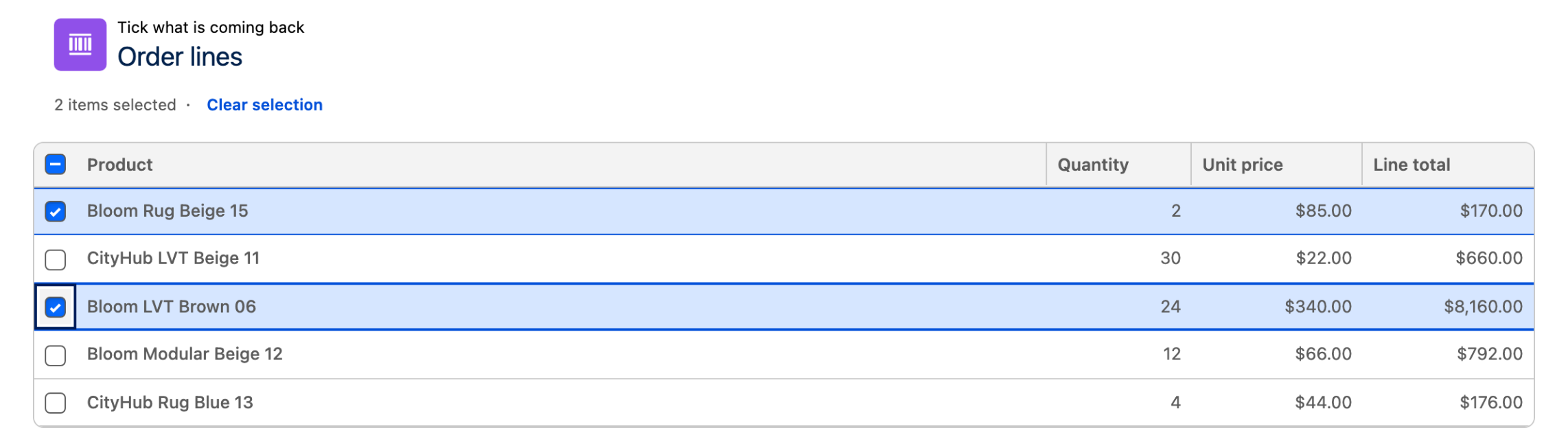
> Build a returns flow: a screen to pick the Order, a screen with a Data Table of its line items to select what's returned, and a confirmation screen.

***

## Make these prompts yours

* **Name real objects and fields.** "A Data Table of `Invoice__c` records filtered on `Status__c = 'Overdue'`" beats "a table of invoices".
* **Iterate in the same conversation.** Follow up with "make the columns sortable" or "change the grouping to owner": the assistant updates the same screen.
* **Say what happens next.** Mention the navigation ("move to the next screen when a row is selected") and the assistant wires the interaction for you.

{% hint style="success" %}
Not set up yet? The whole thing takes a few minutes: Setup.
{% endhint %}


---

# Agent Instructions
This documentation is published with GitBook. GitBook is the documentation platform designed so that both humans and AI agents can read, navigate, and reason over technical content effectively. Learn more at gitbook.com.

## Querying This Documentation
If you need additional information that is not directly available in this page, you can query the documentation dynamically by asking a question.

Perform an HTTP GET request on the current page URL with the `ask` query parameter, and the optional `goal` query parameter:

```
GET https://docs.avonnicomponents.com/flow/build-with-ai/prompt-library.md?ask=<question>&goal=<endgoal>
```

`ask` is the immediate question: it should be specific, self-contained, and written in natural language.
`goal` is optional and describes the broader end goal you are ultimately trying to accomplish on behalf of the user. GitBook uses it to tailor the answer towards what is most useful for that goal.

The response will contain a direct answer to the question and relevant excerpts and sources from the documentation.

Use this mechanism when the answer is not explicitly present in the current page, you need clarification or additional context, or you want to retrieve related documentation sections.