> For the complete documentation index, see [llms.txt](https://docs.avonnicomponents.com/llms.txt). Markdown versions of documentation pages are available by appending `.md` to page URLs; this page is available as [Markdown](https://docs.avonnicomponents.com/flow/tutorials/components/combobox.md).

# Combobox

Step-by-step Combobox tutorials for screen flows: fill the options, link two comboboxes, and use what the user picks in queries, tables and flows.

The Combobox lets users pick one or several options on a flow screen, from a typed list, a collection, a picklist field or a query. These tutorials follow a support agent logging a case: picking the account, the reason and its detail, then using those choices further down the flow.

{% hint style="info" %}
New to the component? Start with [Build Combobox Options](/flow/tutorials/components/combobox/build-combobox-options.md), then keep the [Combobox reference](/flow/flow-components/combobox.md) open for every property.
{% endhint %}

## Set up the options

Decide where the options come from, and help users find the right one in a long list.

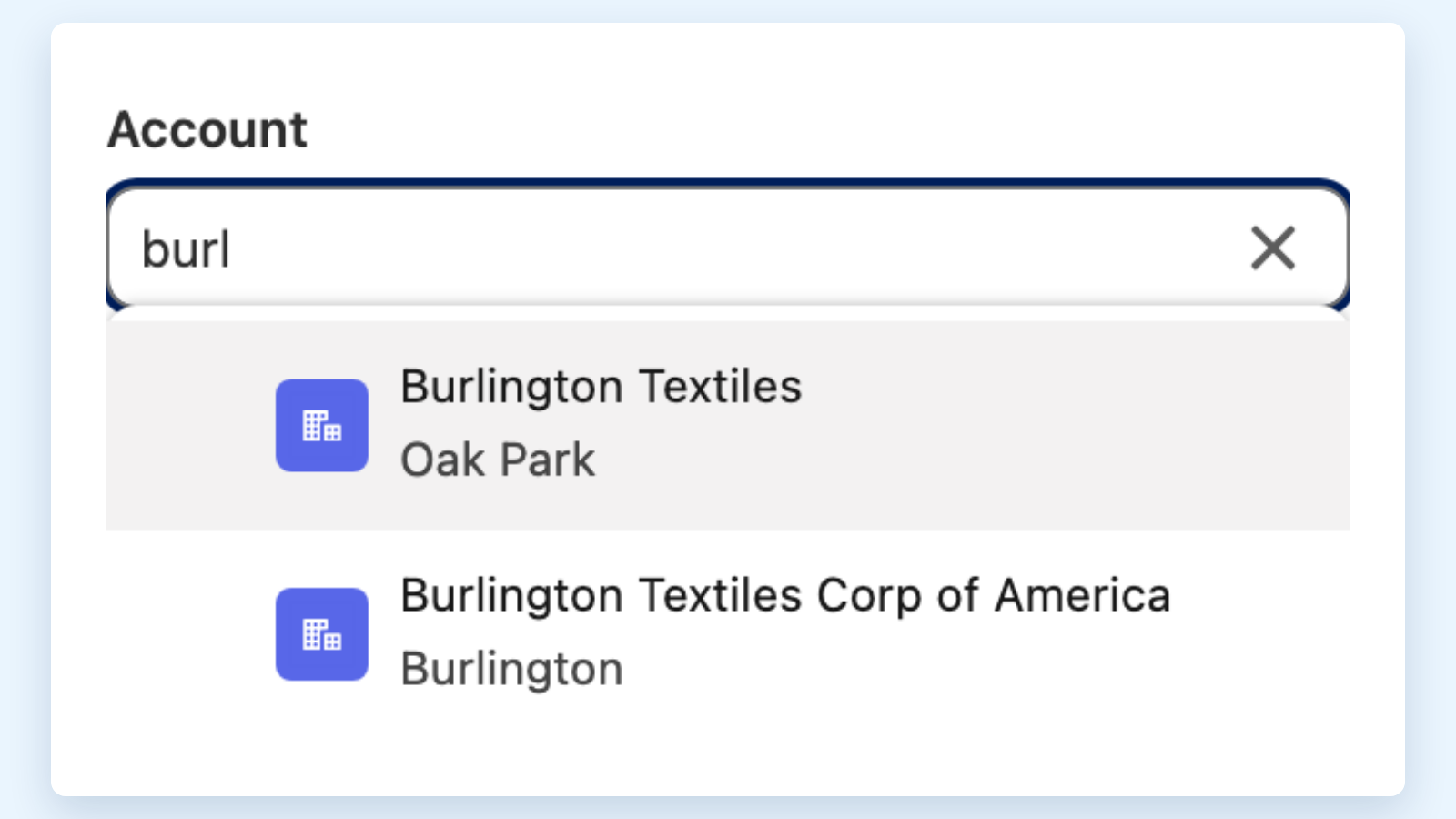
<table data-view="cards"><thead><tr><th></th><th></th><th data-hidden data-card-cover data-type="files"></th><th data-hidden data-card-target data-type="content-ref"></th></tr></thead><tbody><tr><td><strong>Build Combobox Options</strong></td><td>Typed options, a converted Text Collection, or an option collection built by an action.</td><td><a href="https://27923732-files.gitbook.io/~/files/v0/b/gitbook-x-prod.appspot.com/o/spaces%2F1FUd4apB9YHgCEMUFbVb%2Fuploads%2FfQBO6GjdeTecMhbC917H%2Fcombobox-cover-build-combobox-options.png?alt=media">combobox-cover-build-combobox-options.png</a></td><td><a href="/flow/tutorials/components/combobox/build-combobox-options.md">Build Combobox Options</a></td></tr><tr><td><strong>Search Large Lists in a Combobox</strong></td><td>Find one account among thousands by typing a few letters.</td><td><a href="https://27923732-files.gitbook.io/~/files/v0/b/gitbook-x-prod.appspot.com/o/spaces%2F1FUd4apB9YHgCEMUFbVb%2Fuploads%2FttvMv6d0TDhN3YZ473u5%2Fcombobox-cover-search-large-lists-in-a-combobox.png?alt=media">combobox-cover-search-large-lists-in-a-combobox.png</a></td><td><a href="/flow/tutorials/components/combobox/search-large-lists-in-a-combobox.md">Search Large Lists in a Combobox</a></td></tr><tr><td><strong>Add a Create New Action to a Combobox</strong></td><td>Create a missing contact from the dropdown without leaving the screen.</td><td><a href="https://27923732-files.gitbook.io/~/files/v0/b/gitbook-x-prod.appspot.com/o/spaces%2F1FUd4apB9YHgCEMUFbVb%2Fuploads%2F6nr7V6y2Px16ALPfbOJb%2Fcombobox-cover-add-a-create-new-action-to-a-combobox.png?alt=media">combobox-cover-add-a-create-new-action-to-a-combobox.png</a></td><td><a href="/flow/tutorials/components/combobox/add-a-create-new-action-to-a-combobox.md">Add a Create New Action to a Combobox</a></td></tr></tbody></table>

## Link comboboxes

Make one choice narrow down the next.

<table data-view="cards"><thead><tr><th></th><th></th><th data-hidden data-card-cover data-type="files"></th><th data-hidden data-card-target data-type="content-ref"></th></tr></thead><tbody><tr><td><strong>Implement Dependent Picklists in Comboboxes</strong></td><td>Show only the details that fit the chosen reason, and lock the detail until a reason is picked.</td><td><a href="https://27923732-files.gitbook.io/~/files/v0/b/gitbook-x-prod.appspot.com/o/spaces%2F1FUd4apB9YHgCEMUFbVb%2Fuploads%2FLl0UCJW8MQEtqURV9Bhx%2Fcombobox-cover-implement-dependent-picklists-in-comboboxes.png?alt=media">combobox-cover-implement-dependent-picklists-in-comboboxes.png</a></td><td><a href="/flow/tutorials/components/combobox/implement-dependent-picklists-in-comboboxes.md">Implement Dependent Picklists in Comboboxes</a></td></tr></tbody></table>

## Use the selection

Send what the user picked to a table, a query, another flow, or keep it when they go back.

<table data-view="cards"><thead><tr><th></th><th></th><th data-hidden data-card-cover data-type="files"></th><th data-hidden data-card-target data-type="content-ref"></th></tr></thead><tbody><tr><td><strong>Filter Data Tables with Multi-Select Comboboxes</strong></td><td>Pick several priorities and see only the matching open cases.</td><td><a href="https://27923732-files.gitbook.io/~/files/v0/b/gitbook-x-prod.appspot.com/o/spaces%2F1FUd4apB9YHgCEMUFbVb%2Fuploads%2FER4kjDthtfLXARpBVTQp%2Fcombobox-cover-filter-data-tables-with-multi-select-comboboxes.png?alt=media">combobox-cover-filter-data-tables-with-multi-select-comboboxes.png</a></td><td><a href="/flow/tutorials/components/combobox/filter-data-tables-with-multi-select-comboboxes.md">Filter Data Tables with Multi-Select Comboboxes</a></td></tr><tr><td><strong>Use a Combobox Selection in a Query or Flow</strong></td><td>Pass the pick to Get Records, another component, a flow dialog or a record update.</td><td><a href="https://27923732-files.gitbook.io/~/files/v0/b/gitbook-x-prod.appspot.com/o/spaces%2F1FUd4apB9YHgCEMUFbVb%2Fuploads%2FRnxuJqkqLCr0DtEFXo87%2Fcombobox-cover-use-a-combobox-selection-in-a-query-or-flow.png?alt=media">combobox-cover-use-a-combobox-selection-in-a-query-or-flow.png</a></td><td><a href="/flow/tutorials/components/combobox/use-a-combobox-selection-in-a-query-or-flow.md">Use a Combobox Selection in a Query or Flow</a></td></tr><tr><td><strong>Keep Combobox Selections When Users Go Back</strong></td><td>Keep the agent's picks when they click Previous or return to the screen.</td><td><a href="https://27923732-files.gitbook.io/~/files/v0/b/gitbook-x-prod.appspot.com/o/spaces%2F1FUd4apB9YHgCEMUFbVb%2Fuploads%2FbdtOp3PATresYJFvn0RF%2Fcombobox-cover-keep-combobox-selections-when-users-go-back.png?alt=media">combobox-cover-keep-combobox-selections-when-users-go-back.png</a></td><td><a href="/flow/tutorials/components/combobox/keep-combobox-selections-when-users-go-back.md">Keep Combobox Selections When Users Go Back</a></td></tr></tbody></table>

To build options in a flow before the screen, see the [Text Collection to Combobox Options](/flow/actions/data-conversion-and-formatting/text-collection-to-combobox-options.md) and [New Combobox Option Collection](/flow/actions/ui-and-navigation/new-combobox-option-collection.md) actions.


---

# Agent Instructions
This documentation is published with GitBook. GitBook is the documentation platform designed so that both humans and AI agents can read, navigate, and reason over technical content effectively. Learn more at gitbook.com.

## Querying This Documentation
If you need additional information that is not directly available in this page, you can query the documentation by asking a question.

Perform an HTTP GET request on the following URL with the `ask` and `goal` query parameters:

```
GET https://docs.avonnicomponents.com/flow/tutorials/components/combobox.md?ask=<question>&goal=<user_goal>
```

`ask` is the immediate question: it should be specific, self-contained, and written in natural language.
`goal` is what the user is ultimately trying to achieve, the reason they need the answer. Sharing it helps GitBook give you a better, more relevant answer. A goal is most helpful when it describes the outcome the user wants rather than restating the question. For example, with `ask=how do I create an API token`, a goal like `automate deployments from our CI pipeline` lets GitBook tailor the answer to that use case.

The response will contain a direct answer to the question and relevant excerpts and sources from the documentation.

Use this mechanism when the answer is not explicitly present in the current page, you need clarification or additional context, or you want to retrieve related documentation sections.