# Explore All Flow Screen Components

## Overview

Ready to dive into a world of possibilities? Check out the vast collection of supported components for Screen Flows!

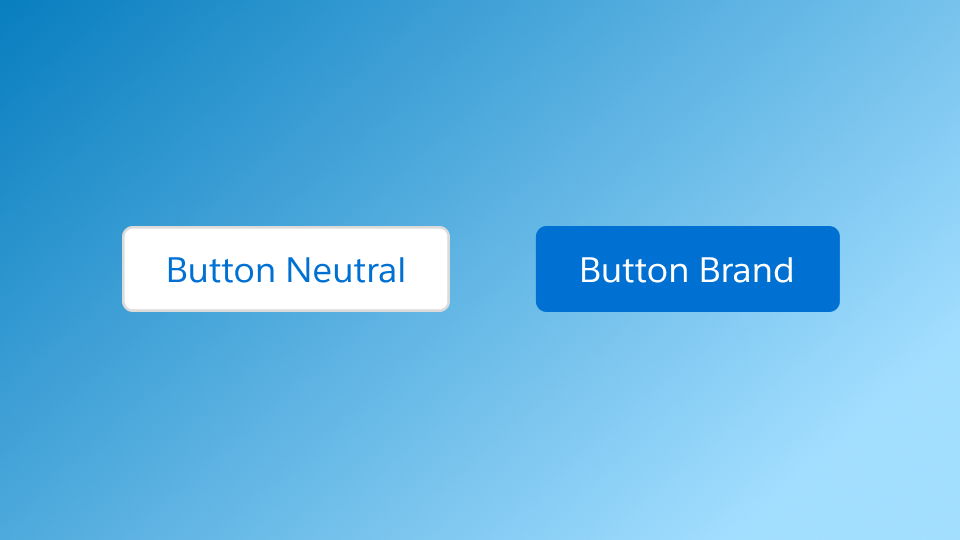
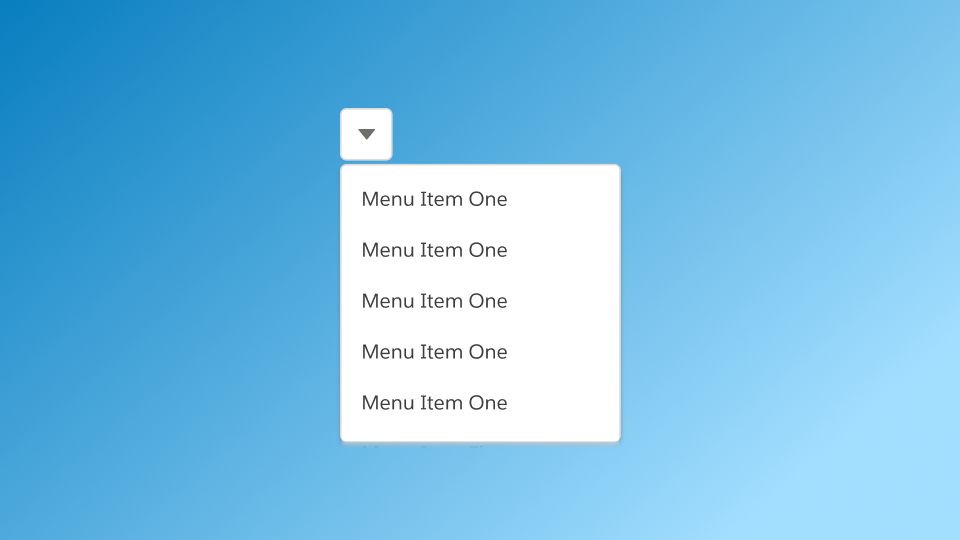
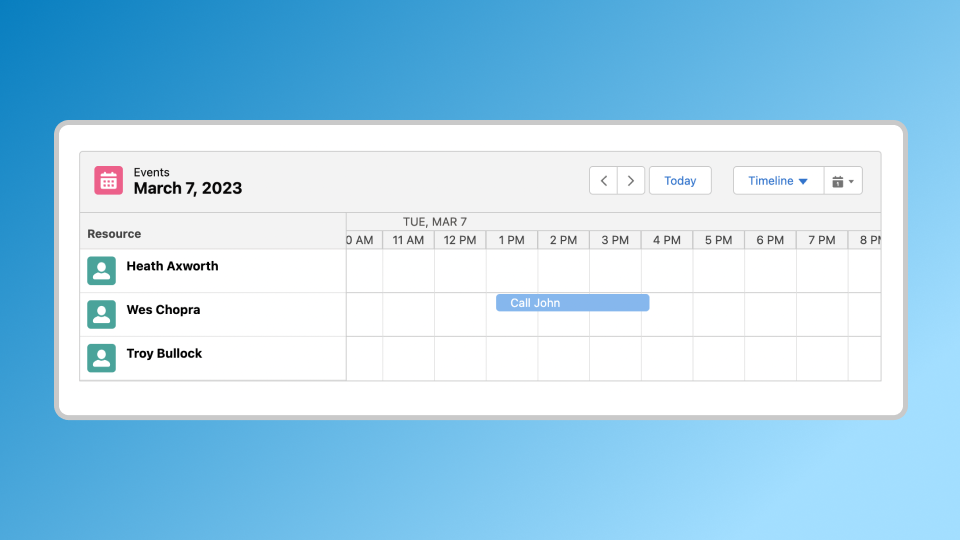
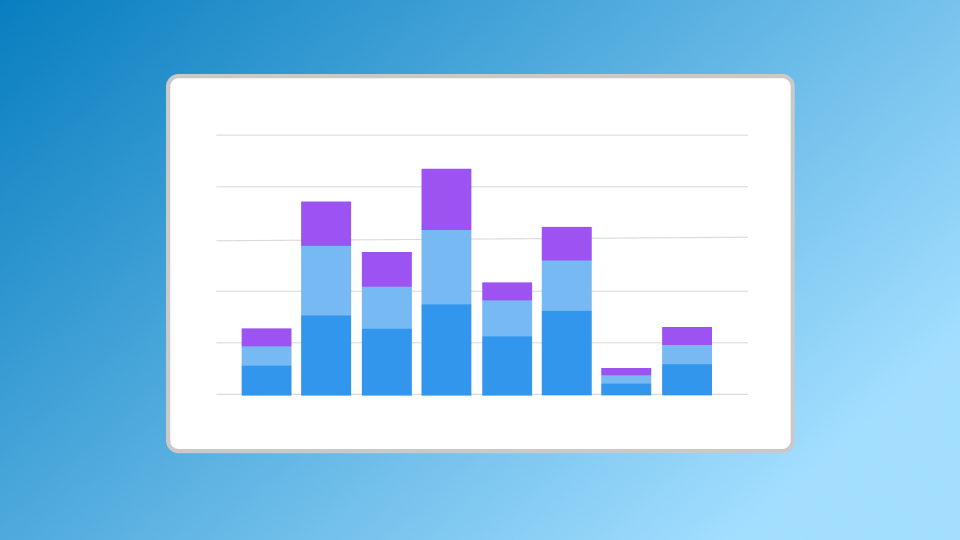
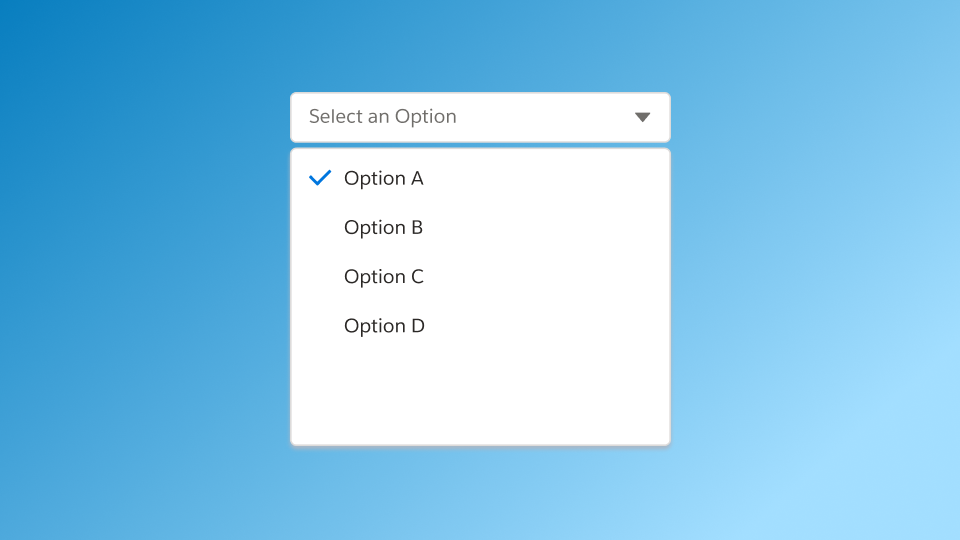
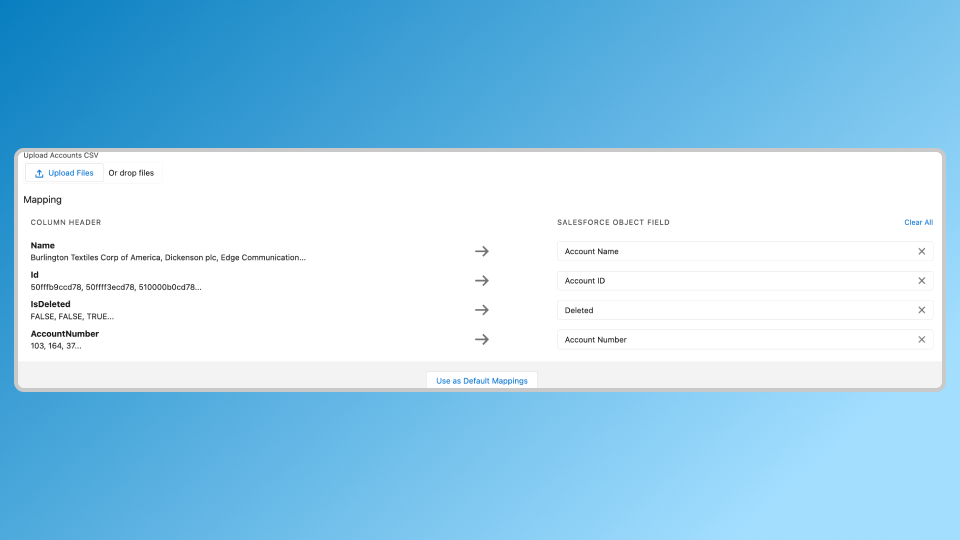
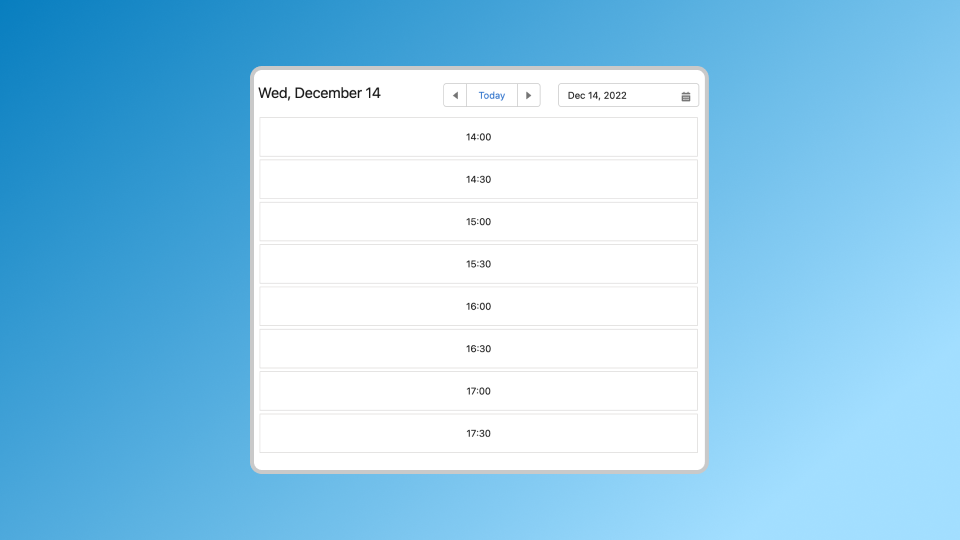
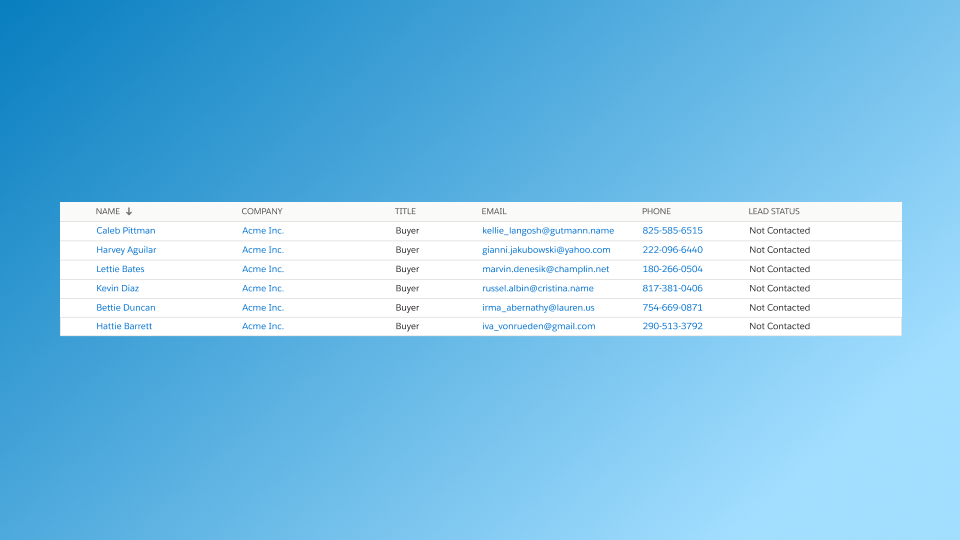
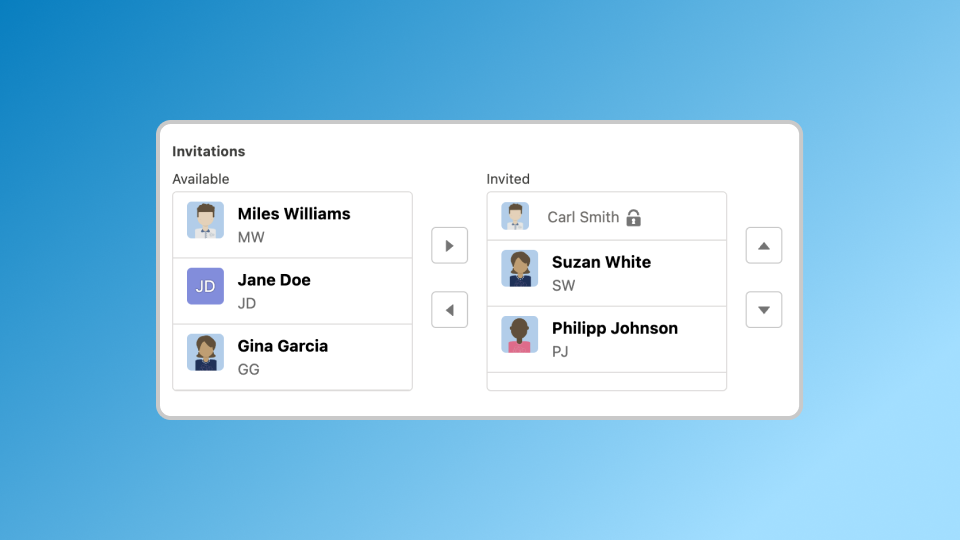
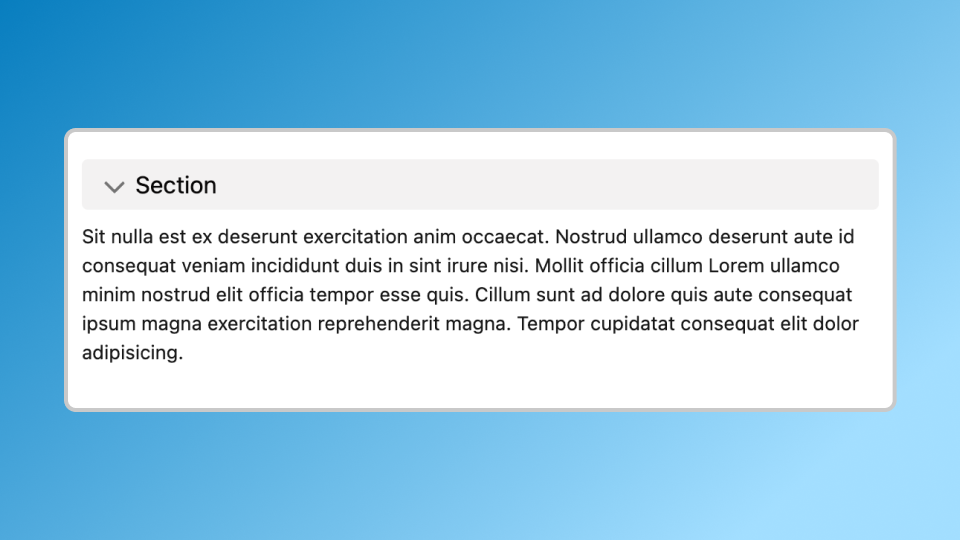
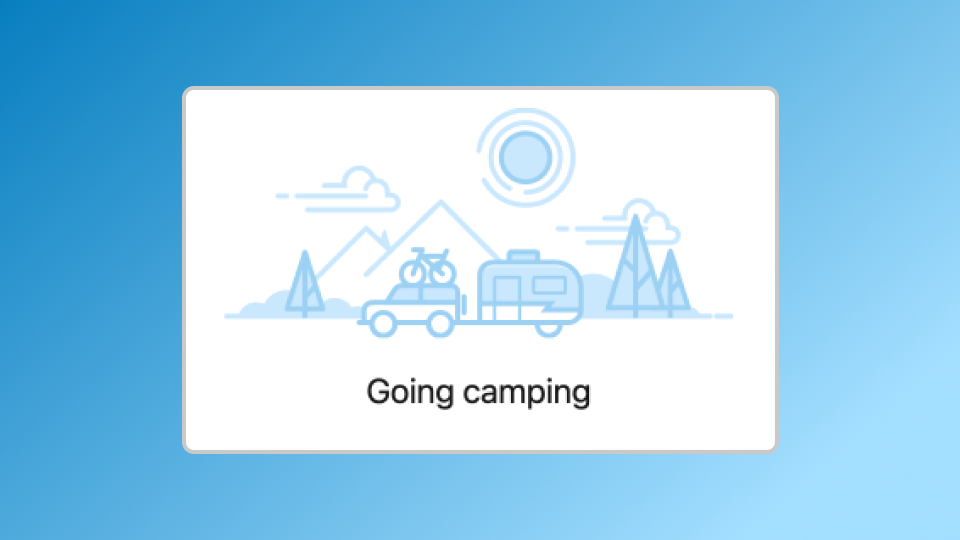
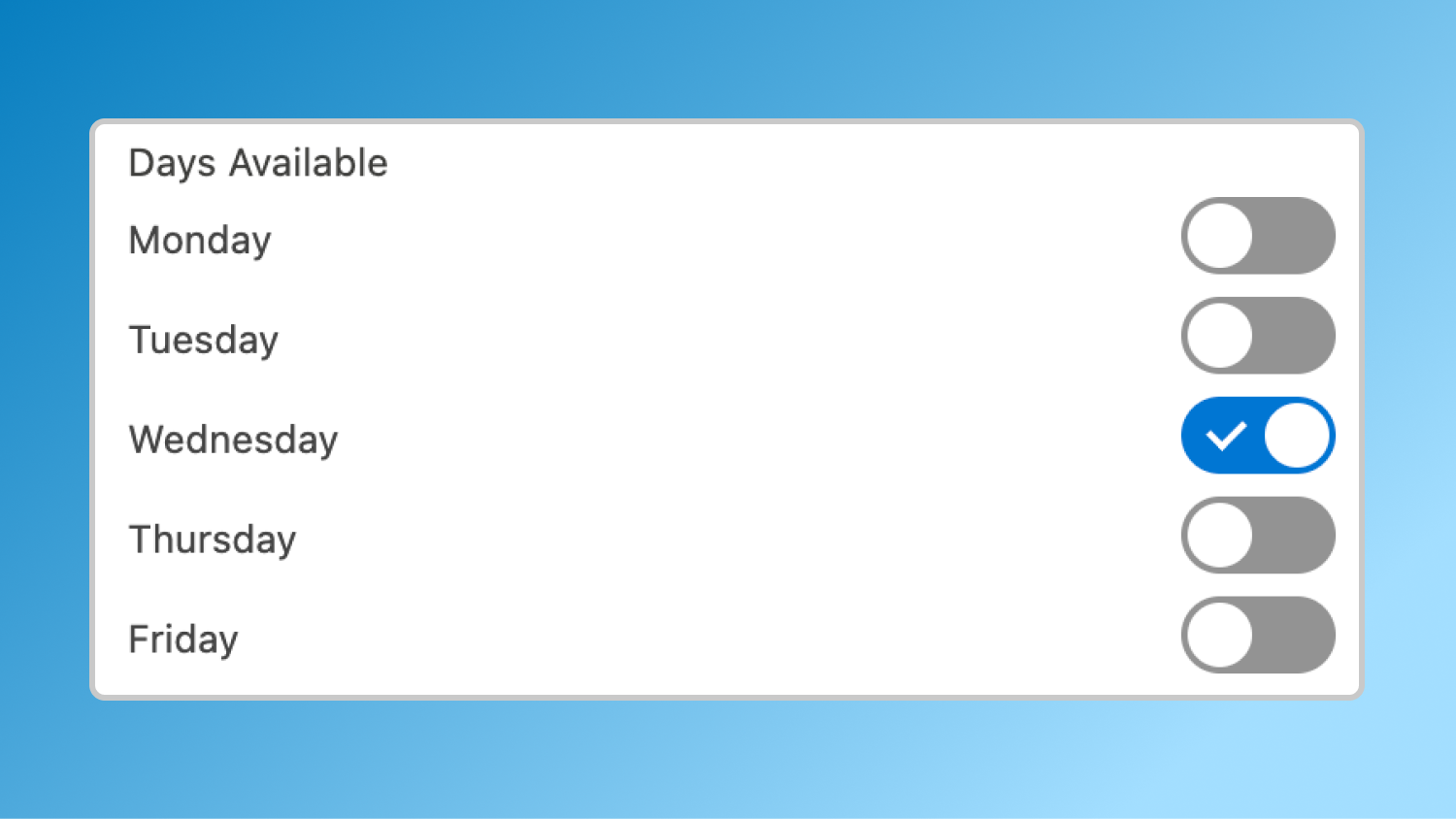
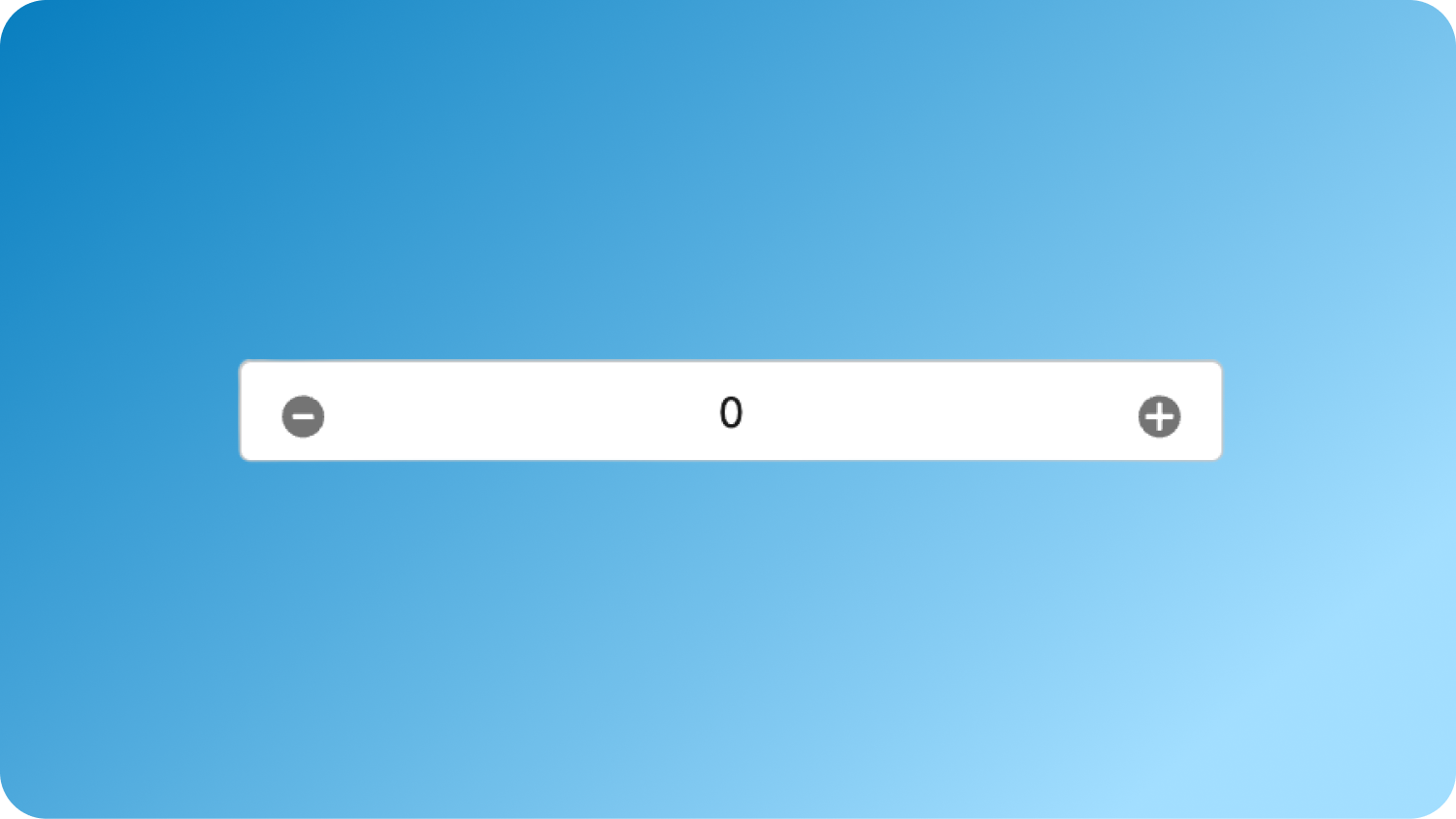
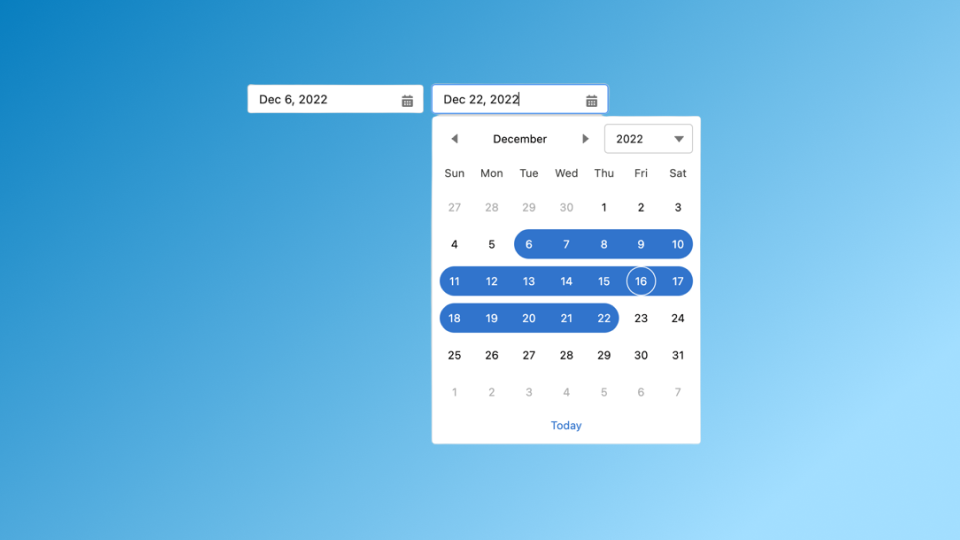
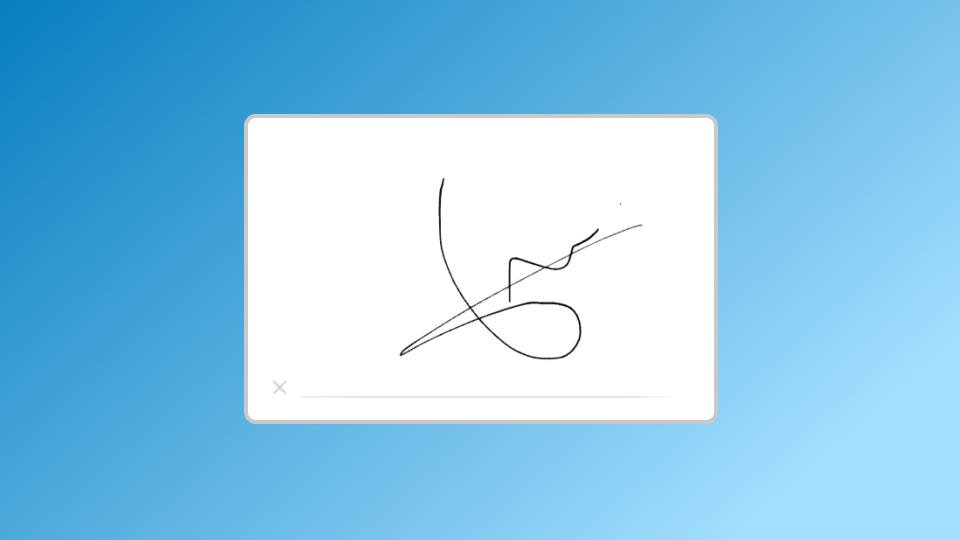
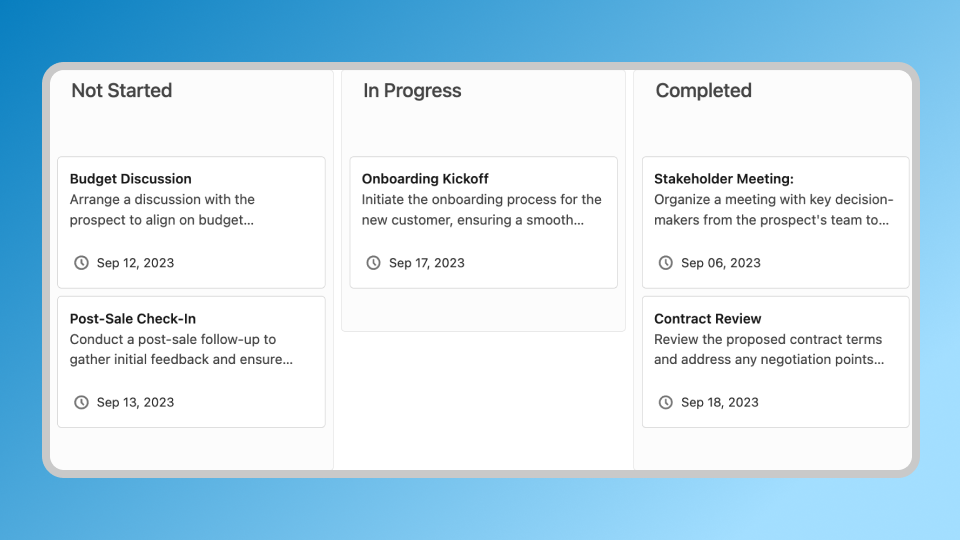
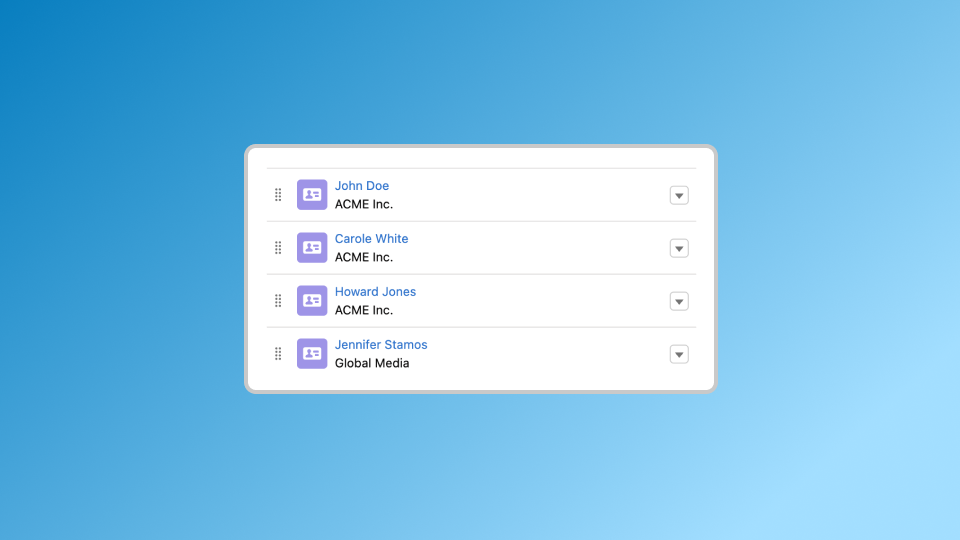
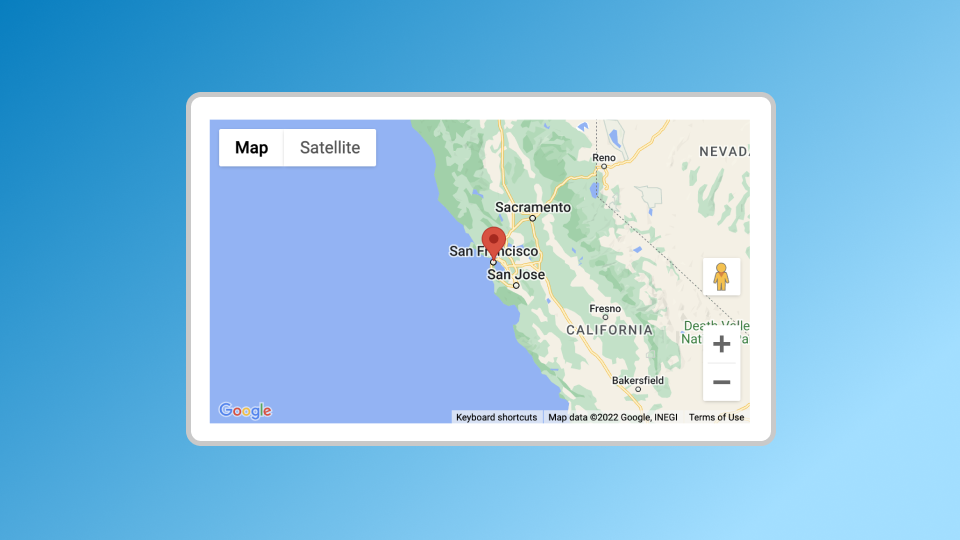
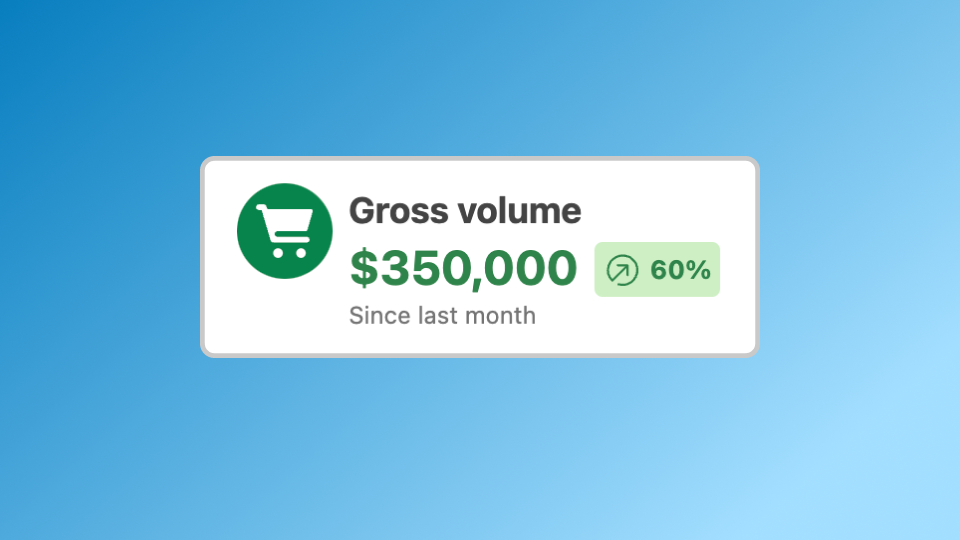
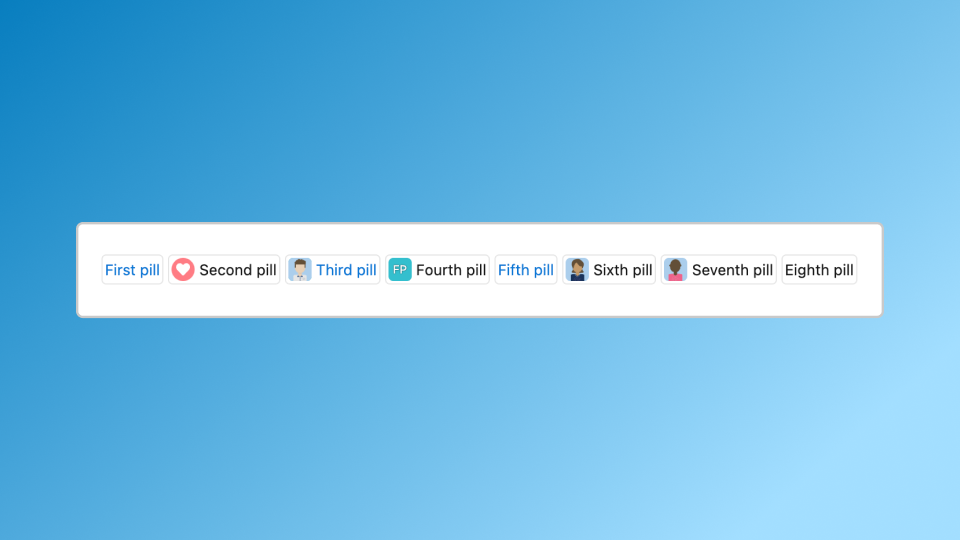
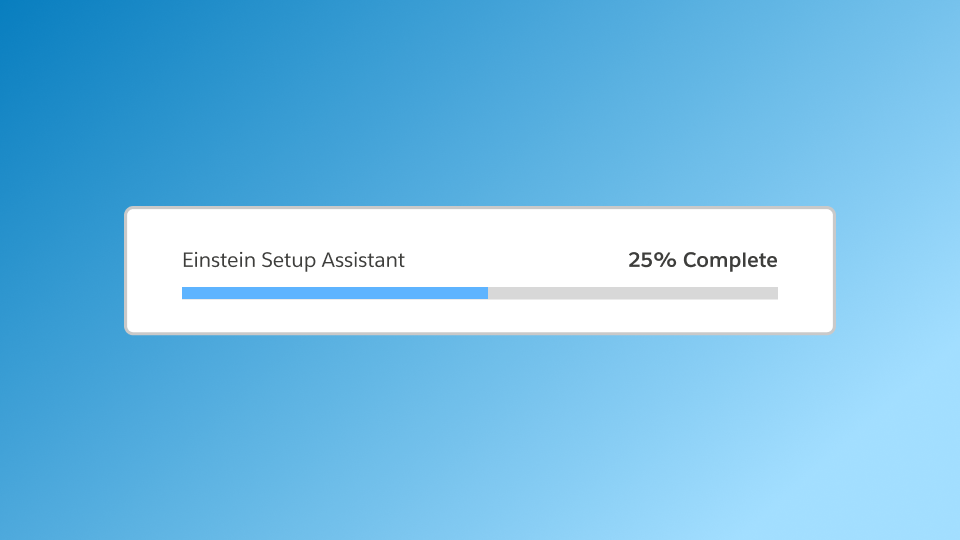
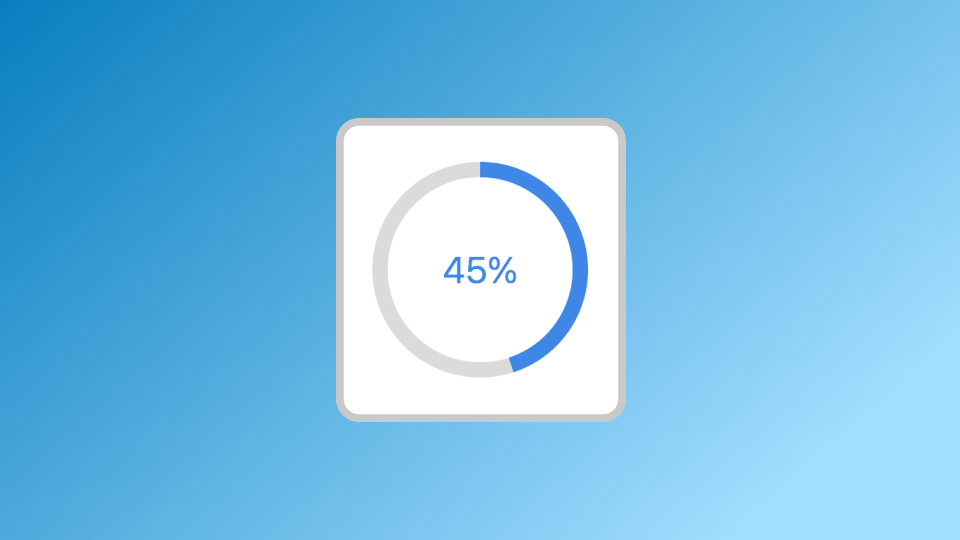
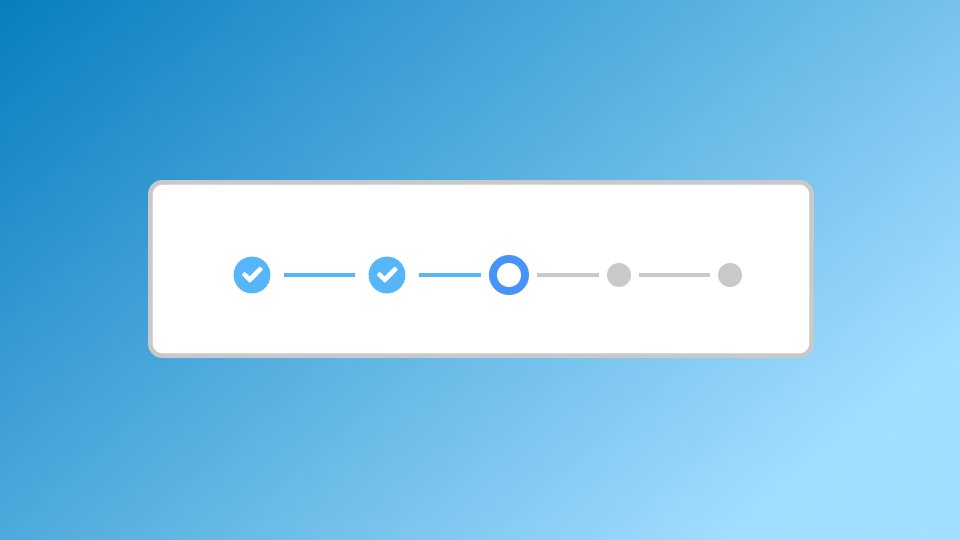
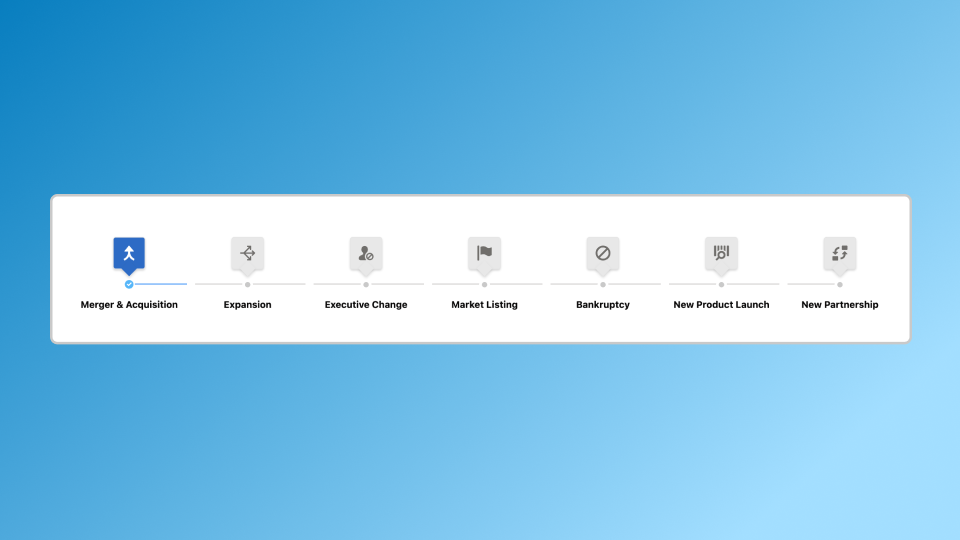
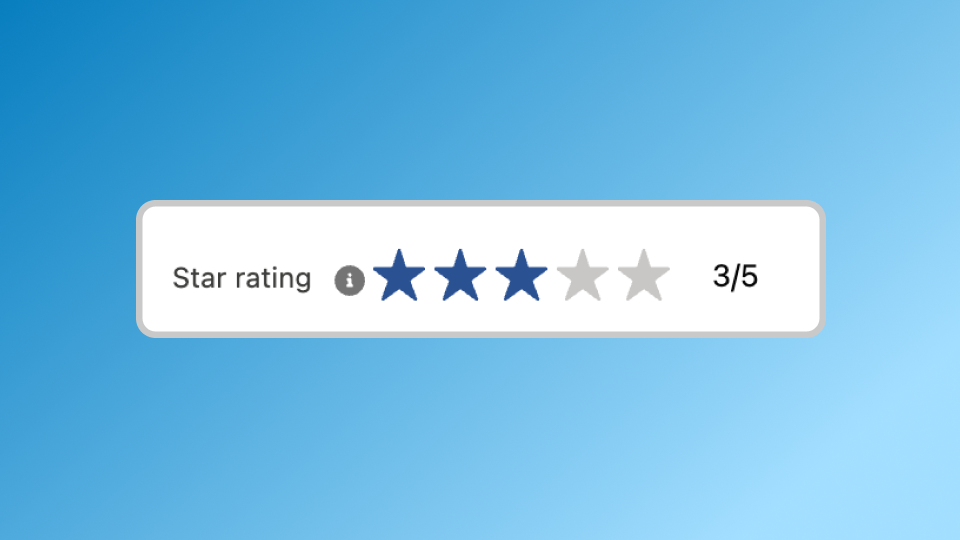
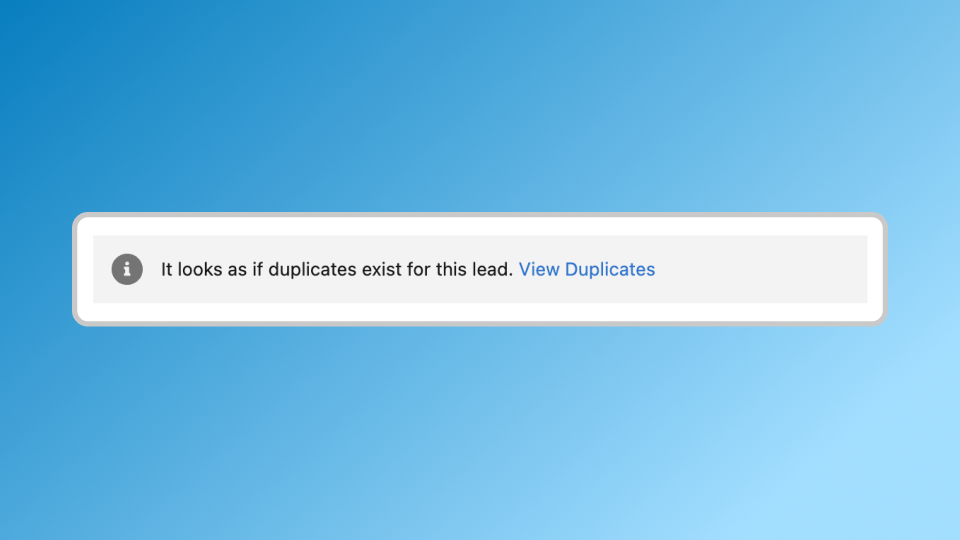
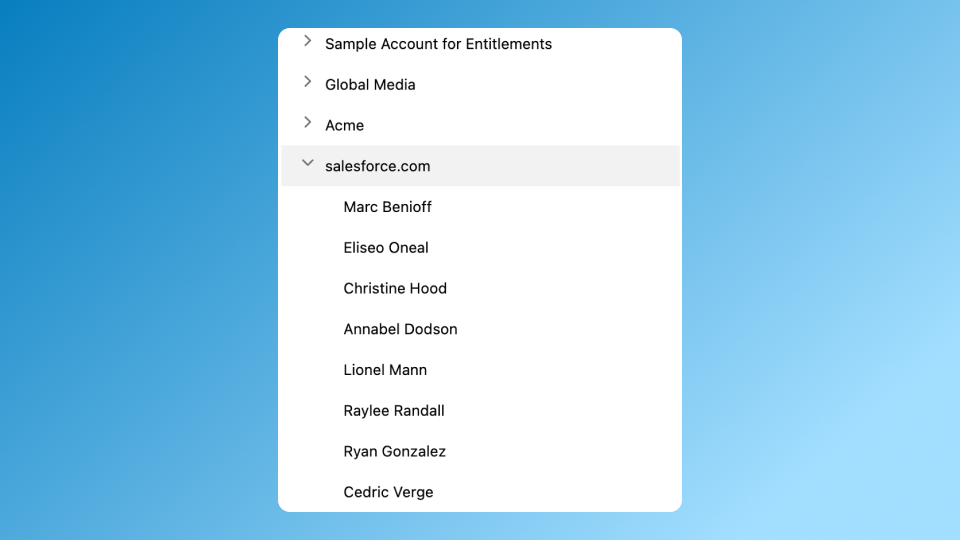
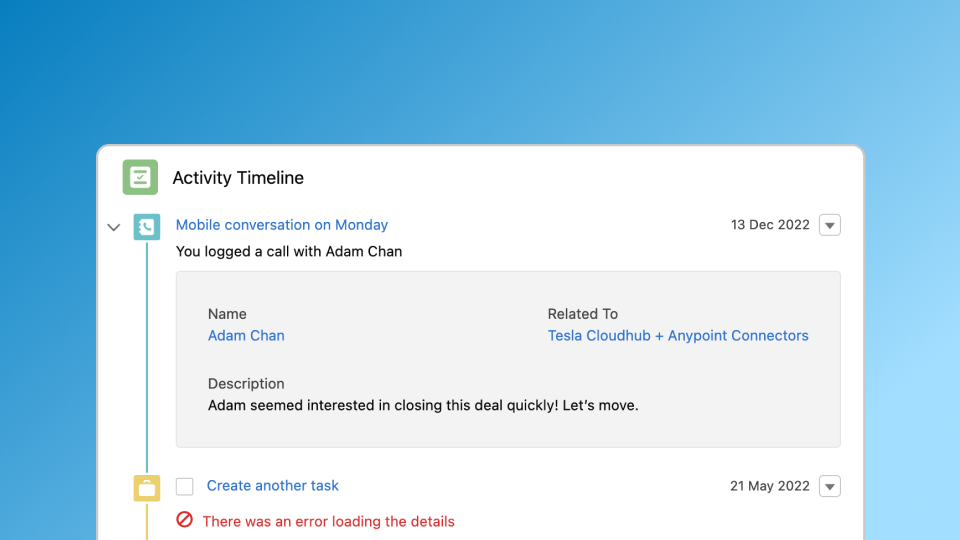
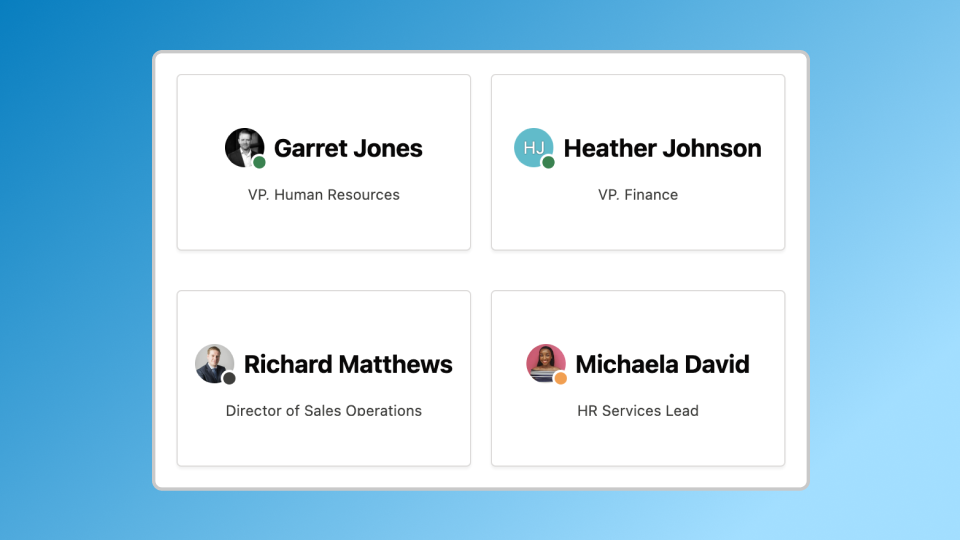
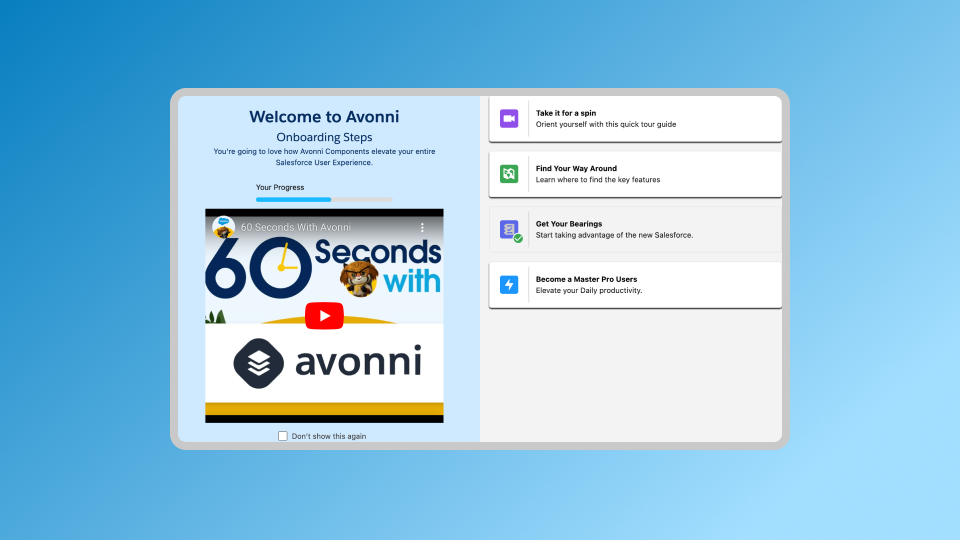
<table><thead><tr><th>Illustration</th><th width="158.33333333333334">Name</th><th>Description</th></tr></thead><tbody><tr><td><img src="/files/dSmDRzcSy5GCvT0XsaBR" alt=""></td><td><a href="/pages/A9idZVjr6iQ45MSv2Pti"><strong>Alert</strong></a></td><td>Display important information to the user.</td></tr><tr><td><img src="/files/MFGDMySxKWwpcyVFcSX5" alt=""></td><td><a href="/pages/qEe1w1VTxBEpnD8vlXv7"><strong>Audio Player</strong></a></td><td>Offers control over customizable audio features.</td></tr><tr><td><img src="/files/QYhj3WhiOKeUjkezmO35" alt=""></td><td><a href="/pages/hIwmP98WutHTyEqO10FL"><strong>Avatar</strong></a></td><td>Visual representation of a user or entity.</td></tr><tr><td><img src="/files/it9DVQsZpyiTKW8tD0e8" alt=""></td><td><a href="/pages/h0Y6PT9EtXyC9DqWxbhe"><strong>Avatar Group</strong></a></td><td>Collection of Avatar displayed in a grid or row.</td></tr><tr><td><img src="/files/5DS3VzxAnfsX9Vrhm9rm" alt=""></td><td><a href="/pages/XDASN7W2nayeheTNeQd3"><strong>Barcode</strong></a></td><td>Visual representation of data in the form of a series of lines or patterns.</td></tr><tr><td><img src="/files/XiNZtZBuCva69iw5sNXk" alt=""></td><td><a href="/pages/kQhWWrMBMR8ApClGf9Cn"><strong>Barcode Scanner</strong></a></td><td>Allows the user to scan and read barcodes using their device's camera.</td></tr><tr><td><img src="/files/6TK4kxeVBckt0brht5R6" alt=""></td><td><a href="/pages/DiUMe9rE1yNZZLJG9i5f"><strong>Biometrics</strong></a></td><td>Integrate device-level biometric authentication into your Screen Flows.</td></tr><tr><td><img src="/files/ATsX3VrOi7TNESSS9lAd" alt=""></td><td><a href="/pages/c7ThSfbqk7pKGa8mFEGl"><strong>Blockquote</strong></a></td><td>Visually distinguish a quotation or excerpt from the surrounding text.</td></tr><tr><td><img src="/files/S6HSJlPosW3fpqqICpXU" alt=""></td><td><a href="/pages/8P8NQT0n9R2O1tU36ufS"><strong>Button</strong></a></td><td>Allows the user to initiate an action or process.</td></tr><tr><td><img src="/files/cFNCbbMohTVOAB9S0iaY" alt=""></td><td><a href="/pages/FE3pC1xyOsTaFJ6qTDby"><strong>Button Group</strong></a></td><td>Enables swift, easy navigation through flows via customizable action buttons.</td></tr><tr><td><img src="/files/Z5bWDmvFE2zGE57ZQk2J" alt=""></td><td><a href="/pages/js0eViDCJqRETqsqZ548"><strong>Button Icon</strong></a></td><td>Clickable icon to trigger actions on flow screens.</td></tr><tr><td><img src="/files/jxGfnXze3awrxOrumt9M" alt=""></td><td><a href="/pages/X4iNS6GxGZ4FRiAFWz2i"><strong>Button Menu</strong></a></td><td>Displays a list of options as a dropdown menu triggered by a button.</td></tr><tr><td><img src="/files/5Gkb4PQmn3saUv87uu0y" alt=""></td><td><a href="/pages/j8TmaRPFZKOkHMMiKG9j"><strong>Calendar</strong></a></td><td>A dynamic component for scheduling and resource management.</td></tr><tr><td><img src="/files/uct7wtyomNoXFxPOS1cK" alt=""></td><td><a href="/pages/WkelfUZfOuiU45jbCrUs"><strong>Carousel</strong></a></td><td>Displays a series of images in a rotating or sliding sequence.</td></tr><tr><td><img src="/files/tT4BVMQzW1eKOtJSELDP" alt=""></td><td><a href="/pages/LhvfX6eVmY0KY2R2aY8r"><strong>Chart</strong></a></td><td>Create visually compelling, interactive charts directly within the Salesforce Flow Builder.</td></tr><tr><td><img src="/files/OjJP11d3LAQs2dVU90IV" alt=""></td><td><a href="/pages/87C4P6kRCPuVXMOgAdtQ"><strong>Chip Container</strong></a></td><td>It enhances user interaction with categorized information and streamlines the overall user experience.</td></tr><tr><td><img src="/files/pK0NvXHnh1GOznanO3cD" alt=""></td><td><a href="/pages/t5Yvfp8O6NzNUp6W4b3R"><strong>Color Picker</strong></a></td><td>Allows the user to select a specific color from a palette or spectrum.</td></tr><tr><td><img src="/files/GNy7UZERGjEIHQTRcjID" alt=""></td><td><a href="/pages/sjp1LNDbhvPHl6pR8pfj"><strong>Combobox</strong></a></td><td>Allows the user to select an option from the dropdown menu.</td></tr><tr><td><img src="/files/GwcFmmnjEFnkRxGBCy7H" alt=""></td><td><a href="/pages/FpPsVmr1MzkEzur1Rih7"><strong>CSV Parser</strong></a></td><td>Simplifies CSV data integration into Salesforce.</td></tr><tr><td><img src="/files/JSPbAYCWEjtZZ0XxNS2H" alt=""></td><td><a href="/pages/YnVnro3V2PwAmpVY4mJC"><strong>Date Picker</strong></a></td><td>Displays a calendar of dates and allows the user to select a specific date or range of dates.</td></tr><tr><td><img src="/files/qvSHqrrypmyX9iKCkamL" alt=""></td><td><a href="/pages/ChlfXTiEVXDBHQg2I7fC"><strong>Data Table</strong></a></td><td>Displays tabular data in a grid of rows and columns.</td></tr><tr><td><img src="/files/JSPbAYCWEjtZZ0XxNS2H" alt=""></td><td><a href="/pages/YnVnro3V2PwAmpVY4mJC"><strong>Date Time Picker</strong></a></td><td>Allows the user to select a specific date and time.</td></tr><tr><td><img src="/files/WC5X60BgoKvKM4VfAM4S" alt=""></td><td><a href="/pages/opEZz8wa5UBuIZ7poMY6"><strong>Document Scanner</strong></a></td><td>Captures text from documents using mobile camera.</td></tr><tr><td><img src="/files/tB99FsxXfTAkNb8Tcn7l" alt=""></td><td><a href="/pages/URQ0L64t5ZOTDyPgtrE2"><strong>Dual Listbox</strong></a></td><td>Displays two lists of items and allows the user to move items between the lists.</td></tr><tr><td><img src="/files/ZvLQwttkRH94kRNmVFiD" alt=""></td><td><a href="/pages/E13j7wXTbSuxpHC6oEvH"><strong>Expandable Section</strong></a></td><td>Allows the user to toggle the visibility of a section of content.</td></tr><tr><td><img src="/files/PGKmsN4gc1wB4WaeHcje" alt=""></td><td><a href="/pages/12JisFgDT13DaUhtOFpt"><strong>Formatted Address</strong></a></td><td>Streamlines address entry, auto-formats data, and updates a static map in real-time.</td></tr><tr><td><img src="/files/KYjELUXJcIFMX1LhxM0D" alt=""></td><td><a href="/pages/KxPd4FvC7q6VW61GxbYS"><strong>Formatted Name</strong></a></td><td>Standardizes name entry, validates data in real-time, and improves user experience.</td></tr><tr><td><img src="/files/KYjELUXJcIFMX1LhxM0D" alt=""></td><td><a href="/pages/tQaRScHjE4LeErAUeLPA"><strong>Formatted Value</strong></a></td><td>Standardizes real-time Salesforce data entry and display, ensuring accuracy and uniformity.</td></tr><tr><td><img src="/files/Dswcpgyddl3rgJwIxtkK" alt=""></td><td><a href="/pages/5Tda5D7Z4XJIab3xlBUw"><strong>Header</strong></a></td><td>Provides context and navigation for the content below.</td></tr><tr><td><img src="/files/jxGfnXze3awrxOrumt9M" alt=""></td><td><a href="/pages/836pvjMijVZexgg1KFwz"><strong>Icon Picker</strong></a></td><td>Allows the user to select an icon from a collection of icons.</td></tr><tr><td><img src="/files/jhxIhZtcnGZa50tnMPIw" alt=""></td><td><a href="/pages/J8IcY5187s6ZEkzgPsEA"><strong>Illustration</strong></a></td><td>Image and inline text to communicate a state in a friendly way.</td></tr><tr><td><img src="/files/RKPJARQfTyi0sEFtCXsP" alt=""></td><td><a href="/pages/guXDliNT4Pfl1BqCbRv7"><strong>Image</strong></a></td><td>Display a photograph, an illustration, or any other type of visual content.</td></tr><tr><td><img src="/files/azgfccvi6xtM7thdkf5G" alt=""></td><td><a href="/pages/0l0xfIie3AVxjxmi5vpA"><strong>Input Choice Set</strong></a></td><td>Customizable input fields for user data collection.</td></tr><tr><td><img src="/files/BlRM3OPqXnIIuEOrfb9z" alt=""></td><td><a href="/pages/wN9zqhO0kRKFQuQfQUR2"><strong>Input Choice Set Grid</strong></a></td><td>Present a collection of choices in a visually organized grid layout</td></tr><tr><td><img src="/files/OWKugLvogW7ZrGJzNrZv" alt=""></td><td><a href="/pages/3VS2LSD6ic0a0lgSAskT"><strong>Input Counter</strong></a></td><td>Simplifies numeric input within flows by providing a user-friendly interface.</td></tr><tr><td><img src="/files/dvzAMvpLyivfvsvdgnt0" alt=""></td><td><a href="/pages/AmAZF7xLCxTNnHOgzHSY"><strong>Input Date Range</strong></a></td><td>Streamlines date selection</td></tr><tr><td><img src="/files/FQOq7lXbyJAqL5uBzzKx" alt=""></td><td><a href="/pages/XVFTd8r70sU7VqqBNgmr"><strong>Input Pen</strong></a></td><td>Enables users to provide handwritten input within flows.</td></tr><tr><td><img src="/files/sYJSY4ml6FFUZDseYc3Z" alt=""></td><td><a href="/pages/QoilJ149c84cOuC1bYFT"><strong>Kanban</strong></a></td><td>Trello-like visual board for Salesforce; manages workflow in real-time.</td></tr><tr><td><img src="/files/A2ou6jBZTo8GMLLJQVYG" alt=""></td><td><a href="/pages/BurrlXrk30DUXqbg6gwu"><strong>List</strong></a></td><td>The List allows users to view and interact with collections of items or records.</td></tr><tr><td><img src="/files/QOl3kLSXqF9FfbkfwtQV" alt=""></td><td><a href="/pages/CJhR7SI8s3gwwFIZlFPu"><strong>Map</strong></a></td><td>The Map provides a visually engaging interface for displaying locations, routes, or areas.</td></tr><tr><td><img src="/files/0c6vzdduIqrrnurPWeAS" alt=""></td><td><a href="/pages/u21ebiP2lT2e215qgcRP"><strong>Metric</strong></a></td><td>Highlights essential data and helps users quickly grasp the significance information.</td></tr><tr><td><img src="/files/y5fuHWGND07UQoc0b6FH" alt=""></td><td><a href="/pages/tK0RYXDSCdepRhPATz46"><strong>Microphone</strong></a></td><td>Capture and store audio recordings directly in Salesforce.</td></tr><tr><td><img src="/files/deobpMghWa6rXOHRBrHG" alt=""></td><td><a href="/pages/TOgzUfKaJnEbQci8Nl2D"><strong>Navigation</strong></a></td><td>Enhances screen navigation, facilitating structured, intuitive user interfaces.</td></tr><tr><td><img src="/files/iQjAP8GSm1yRUt3E4pjp" alt=""></td><td><a href="/pages/jbAwCfR5IUOJGQoahN3j"><strong>NFC Scanner</strong></a></td><td>Mobile Salesforce component for NFC tag reading and writing.</td></tr><tr><td><img src="/files/8uNneh0yRqU7VO9lBYFu" alt=""></td><td><a href="/pages/RM1aLwUl4wBt3a3bf8af"><strong>Pill Container</strong></a></td><td>Interact and manage categorized information, ensuring a streamlined and intuitive experience.</td></tr><tr><td><img src="/files/bvZfn8UfK7CH8a3GdqI2" alt=""></td><td><a href="/pages/peljkvB1tPgyAKfWekJU"><strong>Progress Bar</strong></a></td><td>Display progress towards a goal or completion within flows.</td></tr><tr><td><img src="/files/avLEu7ZF70SWw3VdeJUQ" alt=""></td><td><a href="/pages/T7MTHtWAtO9CqsIazQn1"><strong>Progress Circle</strong></a></td><td>Provides a captivating circular display of progress towards a goal within flows.</td></tr><tr><td><img src="/files/m3rQ5ed5fXA53zRUl7NC" alt=""></td><td><a href="/pages/eqc1m7ZICt57uphC4CkI"><strong>Progress Indicator</strong></a></td><td>Show task status in a step-by-step process, aiding user understanding and motivation.</td></tr><tr><td><img src="/files/cEvQ34wOCoQZLr4d6jLM" alt=""></td><td><a href="/pages/fjKrA4qkDNuCFWvEifly"><strong>Progress Popover</strong></a></td><td>Shows task status and completion, allowing users to track progress without interrupting workflow.</td></tr><tr><td><img src="/files/PxbMUg2z3TeNbqh0Tdf9" alt=""></td><td><a href="/pages/59PYGIDyCHc4orE5Rgu0"><strong>Qr Code</strong></a></td><td>Interpret QR codes, providing quick access to related information or actions.</td></tr><tr><td><img src="/files/xJ3HBU4lT4qJC8xDUvlP" alt=""></td><td><a href="/pages/p9AIx3lsb4HNCIy4Z2MN"><strong>Rating</strong></a></td><td>Allow users to provide feedback or rate products, services, or experiences on a scale.</td></tr><tr><td><img src="/files/BlIGCqBBGdLZx580WkYf" alt=""></td><td><a href="/pages/n5Mu9bhQ7luSYfIfvE60"><strong>Record Detail</strong></a></td><td>Offering customizable, user-friendly layouts for displaying multiple record fields.</td></tr><tr><td><img src="/files/NhdTEG3nYRtcFWBDRUlM" alt=""></td><td><a href="/pages/L9W0qti7KR5vhRDYa2j0"><strong>Scoped Notification</strong></a></td><td>Displays notification messages with optional action buttons.</td></tr><tr><td><img src="/files/wK5X03aiNmB0pXrn19Ey" alt=""></td><td><a href="/pages/9j1NxM1eZFL7WRiRkk4G"><strong>Separator</strong></a></td><td>Visually divides content into sections with horizontal lines.</td></tr><tr><td><img src="/files/7XAF8hMZNVKN5RurLuDX" alt=""></td><td><a href="/pages/BPa1sIWwFtq0JP9h7waO"><strong>Slider</strong></a></td><td>Allow users to select a value within a defined range by sliding a visual control.</td></tr><tr><td><img src="/files/E0wTMHvxB3b8vobRCQkh" alt=""></td><td><a href="/pages/6jwTcSsJxga9mY9KeqRK"><strong>Tabs</strong></a></td><td>Display multiple content sections in a compact layout, allowing users to switch between them.</td></tr><tr><td><img src="/files/2jO3AgxhVUoif4D1C7Tw" alt=""></td><td><a href="/pages/AUgAZCbjMnj4ex3BMGPu"><strong>Text Area</strong></a></td><td>Allow users to input or view more significant amounts of text within a defined area.</td></tr><tr><td><img src="/files/qFiTIULNNdmgl5Xh7Hqg" alt=""></td><td><a href="/pages/p3pcjkm1y17TDHZ8XJPR"><strong>Tree</strong></a></td><td>Display hierarchical data in an expandable/collapsible tree structure.</td></tr><tr><td><img src="/files/UZ1X2BFLomOKodpPao2M" alt=""></td><td><a href="/pages/i65BTfrPPLWqy4Mx37Gw"><strong>Timeline</strong></a></td><td>Display a series of events or activities.</td></tr><tr><td><img src="/files/V06W9AgWgivvvRct06P9" alt=""></td><td><a href="/pages/m16ufdnYpduJjTmnp1UN"><strong>User Location</strong></a></td><td>Display the user's location or allow the user to set their location.</td></tr><tr><td><img src="/files/zIn0n4gt7gkInVX9SCPW" alt=""></td><td><a href="/pages/6UygutCDhLEFGdiTfQfL"><strong>Vertical Visual Picker</strong></a></td><td>Display and allow selection from a list of options in a vertical layout.</td></tr><tr><td><img src="/files/lY9EoJeV9eatUrEXwrqV" alt=""></td><td><a href="/pages/vXXV57tZrfXfCWfvZ8Lb"><strong>Video Player</strong></a></td><td>Offers customizable and seamless video playback.</td></tr><tr><td><img src="/files/k4nGEUfXbwU2owL9vBIa" alt=""></td><td><a href="/pages/F8BcTTEsKLEXKsQFhSPl"><strong>Visual Picker</strong></a></td><td>Display and allow selection from a list of options using visual elements.</td></tr><tr><td><img src="/files/h7p3kzPyzQaQO70UPvnW" alt=""></td><td><a href="/pages/x1F4DeL33aUKLEz1l2y6"><strong>Visual Picker Link</strong></a></td><td>Opens external content in visually enhanced box.</td></tr><tr><td><img src="/files/9zKlKR2Zg1DpG0zrOxum" alt=""></td><td><a href="/pages/E6JPZVfLVb6sl4qgvRoy"><strong>Welcome Mat</strong></a></td><td>Interactive guide with clickable tiles for tutorials, info, navigation</td></tr></tbody></table>


---

# Agent Instructions: Querying This Documentation

If you need additional information that is not directly available in this page, you can query the documentation dynamically by asking a question.

Perform an HTTP GET request on the current page URL with the `ask` query parameter:

```
GET https://docs.avonnicomponents.com/flow/flow-components/explore-all-flow-screen-components.md?ask=<question>
```

The question should be specific, self-contained, and written in natural language.
The response will contain a direct answer to the question and relevant excerpts and sources from the documentation.

Use this mechanism when the answer is not explicitly present in the current page, you need clarification or additional context, or you want to retrieve related documentation sections.