> For the complete documentation index, see [llms.txt](https://docs.avonnicomponents.com/llms.txt). Markdown versions of documentation pages are available by appending `.md` to page URLs; this page is available as [Markdown](https://docs.avonnicomponents.com/projects/welcome.md).

# Welcome

Real features you can build in your Salesforce org, step by step. Each project starts from a business problem, shows the components and the automation behind it, and ends with a screen your users can actually open. No code required.

{% hint style="success" %}

#### **New to Avonni?**

Start with the [**Live Call Board**](/projects/use-cases/boards-and-pipelines/live-call-board.md), the most popular project, and a good look at what Dynamic Components can really do.
{% endhint %}

***

## Start with what you want to build

Twenty-seven projects, grouped by the kind of screen they produce. Open the group closest to your problem.

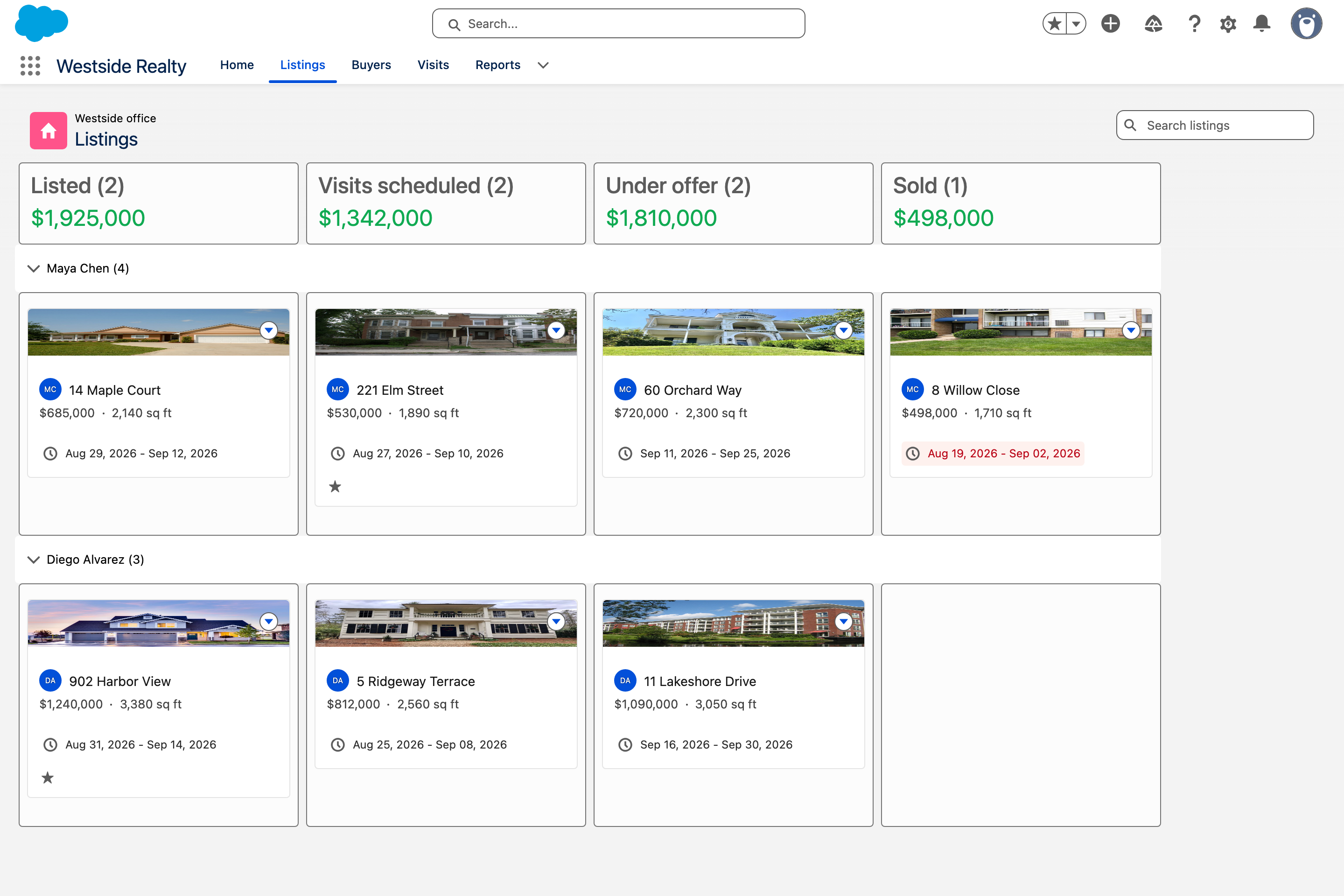
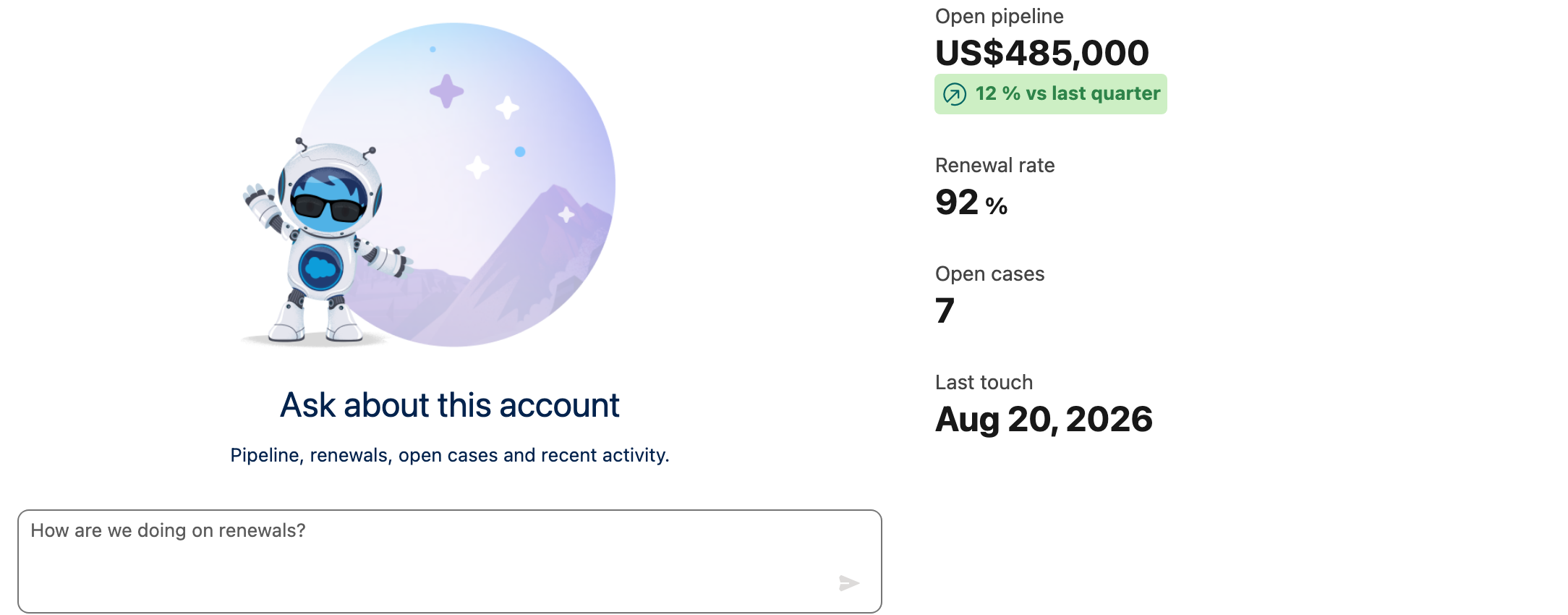
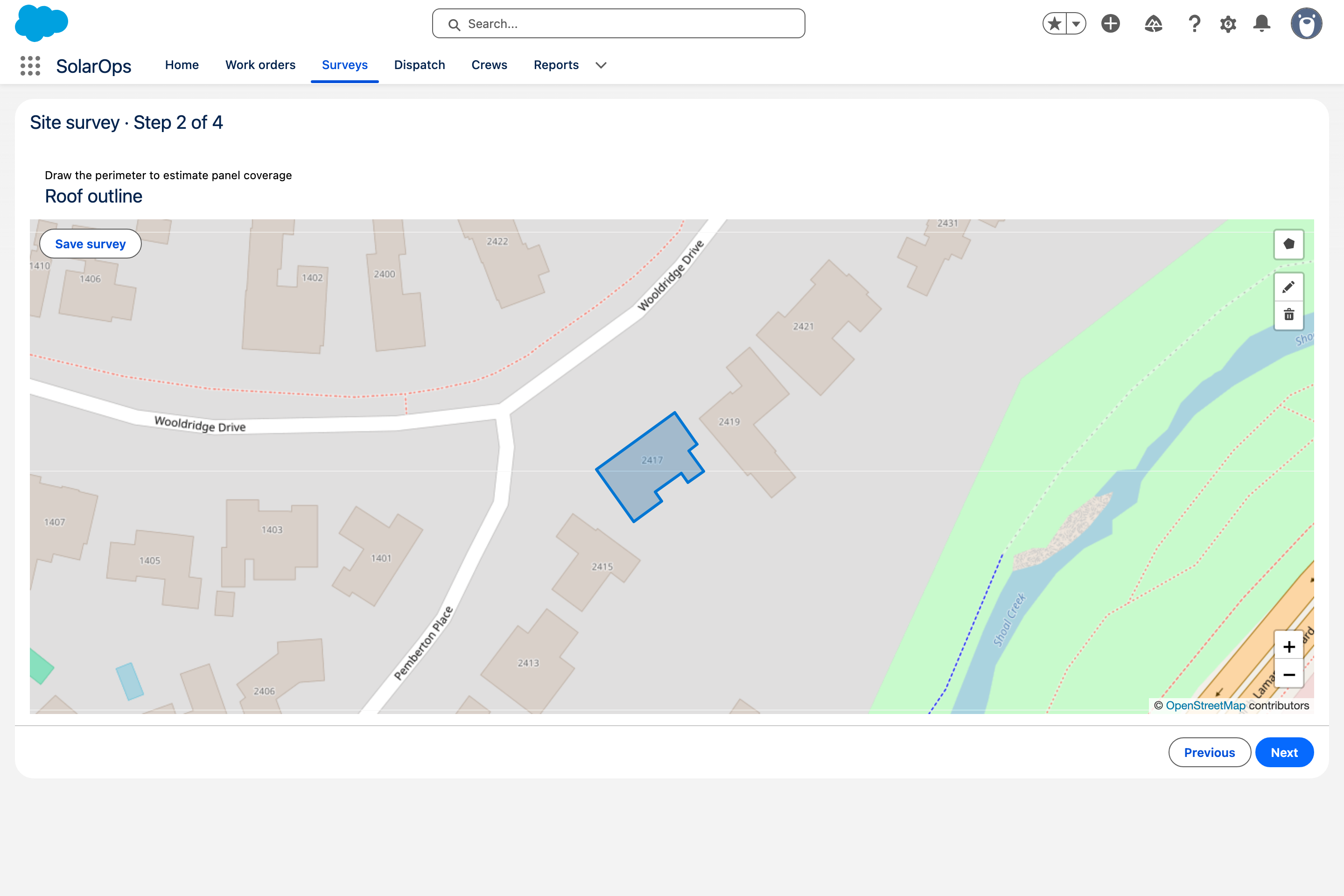
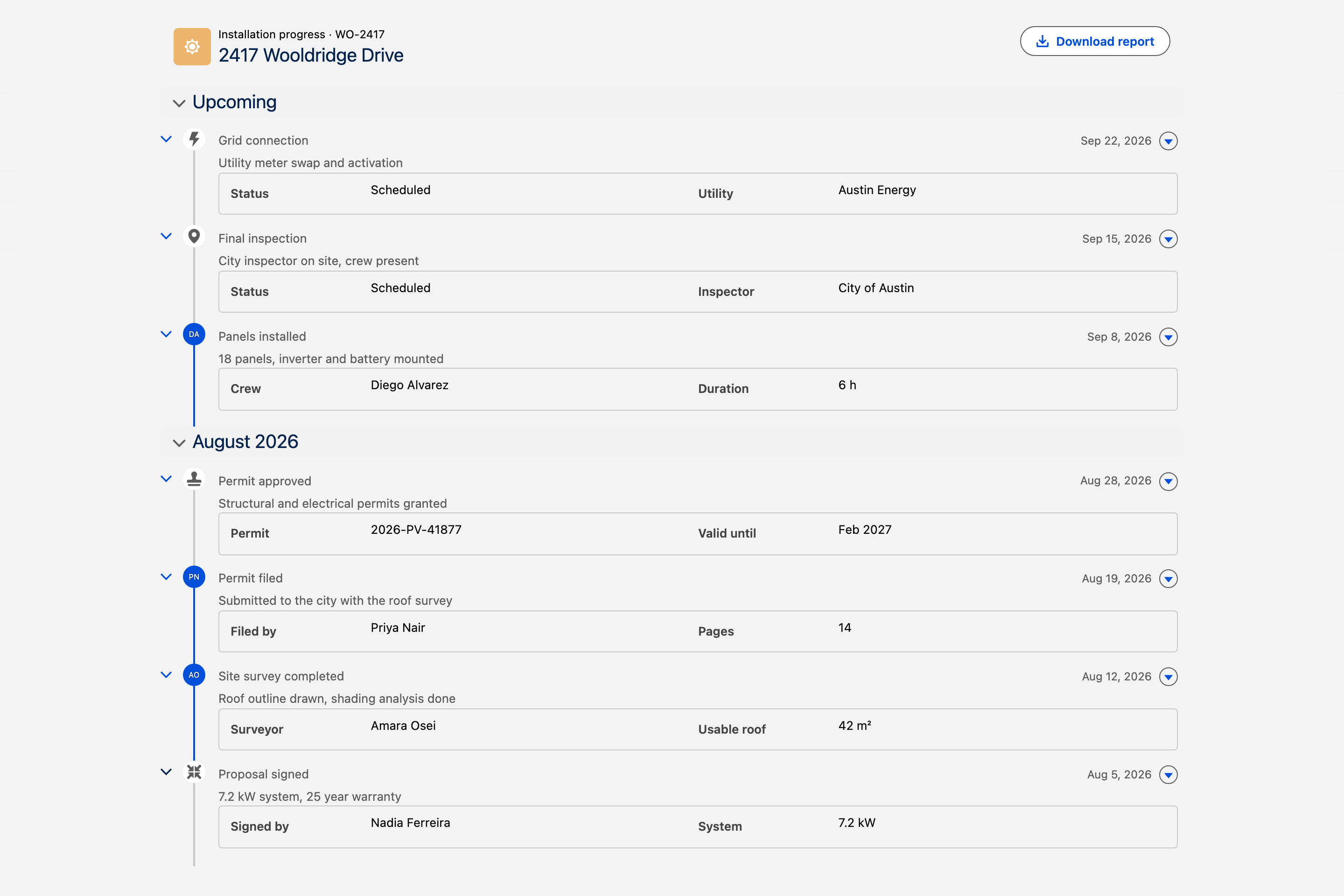
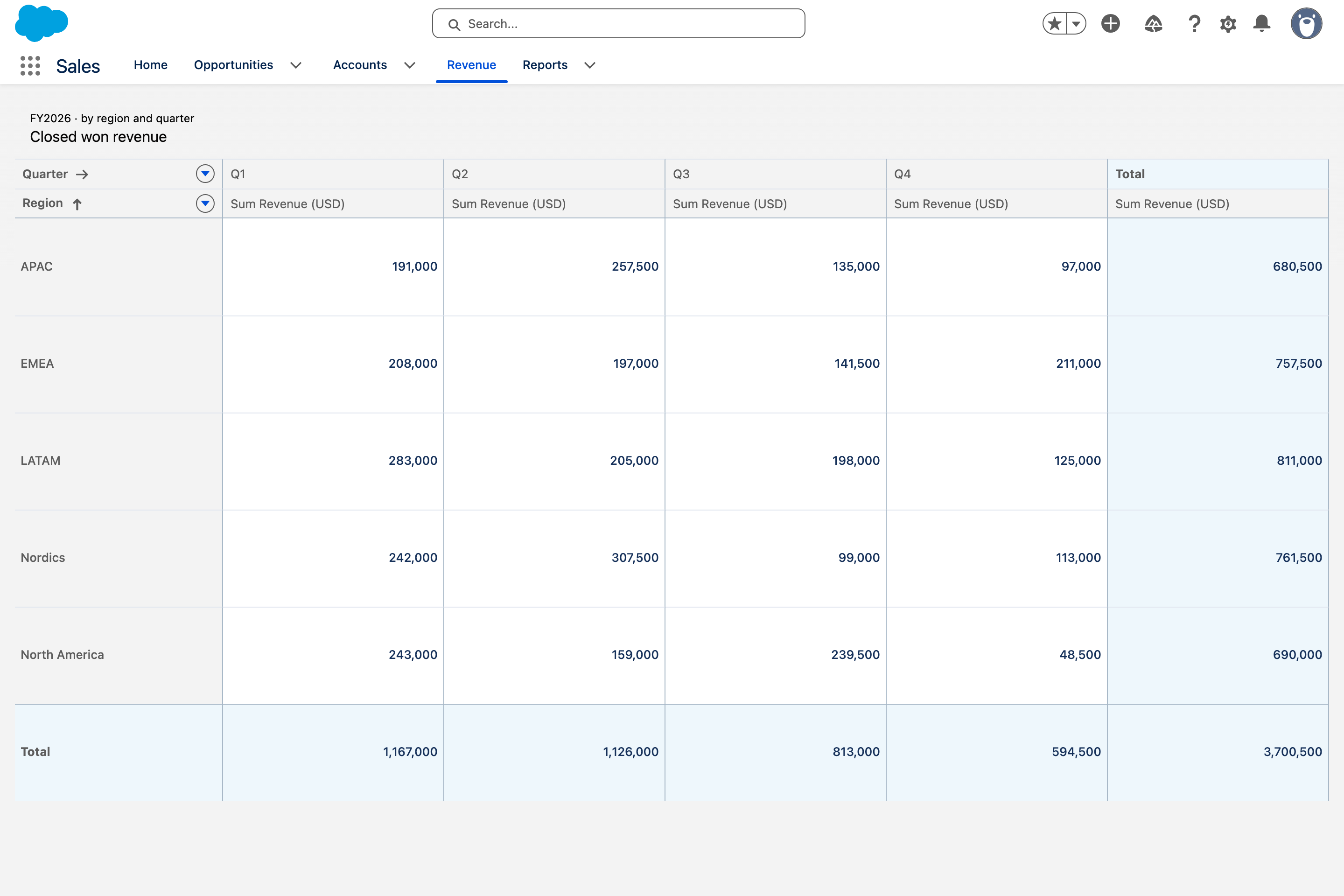
<table data-view="cards"><thead><tr><th></th><th></th><th data-hidden data-card-cover data-type="image">Cover image</th><th data-hidden data-card-target data-type="content-ref"></th></tr></thead><tbody><tr><td><h4>Boards and pipelines</h4></td><td>Kanban boards, dispatch timelines and live walls, where a drag is a real update.</td><td data-object-fit="fill"><a href="https://3857391697-files.gitbook.io/~/files/v0/b/gitbook-x-prod.appspot.com/o/spaces%2FdHOej9Pd5IxJNGEJMZKW%2Fuploads%2FRQHNE5GHUUIE8CcpyDxb%2Fuc-01-listings-board.png?alt=media">https://3857391697-files.gitbook.io/~/files/v0/b/gitbook-x-prod.appspot.com/o/spaces%2FdHOej9Pd5IxJNGEJMZKW%2Fuploads%2FRQHNE5GHUUIE8CcpyDxb%2Fuc-01-listings-board.png?alt=media</a></td><td><a href="/projects/use-cases/boards-and-pipelines.md">Boards and pipelines</a></td></tr><tr><td><h4>Richer record pages</h4></td><td>Panels, timelines, catalogs and threads that live on the record page itself.</td><td data-object-fit="fill"><a href="https://3857391697-files.gitbook.io/~/files/v0/b/gitbook-x-prod.appspot.com/o/spaces%2FdHOej9Pd5IxJNGEJMZKW%2Fuploads%2FDBctVEPD1weRz0MoiBLe%2Faccount-research-panel.png?alt=media">https://3857391697-files.gitbook.io/~/files/v0/b/gitbook-x-prod.appspot.com/o/spaces%2FdHOej9Pd5IxJNGEJMZKW%2Fuploads%2FDBctVEPD1weRz0MoiBLe%2Faccount-research-panel.png?alt=media</a></td><td><a href="/projects/use-cases/record-pages.md">Richer record pages</a></td></tr><tr><td><h4>Inside a screen flow</h4></td><td>Flow screens that capture a drawing, a signature, a slot or a CSV file.</td><td data-object-fit="fill"><a href="https://3857391697-files.gitbook.io/~/files/v0/b/gitbook-x-prod.appspot.com/o/spaces%2FdHOej9Pd5IxJNGEJMZKW%2Fuploads%2FiNkILaoCH7N5PSWIVTL5%2Fuc-02-site-survey-flow.png?alt=media">https://3857391697-files.gitbook.io/~/files/v0/b/gitbook-x-prod.appspot.com/o/spaces%2FdHOej9Pd5IxJNGEJMZKW%2Fuploads%2FiNkILaoCH7N5PSWIVTL5%2Fuc-02-site-survey-flow.png?alt=media</a></td><td><a href="/projects/use-cases/inside-a-flow.md">Inside a screen flow</a></td></tr><tr><td><h4>Portals and partner sites</h4></td><td>Experience site pages for the people who are not in your org.</td><td data-object-fit="fill"><a href="https://3857391697-files.gitbook.io/~/files/v0/b/gitbook-x-prod.appspot.com/o/spaces%2FdHOej9Pd5IxJNGEJMZKW%2Fuploads%2FRHJ8gV5acTmEVIKcPEIx%2Fuc-08-track-my-installation.png?alt=media">https://3857391697-files.gitbook.io/~/files/v0/b/gitbook-x-prod.appspot.com/o/spaces%2FdHOej9Pd5IxJNGEJMZKW%2Fuploads%2FRHJ8gV5acTmEVIKcPEIx%2Fuc-08-track-my-installation.png?alt=media</a></td><td><a href="/projects/use-cases/portals-and-partner-sites.md">Portals and partner sites</a></td></tr><tr><td><h4>Reporting without a report</h4></td><td>Pivots, charts and grouped tables computed live from your records.</td><td data-object-fit="fill"><a href="https://3857391697-files.gitbook.io/~/files/v0/b/gitbook-x-prod.appspot.com/o/spaces%2FdHOej9Pd5IxJNGEJMZKW%2Fuploads%2FwEkBsQSCmZGT19LAV1Ea%2Fuc-05-revenue-cube.png?alt=media">https://3857391697-files.gitbook.io/~/files/v0/b/gitbook-x-prod.appspot.com/o/spaces%2FdHOej9Pd5IxJNGEJMZKW%2Fuploads%2FwEkBsQSCmZGT19LAV1Ea%2Fuc-05-revenue-cube.png?alt=media</a></td><td><a href="/projects/use-cases/reporting.md">Reporting without a report</a></td></tr><tr><td><h4>Data from outside Salesforce</h4></td><td>External objects and live API calls, shown like any other record.</td><td data-object-fit="fill"><a href="https://3857391697-files.gitbook.io/~/files/v0/b/gitbook-x-prod.appspot.com/o/spaces%2FdHOej9Pd5IxJNGEJMZKW%2Fuploads%2F2fvVaBAtSanI86xllyXl%2FScreenshot%202026-05-20%20at%2012.02.01%E2%80%AFPM.png?alt=media&#x26;token=0eabd59e-9b22-4940-aadf-7861969e2528">https://3857391697-files.gitbook.io/~/files/v0/b/gitbook-x-prod.appspot.com/o/spaces%2FdHOej9Pd5IxJNGEJMZKW%2Fuploads%2F2fvVaBAtSanI86xllyXl%2FScreenshot%202026-05-20%20at%2012.02.01%E2%80%AFPM.png?alt=media&#x26;token=0eabd59e-9b22-4940-aadf-7861969e2528</a></td><td><a href="/projects/use-cases/outside-data.md">Data from outside Salesforce</a></td></tr></tbody></table>

Prefer to see everything at once, by surface or by component? Open [**Browse all projects**](/projects/use-cases/overview.md).

***

## Browse by Solution

<table data-view="cards"><thead><tr><th></th><th data-hidden data-card-cover data-type="image">Cover image</th><th data-hidden data-card-target data-type="content-ref"></th></tr></thead><tbody><tr><td><strong>Dynamic Components</strong></td><td><a href="https://3857391697-files.gitbook.io/~/files/v0/b/gitbook-x-prod.appspot.com/o/spaces%2FdHOej9Pd5IxJNGEJMZKW%2Fuploads%2FKz2cLZKI4dyqbDj5HGOy%2Fnew%20Deisnger%20(29).png?alt=media&#x26;token=ef1dec76-79f0-4073-9c24-90f7243139ad">https://3857391697-files.gitbook.io/~/files/v0/b/gitbook-x-prod.appspot.com/o/spaces%2FdHOej9Pd5IxJNGEJMZKW%2Fuploads%2FKz2cLZKI4dyqbDj5HGOy%2Fnew%20Deisnger%20(29).png?alt=media&#x26;token=ef1dec76-79f0-4073-9c24-90f7243139ad</a></td><td><a href="/projects/dynamic-components/overview.md">Overview</a></td></tr><tr><td><strong>Flow Components</strong></td><td><a href="https://3857391697-files.gitbook.io/~/files/v0/b/gitbook-x-prod.appspot.com/o/spaces%2FdHOej9Pd5IxJNGEJMZKW%2Fuploads%2FnB1iNA34pRGz8rPl1fxH%2Fnew%20Deisnger%20(31).png?alt=media&#x26;token=a425fb14-879c-40a8-83e5-c828cbd0d17e">https://3857391697-files.gitbook.io/~/files/v0/b/gitbook-x-prod.appspot.com/o/spaces%2FdHOej9Pd5IxJNGEJMZKW%2Fuploads%2FnB1iNA34pRGz8rPl1fxH%2Fnew%20Deisnger%20(31).png?alt=media&#x26;token=a425fb14-879c-40a8-83e5-c828cbd0d17e</a></td><td><a href="/projects/flow-components/overview.md">Overview</a></td></tr><tr><td><strong>Experience Sites Components</strong></td><td><a href="https://3857391697-files.gitbook.io/~/files/v0/b/gitbook-x-prod.appspot.com/o/spaces%2FdHOej9Pd5IxJNGEJMZKW%2Fuploads%2FrfHagpBXNM75gxEcs2Aw%2Fnew%20Deisnger%20(30).png?alt=media&#x26;token=0e22751b-5b0e-4a2b-9576-703bd1b4aad5">https://3857391697-files.gitbook.io/~/files/v0/b/gitbook-x-prod.appspot.com/o/spaces%2FdHOej9Pd5IxJNGEJMZKW%2Fuploads%2FrfHagpBXNM75gxEcs2Aw%2Fnew%20Deisnger%20(30).png?alt=media&#x26;token=0e22751b-5b0e-4a2b-9576-703bd1b4aad5</a></td><td><a href="/projects/experience-cloud-components/home.md">Home</a></td></tr></tbody></table>

***

## Featured Projects

<table data-card-size="large" data-view="cards"><thead><tr><th></th><th></th><th><select multiple><option value="wgJJ50RezBxh" label="Dynamic" color="blue"></option><option value="lW2HpTAFhdBz" label="Intermediate" color="blue"></option><option value="3txxWhoRuyvv" label="20 min" color="blue"></option><option value="bWhDJ4Zr6pAv" label="Beginner" color="blue"></option><option value="A3wKoalMHbbh" label="10 min" color="blue"></option><option value="Ap7sojc3G57z" label="Flow" color="blue"></option><option value="oZZ4WW4omw87" label="Advanced" color="blue"></option><option value="8wyxVogqL5Ja" label="30 min" color="blue"></option><option value="x0IUQagkEDvu" label="Experience Sites" color="blue"></option></select></th><th data-hidden><select></select></th><th data-hidden data-type="image"></th><th data-hidden data-card-target data-type="content-ref"></th></tr></thead><tbody><tr><td><p><i class="fa-phone">:phone:</i></p><p><strong>Live Call Board</strong></p></td><td>See how platform events + flows turn a Data Table into a real-time collaborative workspace</td><td><span data-option="wgJJ50RezBxh">Dynamic, </span><span data-option="lW2HpTAFhdBz">Intermediate, </span><span data-option="3txxWhoRuyvv">20 min</span></td><td></td><td></td><td><a href="/projects/use-cases/boards-and-pipelines/live-call-board.md">Live Call Board</a></td></tr><tr><td><p><i class="fa-file-pdf">:file-pdf:</i></p><p><strong>Account PDF Viewer</strong></p></td><td>Display and annotate PDFs attached to any record directly from the record page.</td><td><span data-option="wgJJ50RezBxh">Dynamic, </span><span data-option="bWhDJ4Zr6pAv">Beginner, </span><span data-option="A3wKoalMHbbh">10 min, </span><span data-option="Ap7sojc3G57z">Flow</span></td><td></td><td></td><td><a href="/projects/use-cases/record-pages/account-pdf-viewer.md">Account PDF Viewer</a></td></tr><tr><td><p><i class="fa-briefcase">:briefcase:</i></p><p><strong>Case Import Wizard</strong></p></td><td>Build a guided multi-step wizard to import cases from CSV with validation.</td><td><span data-option="Ap7sojc3G57z">Flow, </span><span data-option="oZZ4WW4omw87">Advanced, </span><span data-option="8wyxVogqL5Ja">30 min</span></td><td></td><td></td><td><a href="/projects/use-cases/inside-a-flow/case-import-wizard.md">Case Import Wizard</a></td></tr><tr><td><p><i class="fa-sun">:sun:</i></p><p><strong>Contact Local Weather</strong></p></td><td>Pull live weather data from an external API and display it on Contact records.</td><td><span data-option="oZZ4WW4omw87">Advanced, </span><span data-option="Ap7sojc3G57z">Flow, </span><span data-option="wgJJ50RezBxh">Dynamic, </span><span data-option="8wyxVogqL5Ja">30 min</span></td><td></td><td></td><td><a href="/projects/use-cases/outside-data/contact-local-weather.md">Contact Local Weather</a></td></tr><tr><td><p><i class="fa-map-pin">:map-pin:</i></p><p><strong>Building a MapCard</strong></p></td><td>Create a reusable map card for Experience Cloud with filters and record details.</td><td><span data-option="x0IUQagkEDvu">Experience Sites, </span><span data-option="bWhDJ4Zr6pAv">Beginner, </span><span data-option="A3wKoalMHbbh">10 min</span></td><td></td><td></td><td><a href="/projects/experience-cloud-components/building-a-mapcard.md">Building a MapCard</a></td></tr><tr><td><p><i class="fa-table">:table:</i></p><p><strong>Configuring the Data Table</strong></p></td><td>Master the Data Table on Experience Sites: columns, filters and inline edits.</td><td><span data-option="x0IUQagkEDvu">Experience Sites, </span><span data-option="A3wKoalMHbbh">10 min, </span><span data-option="bWhDJ4Zr6pAv">Beginner</span></td><td></td><td></td><td><a href="/projects/experience-cloud-components/configuring-the-avonni-data-table.md">Configuring the Avonni Data Table</a></td></tr></tbody></table>


---

# Agent Instructions
This documentation is published with GitBook. GitBook is the documentation platform designed so that both humans and AI agents can read, navigate, and reason over technical content effectively. Learn more at gitbook.com.

## Querying This Documentation
If you need additional information that is not directly available in this page, you can query the documentation by asking a question.

Perform an HTTP GET request on the following URL with the `ask` and `goal` query parameters:

```
GET https://docs.avonnicomponents.com/projects/welcome.md?ask=<question>&goal=<user_goal>
```

`ask` is the immediate question: it should be specific, self-contained, and written in natural language.
`goal` is what the user is ultimately trying to achieve, the reason they need the answer. Sharing it helps GitBook give you a better, more relevant answer. A goal is most helpful when it describes the outcome the user wants rather than restating the question. For example, with `ask=how do I create an API token`, a goal like `automate deployments from our CI pipeline` lets GitBook tailor the answer to that use case.

The response will contain a direct answer to the question and relevant excerpts and sources from the documentation.

Use this mechanism when the answer is not explicitly present in the current page, you need clarification or additional context, or you want to retrieve related documentation sections.