> For the complete documentation index, see [llms.txt](https://docs.avonnicomponents.com/llms.txt). Markdown versions of documentation pages are available by appending `.md` to page URLs; this page is available as [Markdown](https://docs.avonnicomponents.com/flow/tutorials/videos.md).

# Videos

Master Salesforce Screen Flows with our Avonni Components video library from [our YouTube Channel](https://www.youtube.com/channel/UCk_CV0pAPh7lnuf4udebmRA). In these step-by-step tutorials, discover customization, advanced features, and real-world use cases.

{% hint style="success" %}
[**Share your video** ideas](https://forms.gle/bDcjqEzfurXgCazc6), and let's make them happen!
{% endhint %}

## Avatar Group

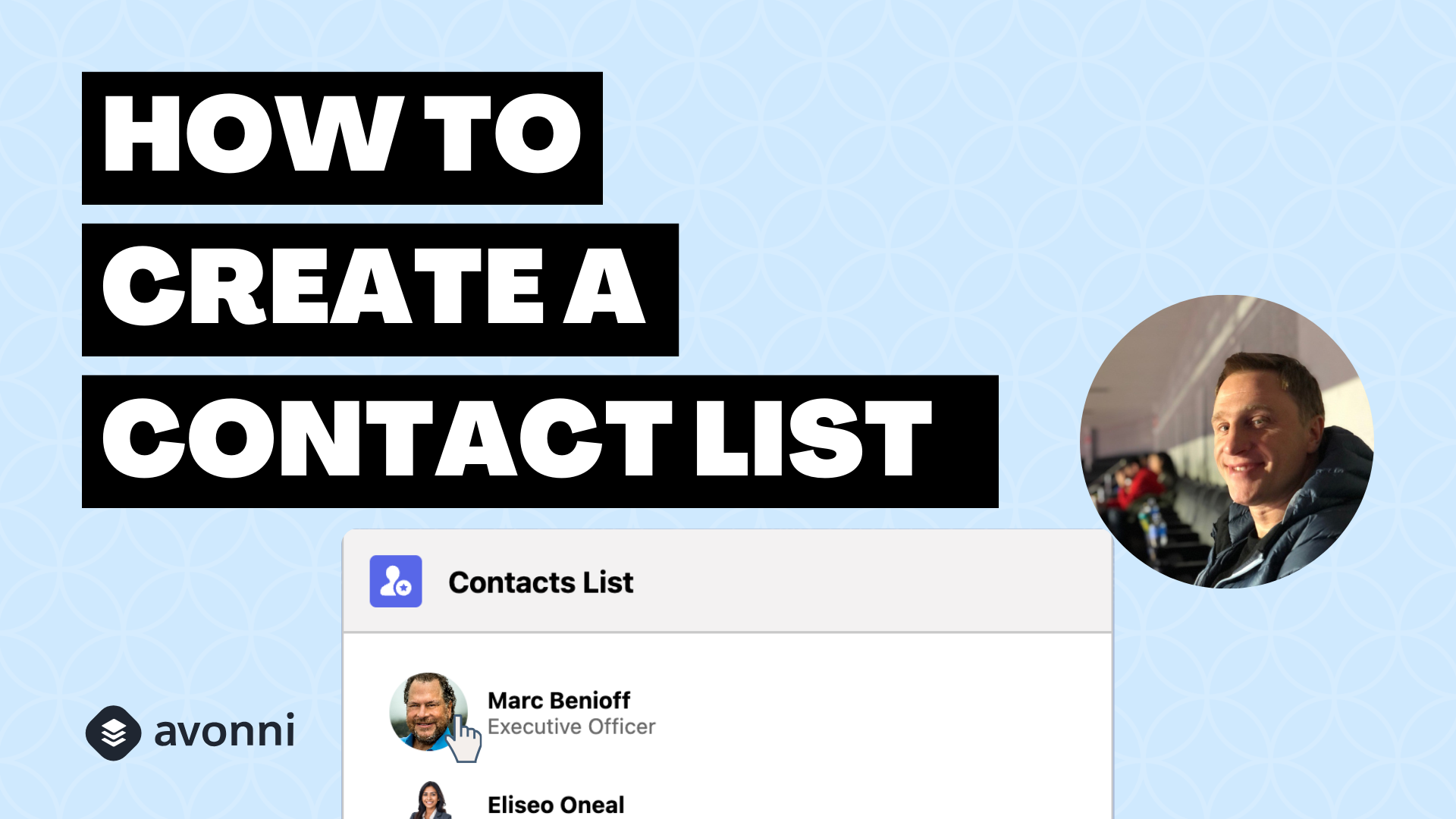
<table data-card-size="large" data-view="cards"><thead><tr><th></th><th></th><th></th><th data-hidden data-card-cover data-type="files"></th><th data-hidden data-card-target data-type="content-ref"></th></tr></thead><tbody><tr><td><strong>How to build an account contacts list</strong></td><td>Generate a list of contacts using the Avatar Group</td><td></td><td><a href="https://27923732-files.gitbook.io/~/files/v0/b/gitbook-x-prod.appspot.com/o/spaces%2F1FUd4apB9YHgCEMUFbVb%2Fuploads%2Fgit-blob-8b4d483cfbb4f9b5b981958b4dd101c88844eb7e%2Fmodern%20(30).png?alt=media">modern (30).png</a></td><td><a href="https://youtu.be/Px9Cjyno_BM">https://youtu.be/Px9Cjyno_BM</a></td></tr></tbody></table>

## Bar Code

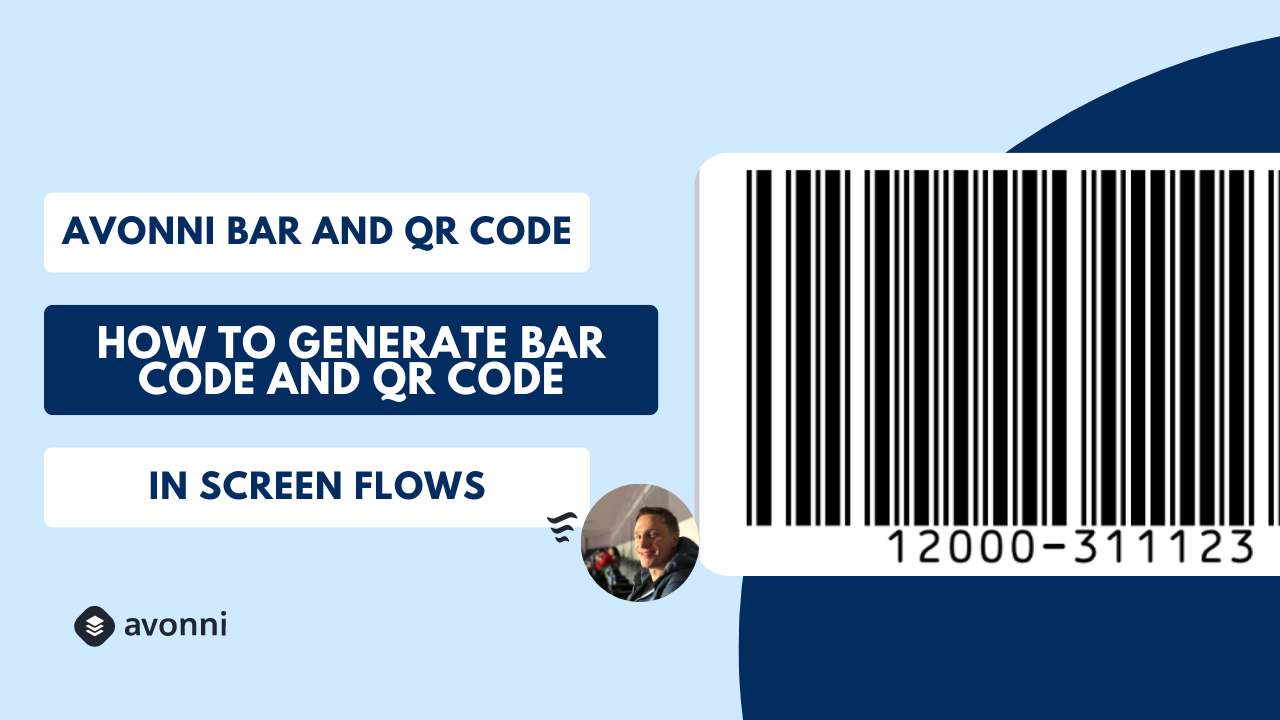
<table data-card-size="large" data-view="cards"><thead><tr><th></th><th></th><th></th><th data-hidden data-card-cover data-type="files"></th><th data-hidden data-card-target data-type="content-ref"></th></tr></thead><tbody><tr><td><strong>How to generate Bar &#x26; QR Codes</strong></td><td>Generate barcodes and QR codes in Salesforce Flows.</td><td></td><td><a href="https://27923732-files.gitbook.io/~/files/v0/b/gitbook-x-prod.appspot.com/o/spaces%2F1FUd4apB9YHgCEMUFbVb%2Fuploads%2Fgit-blob-dd4f71206a2710c4bb1a4d60417887d9f60bd3df%2Fmodern%20(24).png?alt=media">modern (24).png</a></td><td><a href="https://youtu.be/NXdmRLG5sZ8">https://youtu.be/NXdmRLG5sZ8</a></td></tr></tbody></table>

## Calendar

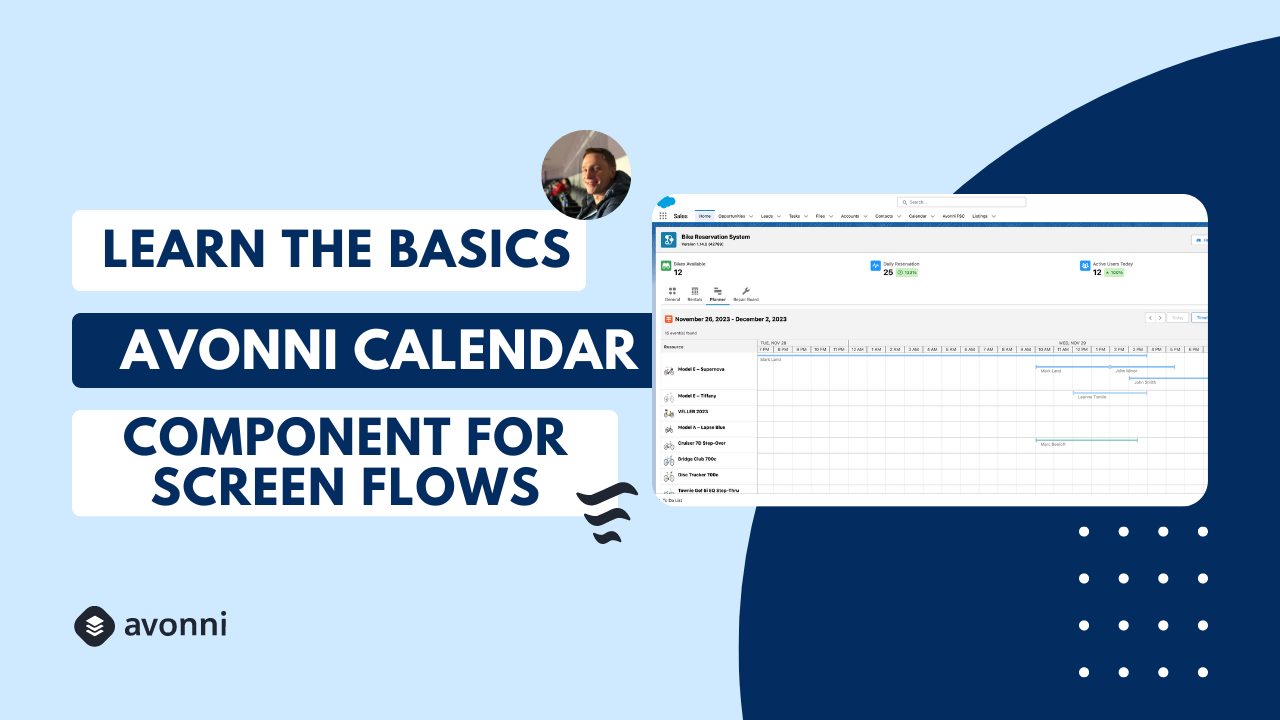
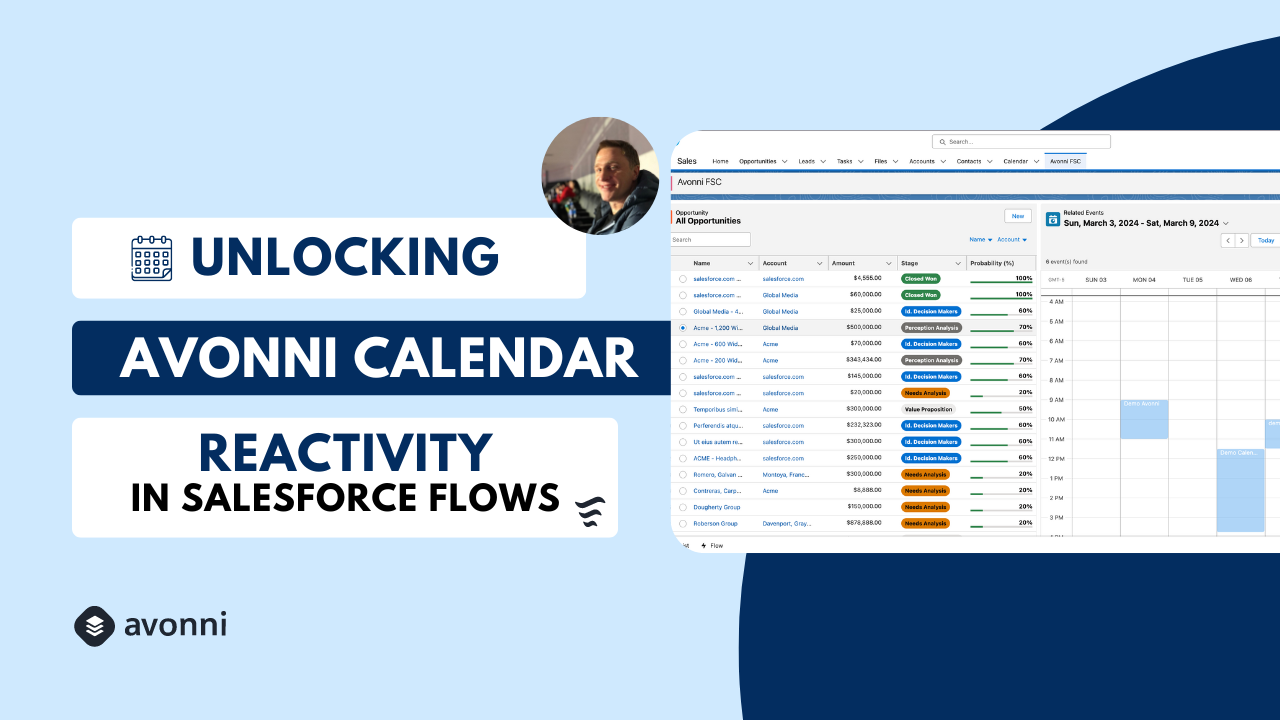
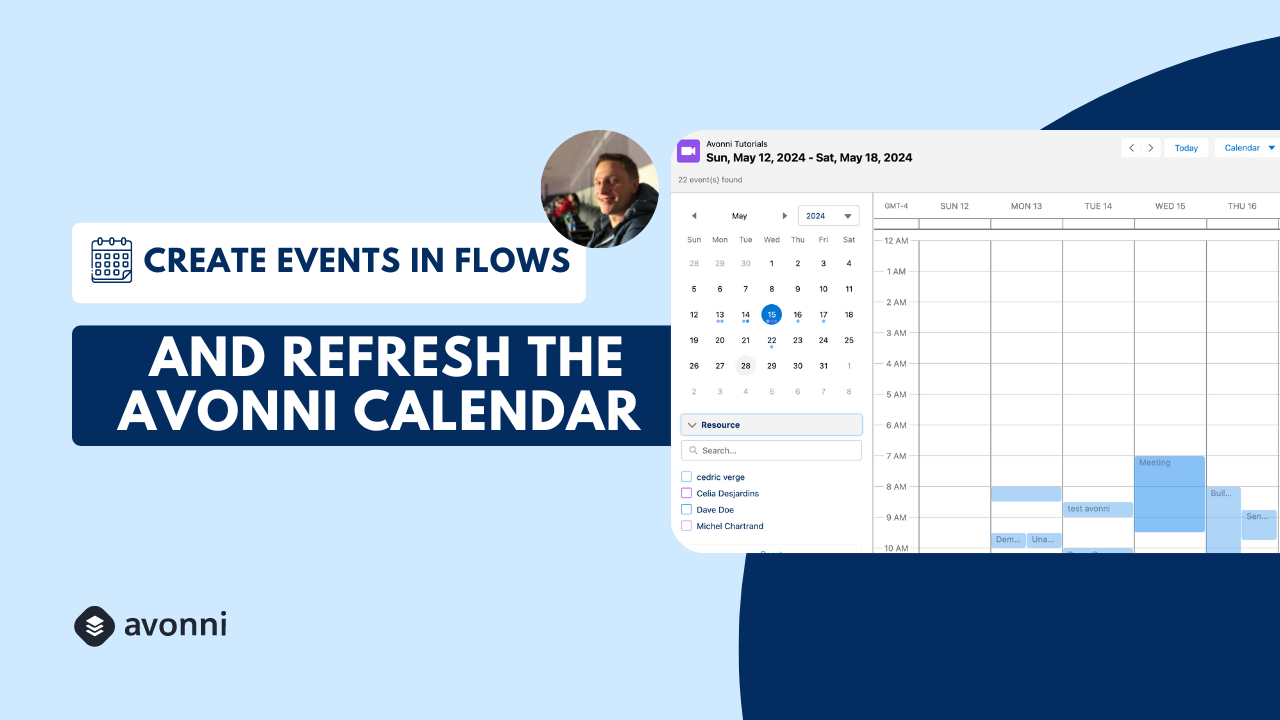
<table data-view="cards"><thead><tr><th></th><th></th><th></th><th data-hidden data-card-cover data-type="files"></th><th data-hidden data-card-target data-type="content-ref"></th></tr></thead><tbody><tr><td><strong>Learn the Basics</strong></td><td>This tutorial covers setup, customization, and practical use case on the Calendar.</td><td></td><td><a href="https://27923732-files.gitbook.io/~/files/v0/b/gitbook-x-prod.appspot.com/o/spaces%2F1FUd4apB9YHgCEMUFbVb%2Fuploads%2Fgit-blob-12fdda6e1b9195b089720bbf18d1ab6a0098e036%2F16.png?alt=media">16.png</a></td><td><a href="https://youtu.be/_43y4qt7Lok">https://youtu.be/_43y4qt7Lok</a></td></tr><tr><td><strong>Configure Reactive Screens</strong></td><td>Create dynamic Avonni Calendars – setup, reactivity, and more.</td><td></td><td><a href="https://27923732-files.gitbook.io/~/files/v0/b/gitbook-x-prod.appspot.com/o/spaces%2F1FUd4apB9YHgCEMUFbVb%2Fuploads%2Fgit-blob-4fcdb3981869b5bad542d76f53037256dbce11d0%2F18.png?alt=media">18.png</a></td><td><a href="https://youtu.be/x7aJVr12NQQ">https://youtu.be/x7aJVr12NQQ</a></td></tr><tr><td><strong>Auto-Refresh Events</strong></td><td>Learn how to integrate your Salesforce Events data into an interactive calendar.</td><td></td><td><a href="https://27923732-files.gitbook.io/~/files/v0/b/gitbook-x-prod.appspot.com/o/spaces%2F1FUd4apB9YHgCEMUFbVb%2Fuploads%2Fgit-blob-1af51f9a97eebef666f1de52a2e074d904546156%2F19.png?alt=media">19.png</a></td><td><a href="https://youtu.be/qF5tiZlpolE">https://youtu.be/qF5tiZlpolE</a></td></tr></tbody></table>

## Data Table

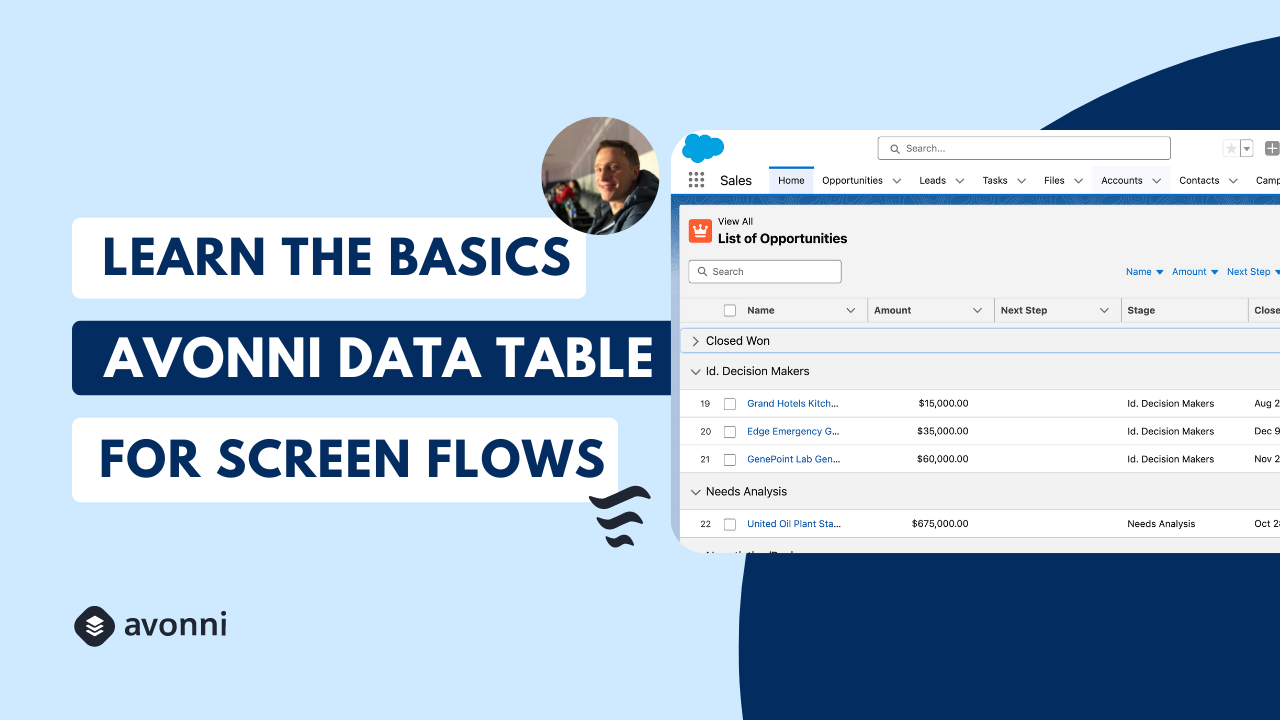
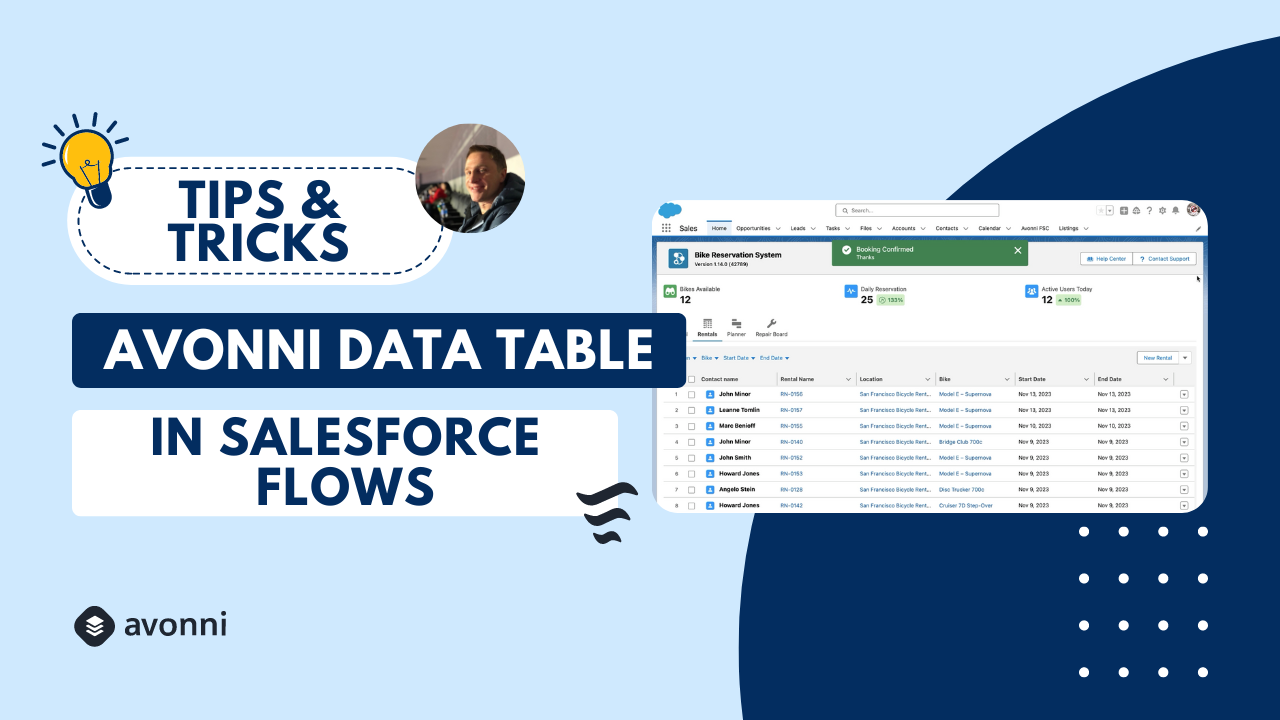
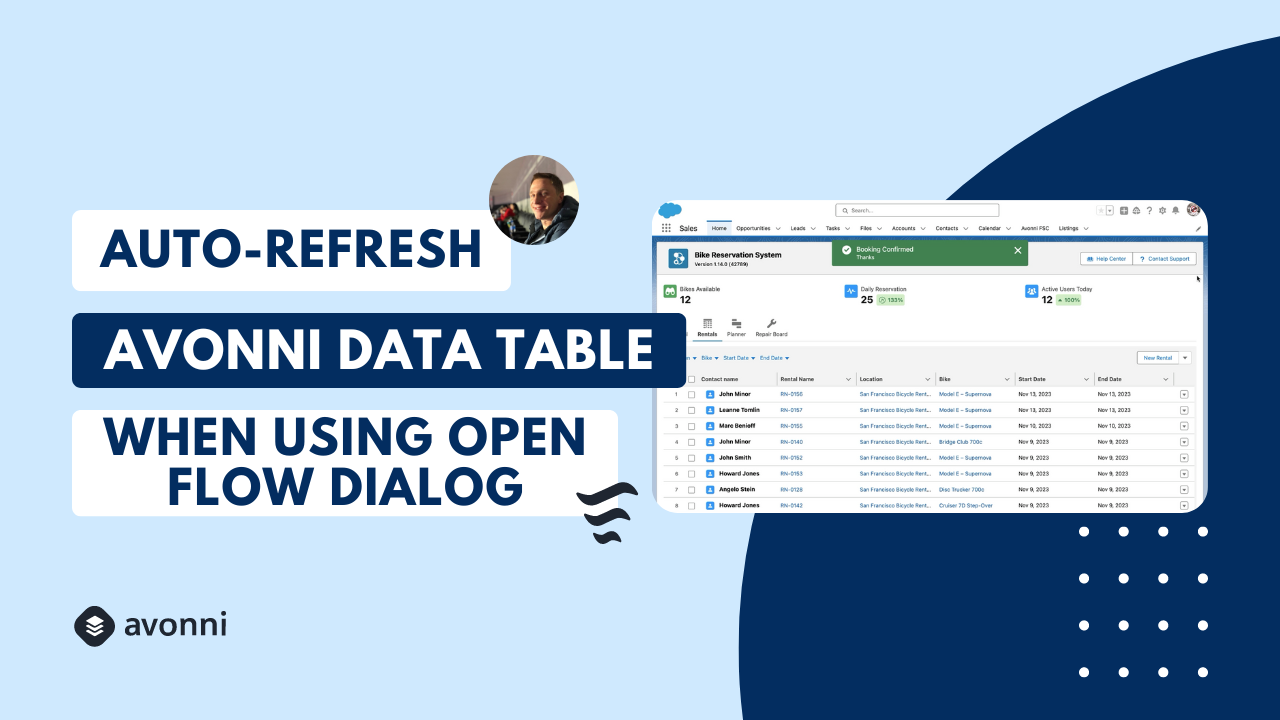
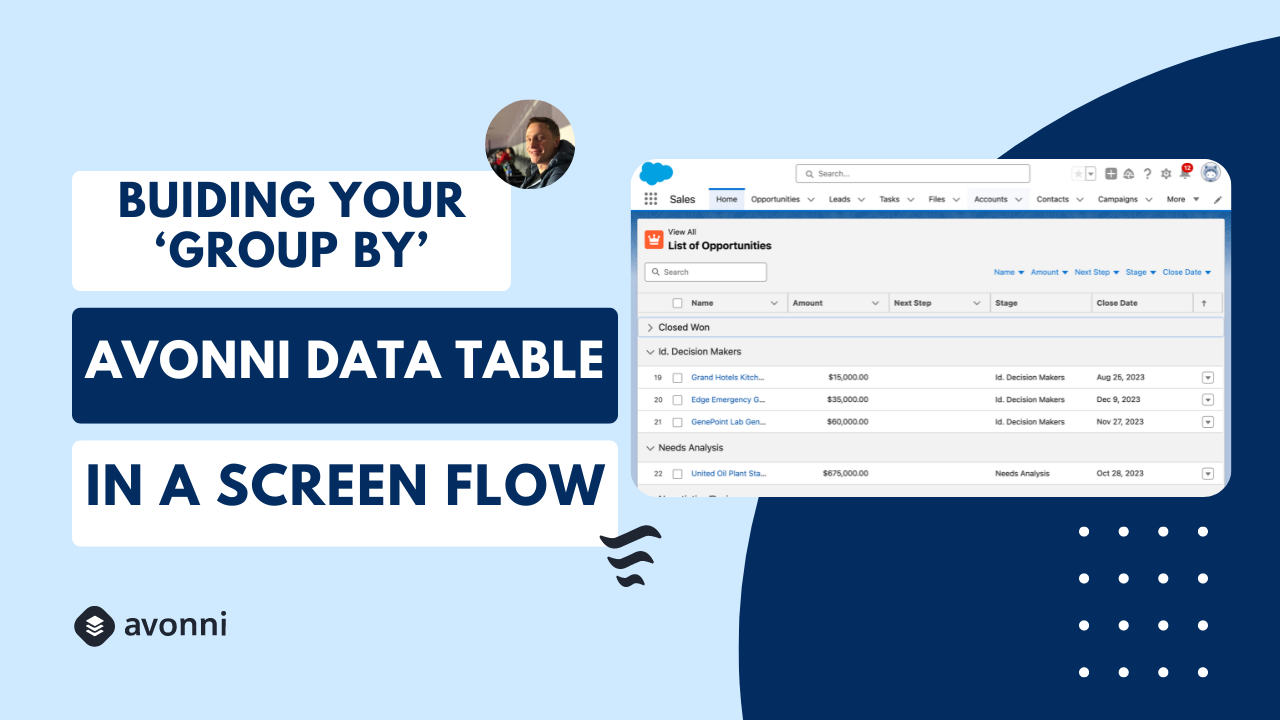
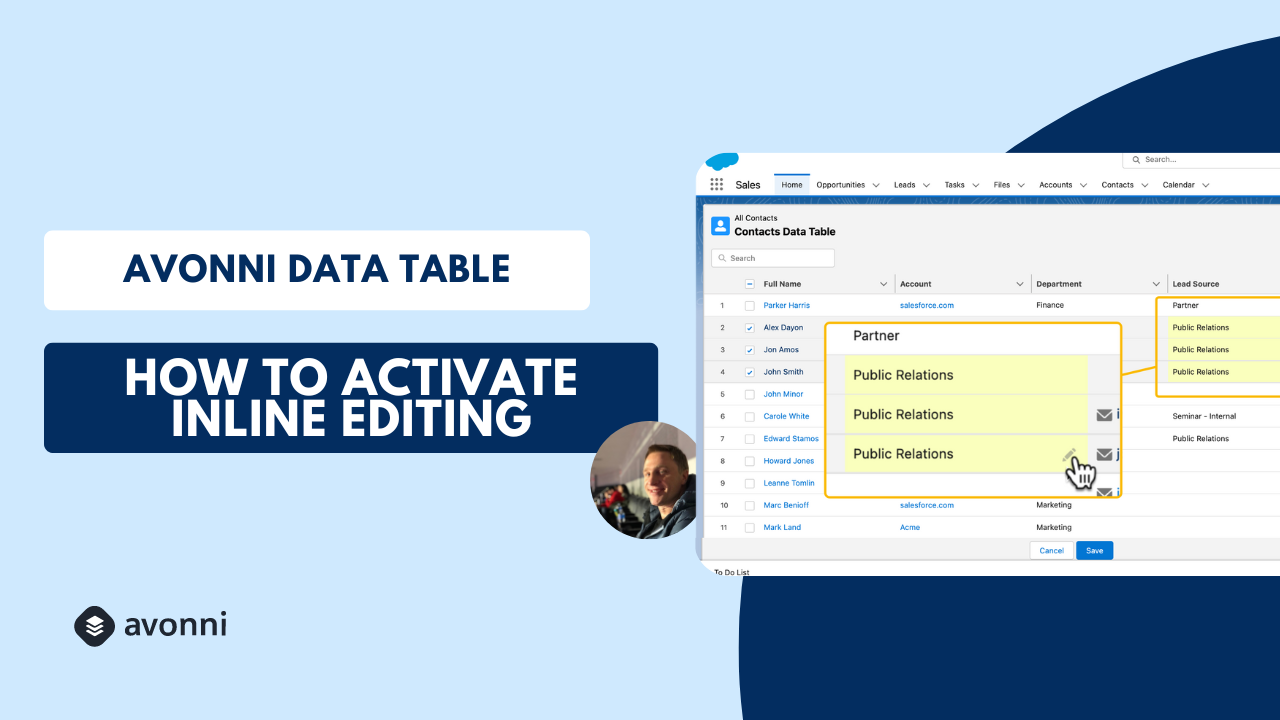
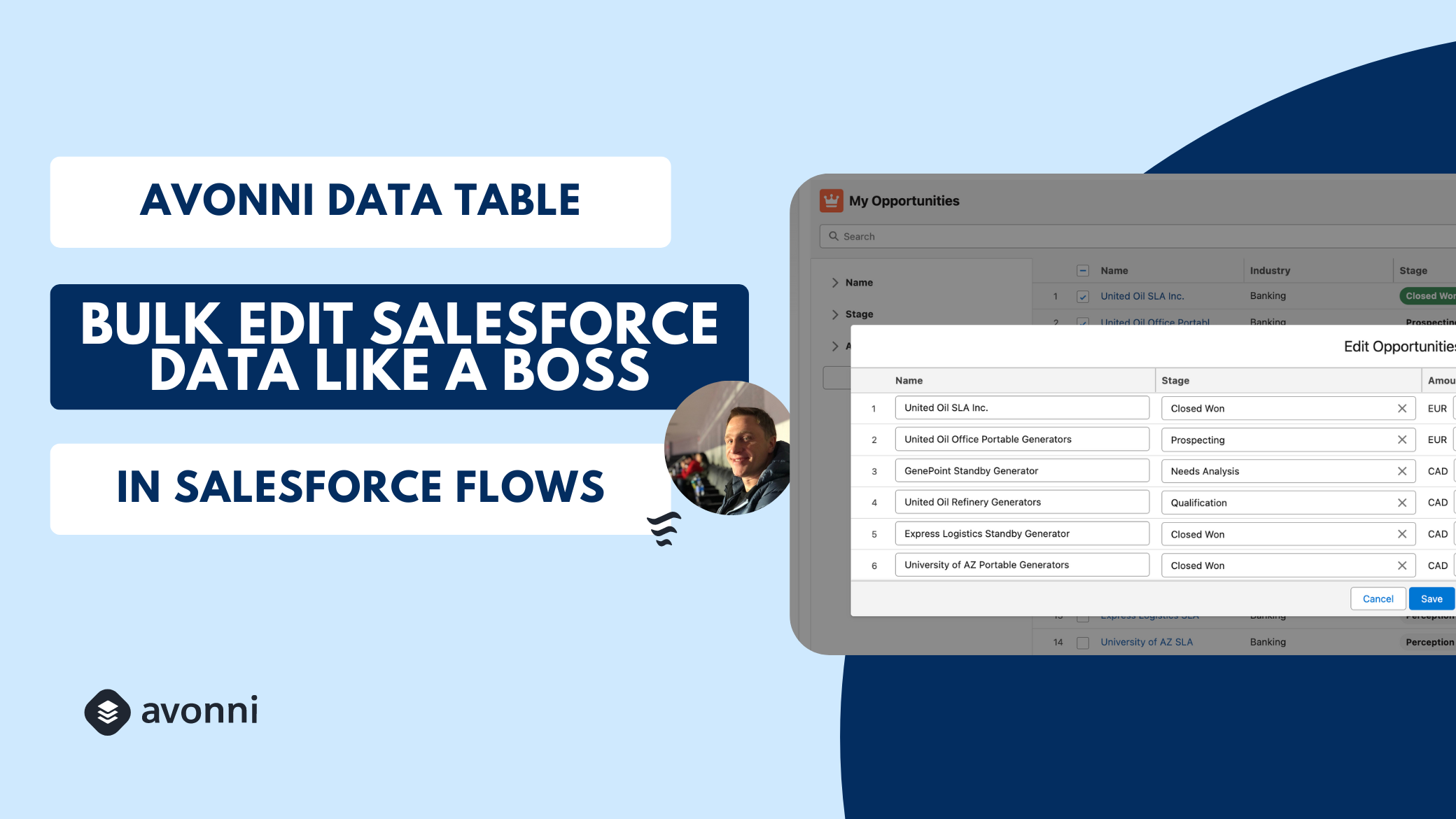
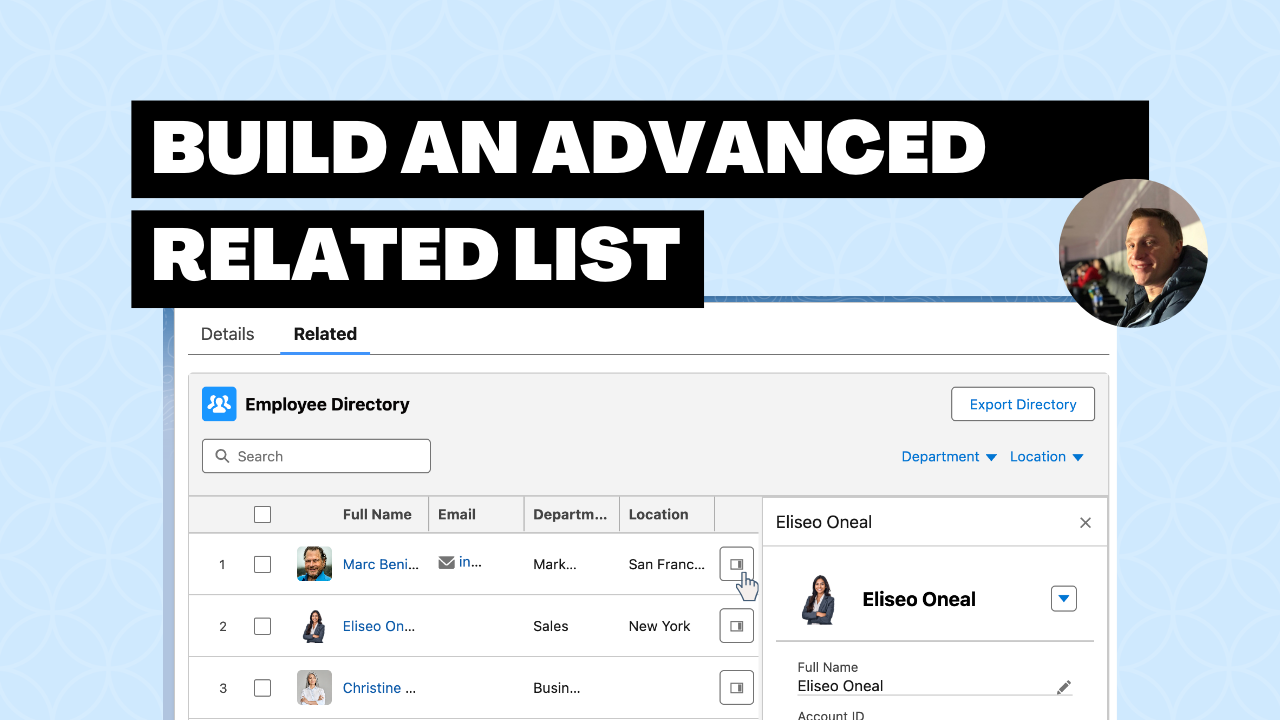
<table data-view="cards"><thead><tr><th></th><th></th><th></th><th data-hidden data-card-cover data-type="files"></th><th data-hidden data-card-target data-type="content-ref"></th></tr></thead><tbody><tr><td><strong>Learn the Basics</strong></td><td></td><td></td><td><a href="https://27923732-files.gitbook.io/~/files/v0/b/gitbook-x-prod.appspot.com/o/spaces%2F1FUd4apB9YHgCEMUFbVb%2Fuploads%2Fgit-blob-43ff272b72225f16f8e564022bc4e668a0231690%2F17.png?alt=media">17.png</a></td><td><a href="https://docs.avonnicomponents.com/flow/tutorials/components/data-table/learn-the-basics.md">Learn the Basics</a></td></tr><tr><td><strong>7 Tips &#x26; Tricks</strong></td><td></td><td></td><td><a href="https://27923732-files.gitbook.io/~/files/v0/b/gitbook-x-prod.appspot.com/o/spaces%2F1FUd4apB9YHgCEMUFbVb%2Fuploads%2Fgit-blob-098a19f3551da816b79e287959c4f1f57ec33f6f%2F14.png?alt=media">14.png</a></td><td><a href="https://youtu.be/f1qzN1EqryU">https://youtu.be/f1qzN1EqryU</a></td></tr><tr><td><strong>Configuring the Auto-Refresh</strong></td><td></td><td></td><td><a href="https://27923732-files.gitbook.io/~/files/v0/b/gitbook-x-prod.appspot.com/o/spaces%2F1FUd4apB9YHgCEMUFbVb%2Fuploads%2Fgit-blob-f7e287694c951f3aec4f231444b3b8e19a79d0ce%2F13.png?alt=media">13.png</a></td><td><a href="https://youtu.be/Wa7k5I4dkbQ">https://youtu.be/Wa7k5I4dkbQ</a></td></tr><tr><td><strong>Using the Group By</strong></td><td></td><td></td><td><a href="https://27923732-files.gitbook.io/~/files/v0/b/gitbook-x-prod.appspot.com/o/spaces%2F1FUd4apB9YHgCEMUFbVb%2Fuploads%2Fgit-blob-98c73a14a764cf32a057fe0e90022ab37ca78ad8%2F15.png?alt=media">15.png</a></td><td><a href="https://youtu.be/JiFWXONbrF0">https://youtu.be/JiFWXONbrF0</a></td></tr><tr><td><strong>How to activate the Inline Edit</strong></td><td></td><td></td><td><a href="https://27923732-files.gitbook.io/~/files/v0/b/gitbook-x-prod.appspot.com/o/spaces%2F1FUd4apB9YHgCEMUFbVb%2Fuploads%2Fgit-blob-f79af49af29517e62ad814c0609e0b89404b1af1%2Fmodern%20(22).png?alt=media">modern (22).png</a></td><td><a href="https://youtu.be/1zgdDa4iTB0">https://youtu.be/1zgdDa4iTB0</a></td></tr><tr><td><strong>How to Bulk Edit Records Using Avonni Data Table</strong></td><td></td><td></td><td><a href="https://27923732-files.gitbook.io/~/files/v0/b/gitbook-x-prod.appspot.com/o/spaces%2F1FUd4apB9YHgCEMUFbVb%2Fuploads%2Fgit-blob-e2756abca8d934cb1fba0d4e8added627c479b2e%2Fmodern%20(21).png?alt=media">modern (21).png</a></td><td><a href="https://youtu.be/sv5-oytpE7U">https://youtu.be/sv5-oytpE7U</a></td></tr><tr><td><strong>Build an advanced related list</strong></td><td></td><td></td><td><a href="https://27923732-files.gitbook.io/~/files/v0/b/gitbook-x-prod.appspot.com/o/spaces%2F1FUd4apB9YHgCEMUFbVb%2Fuploads%2Fgit-blob-ec4e78fd198bce67df74f541dafdc09919b05ee5%2Fmodern%20(33).png?alt=media">modern (33).png</a></td><td><a href="https://youtu.be/UiZTJRyTO_0">https://youtu.be/UiZTJRyTO_0</a></td></tr></tbody></table>

## Kanban

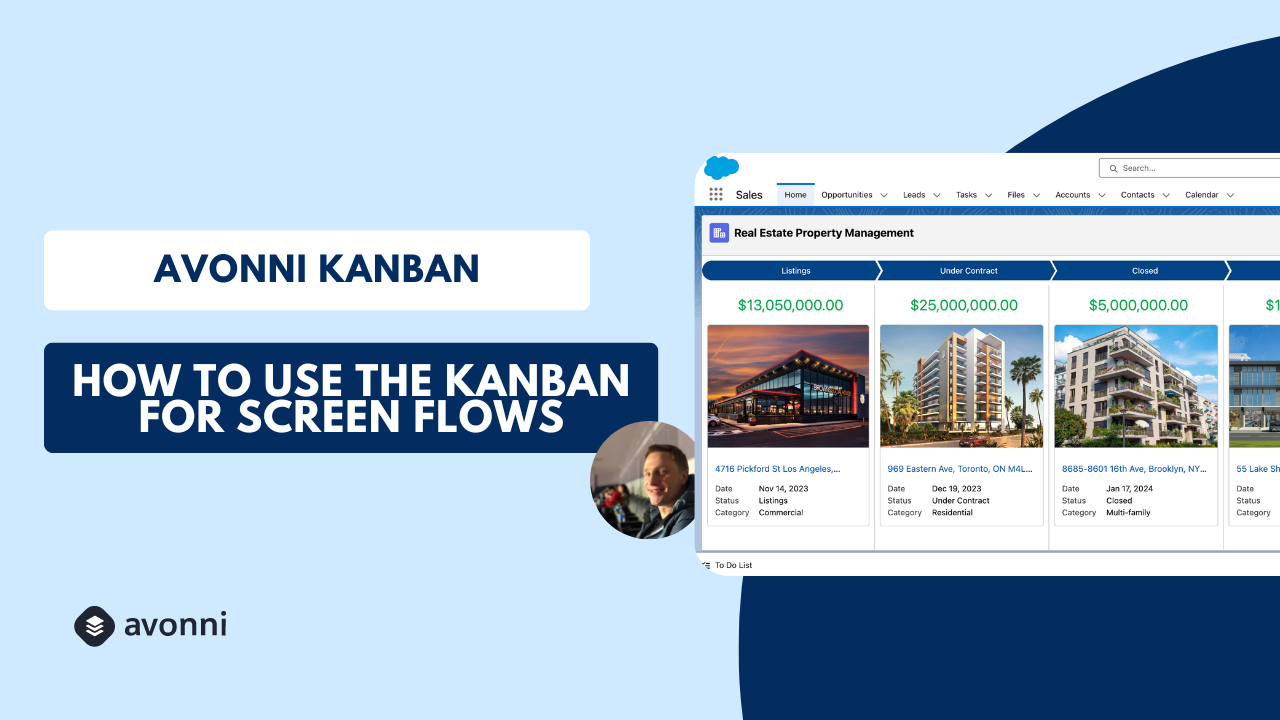
<table data-view="cards"><thead><tr><th></th><th></th><th></th><th data-hidden data-card-target data-type="content-ref"></th><th data-hidden data-card-cover data-type="files"></th></tr></thead><tbody><tr><td><strong>How to configure a board</strong></td><td></td><td></td><td><a href="https://youtu.be/iSdNxQcf-Aw">https://youtu.be/iSdNxQcf-Aw</a></td><td><a href="https://27923732-files.gitbook.io/~/files/v0/b/gitbook-x-prod.appspot.com/o/spaces%2F1FUd4apB9YHgCEMUFbVb%2Fuploads%2Fgit-blob-a755dcbad61b134e809a88d5d9e6000ba648e478%2Fmodern%20(23).png?alt=media">modern (23).png</a></td></tr></tbody></table>

## List

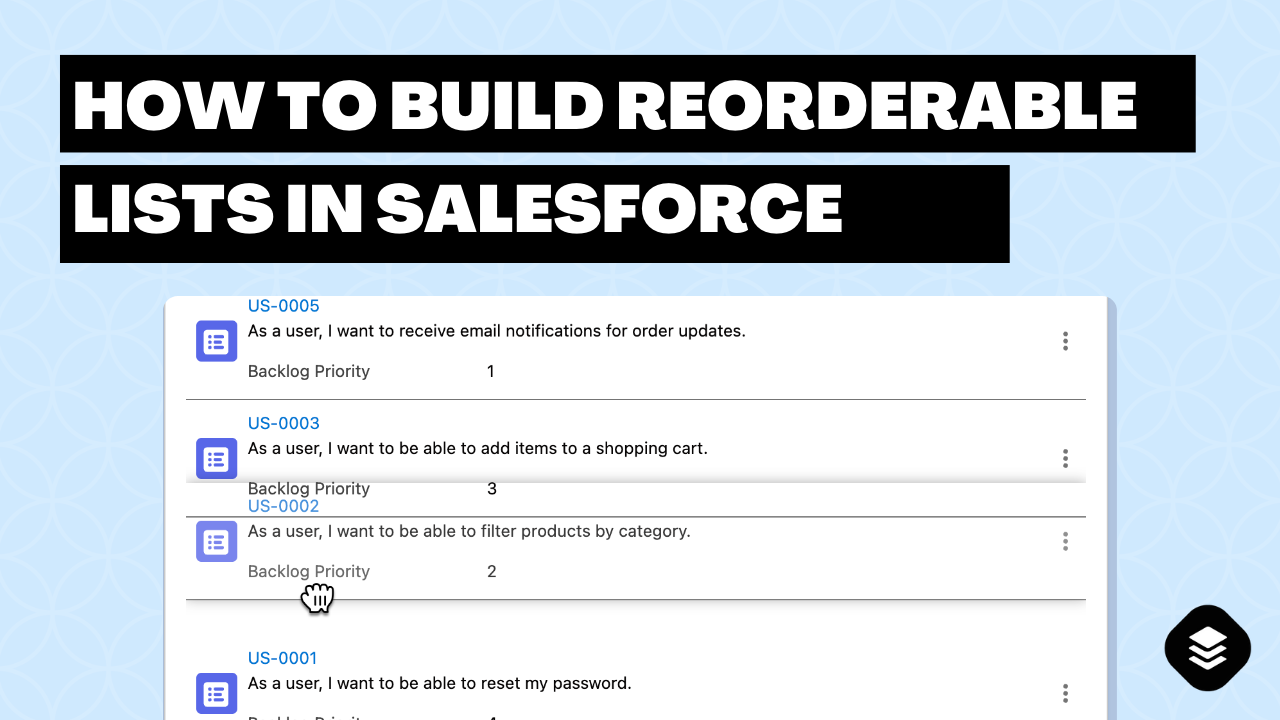
<table data-card-size="large" data-view="cards"><thead><tr><th></th><th data-hidden data-card-cover data-type="files"></th><th data-hidden data-card-target data-type="content-ref"></th></tr></thead><tbody><tr><td><strong>How to build reorderable lists</strong></td><td><a href="https://27923732-files.gitbook.io/~/files/v0/b/gitbook-x-prod.appspot.com/o/spaces%2F1FUd4apB9YHgCEMUFbVb%2Fuploads%2Fgit-blob-b345107133e41c35c78de2922ae5c1f82ed9cc62%2Fmodern%20(41).png?alt=media">modern (41).png</a></td><td><a href="https://youtu.be/u8A8C6oSQy4">https://youtu.be/u8A8C6oSQy4</a></td></tr></tbody></table>

## Map

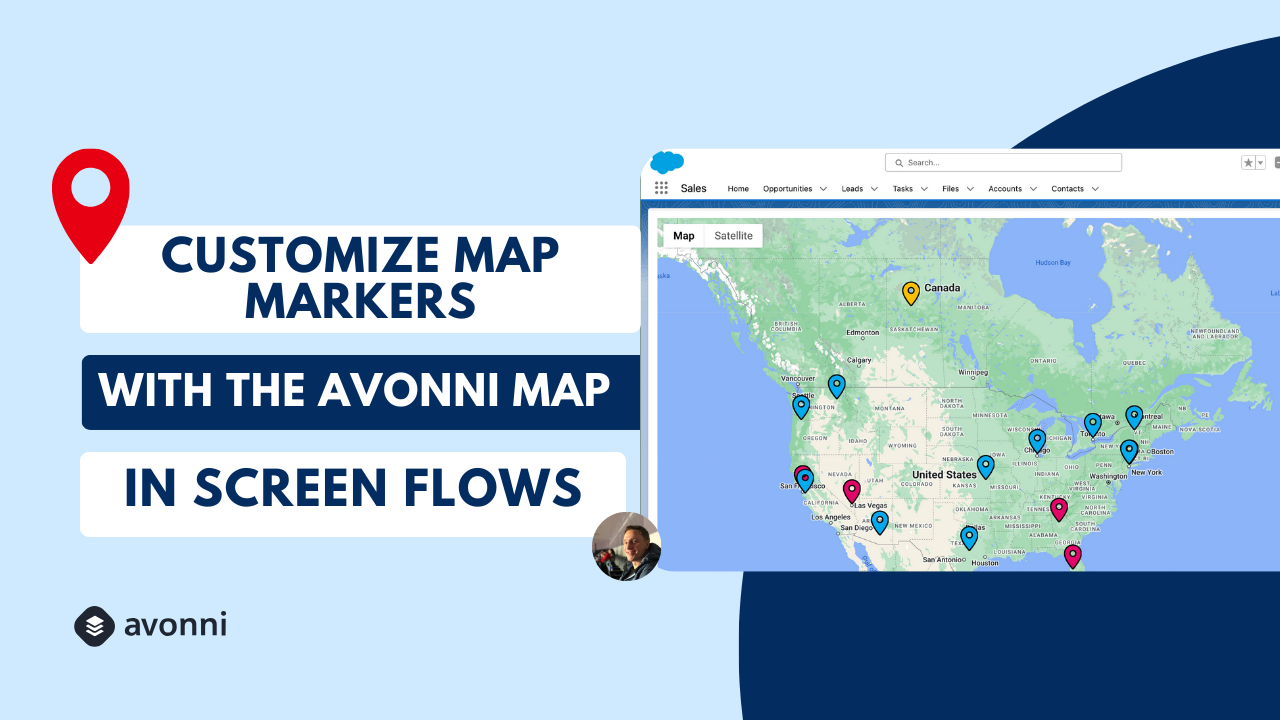
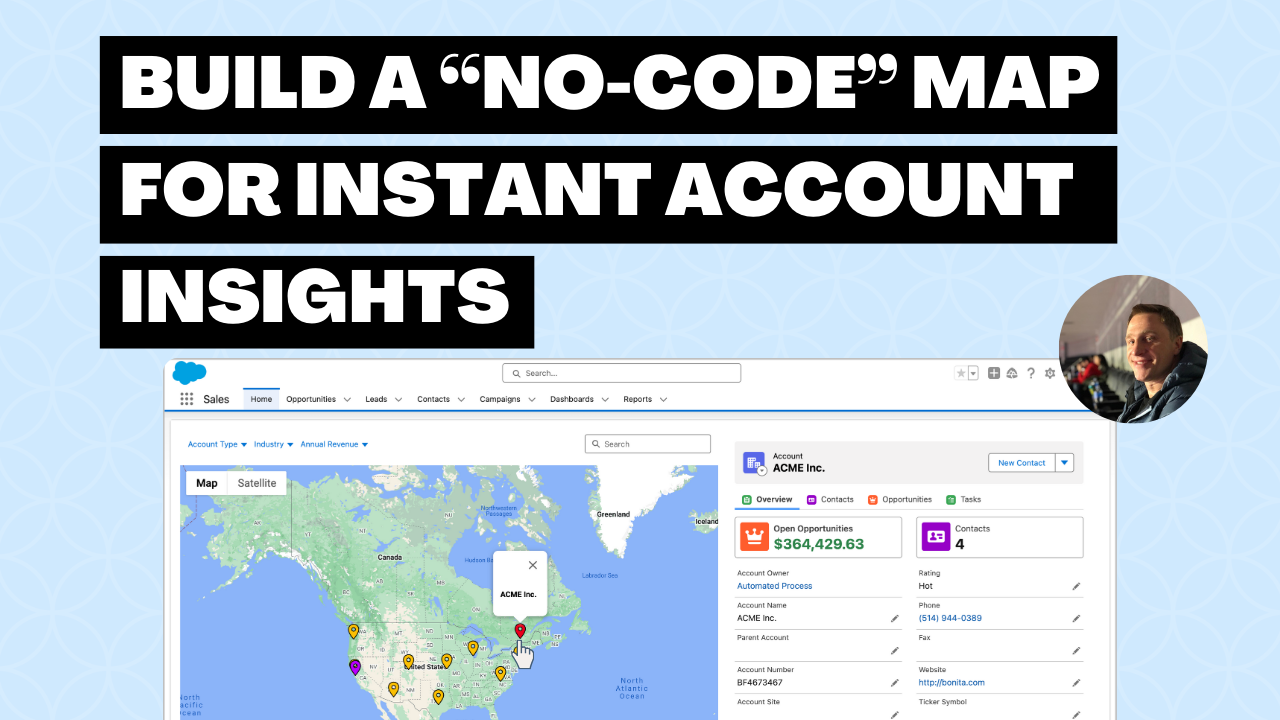
<table data-view="cards"><thead><tr><th></th><th></th><th></th><th data-hidden data-card-cover data-type="files"></th><th data-hidden data-card-target data-type="content-ref"></th></tr></thead><tbody><tr><td><strong>How to customize the Map Marker</strong></td><td></td><td></td><td><a href="https://27923732-files.gitbook.io/~/files/v0/b/gitbook-x-prod.appspot.com/o/spaces%2F1FUd4apB9YHgCEMUFbVb%2Fuploads%2Fgit-blob-1422d91380e614685f7bb8e0f29ff45275bc62bc%2F27.png?alt=media">27.png</a></td><td><a href="https://youtu.be/aXr176E4vKs">https://youtu.be/aXr176E4vKs</a></td></tr><tr><td><strong>Build a "No-Code" Salesforce Map for Instant Account Insights</strong></td><td></td><td></td><td><a href="https://27923732-files.gitbook.io/~/files/v0/b/gitbook-x-prod.appspot.com/o/spaces%2F1FUd4apB9YHgCEMUFbVb%2Fuploads%2Fgit-blob-9efa26b3fa7a992c4f93c85d267065751829606d%2Fmodern%20(31).png?alt=media">modern (31).png</a></td><td><a href="https://youtu.be/4JgAJE3if-0">https://youtu.be/4JgAJE3if-0</a></td></tr></tbody></table>

## Metric

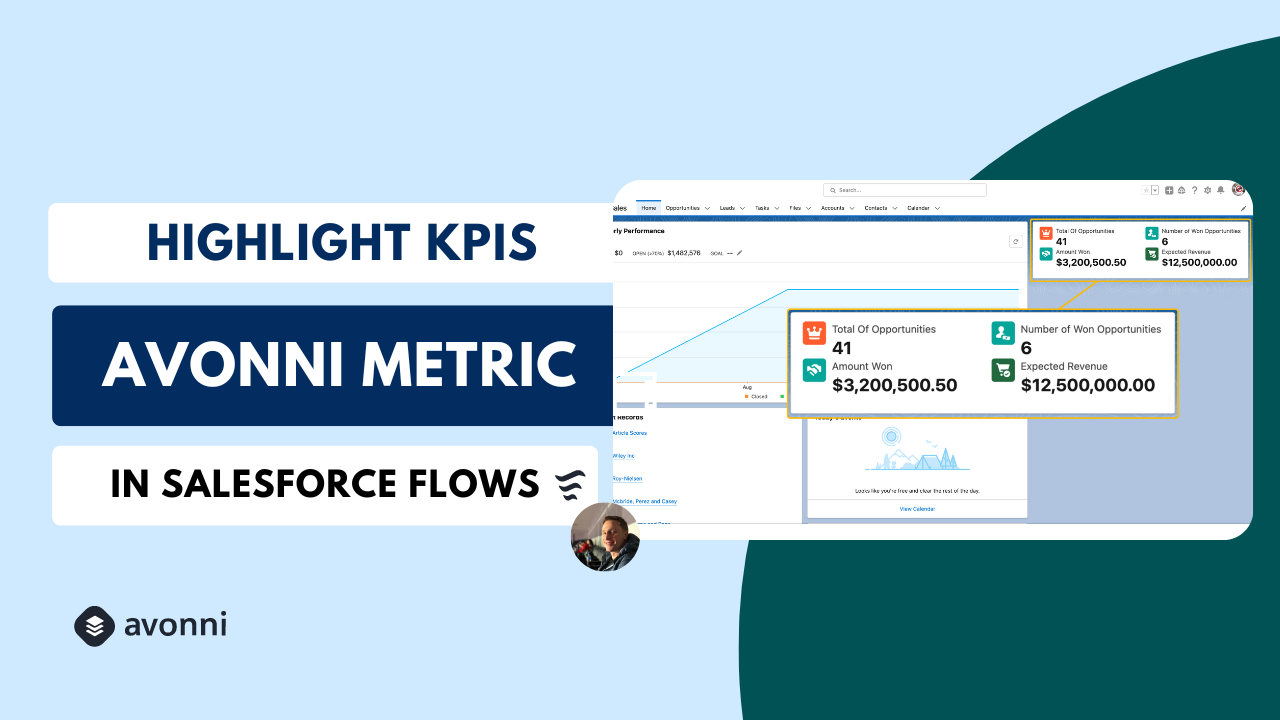
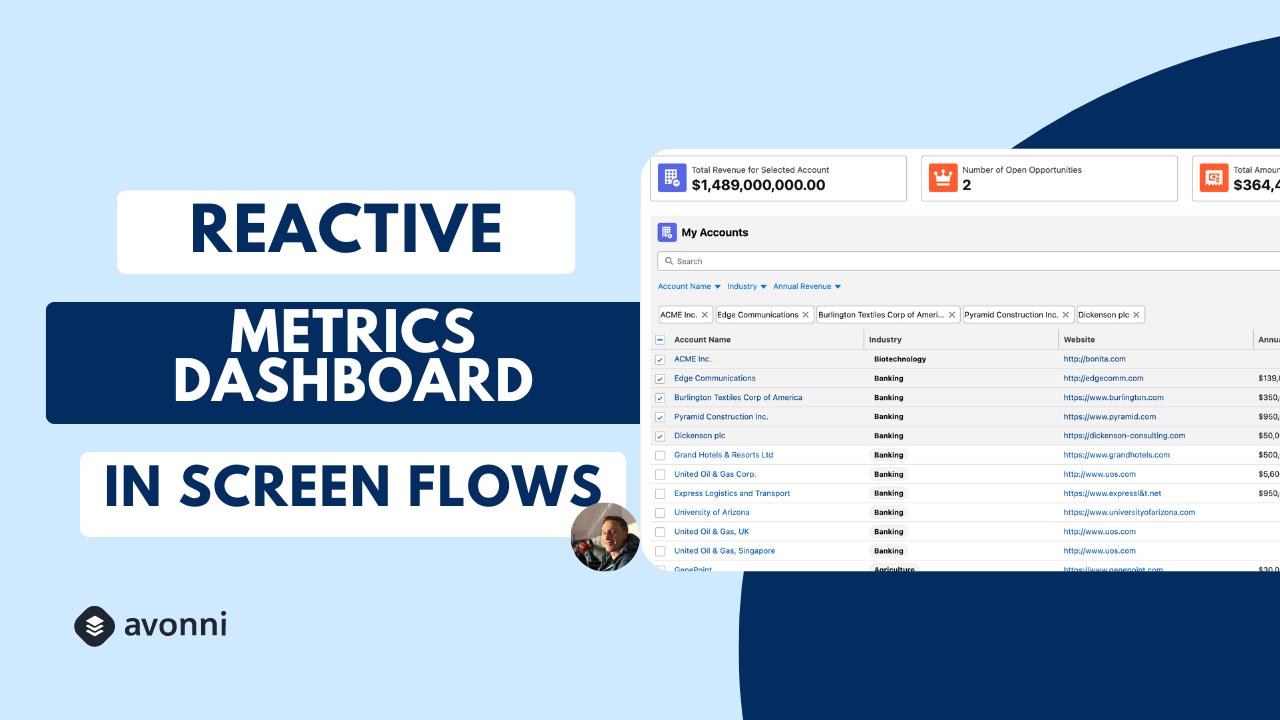
<table data-view="cards"><thead><tr><th></th><th></th><th></th><th data-hidden data-card-cover data-type="files"></th><th data-hidden data-card-target data-type="content-ref"></th></tr></thead><tbody><tr><td><strong>101 Introduction</strong></td><td></td><td></td><td><a href="https://27923732-files.gitbook.io/~/files/v0/b/gitbook-x-prod.appspot.com/o/spaces%2F1FUd4apB9YHgCEMUFbVb%2Fuploads%2Fgit-blob-b119b96d5dfebbaca585b679179af97cb81e0819%2Fmodern%20(26).png?alt=media">modern (26).png</a></td><td><a href="https://flow.avonnicomponents.com/tutorials/components/metric/introduction">https://flow.avonnicomponents.com/tutorials/components/metric/introduction</a></td></tr><tr><td><strong>Build a Reactive Metrics Dashboard using the Avonni Metric and Data Table</strong></td><td></td><td></td><td><a href="https://27923732-files.gitbook.io/~/files/v0/b/gitbook-x-prod.appspot.com/o/spaces%2F1FUd4apB9YHgCEMUFbVb%2Fuploads%2Fgit-blob-779fec19f24dde51488443c4daf7fc79fca7b287%2Fmodern%20(25).png?alt=media">modern (25).png</a></td><td><a href="https://youtu.be/sRtkMi2Mmqg">https://youtu.be/sRtkMi2Mmqg</a></td></tr></tbody></table>

## Progress Indicator

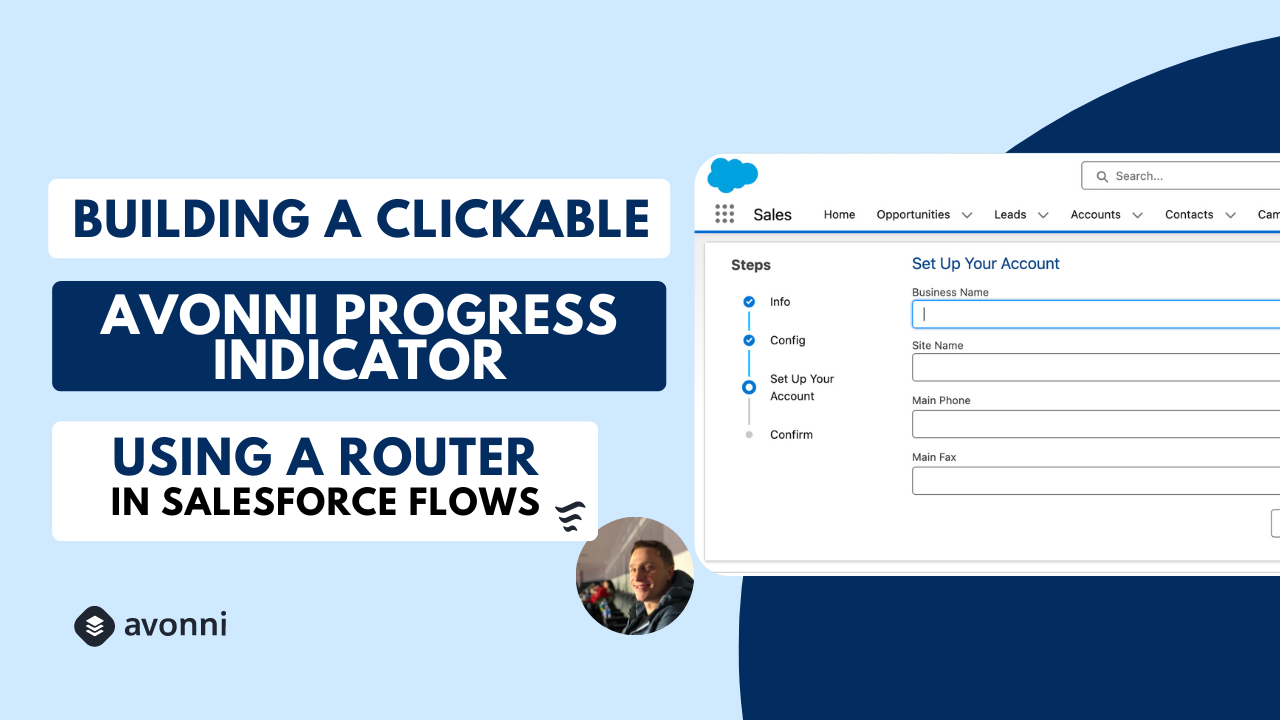
<table data-view="cards"><thead><tr><th></th><th></th><th></th><th data-hidden data-card-cover data-type="files"></th><th data-hidden data-card-target data-type="content-ref"></th></tr></thead><tbody><tr><td><strong>How to configure a clickable progress indicator</strong></td><td></td><td></td><td><a href="https://27923732-files.gitbook.io/~/files/v0/b/gitbook-x-prod.appspot.com/o/spaces%2F1FUd4apB9YHgCEMUFbVb%2Fuploads%2Fgit-blob-f66ff46d4a1d516e93d707ba65c069f492d58213%2F20.png?alt=media">20.png</a></td><td><a href="https://youtu.be/7kQqx7lw-8c">https://youtu.be/7kQqx7lw-8c</a></td></tr></tbody></table>

## Interactions

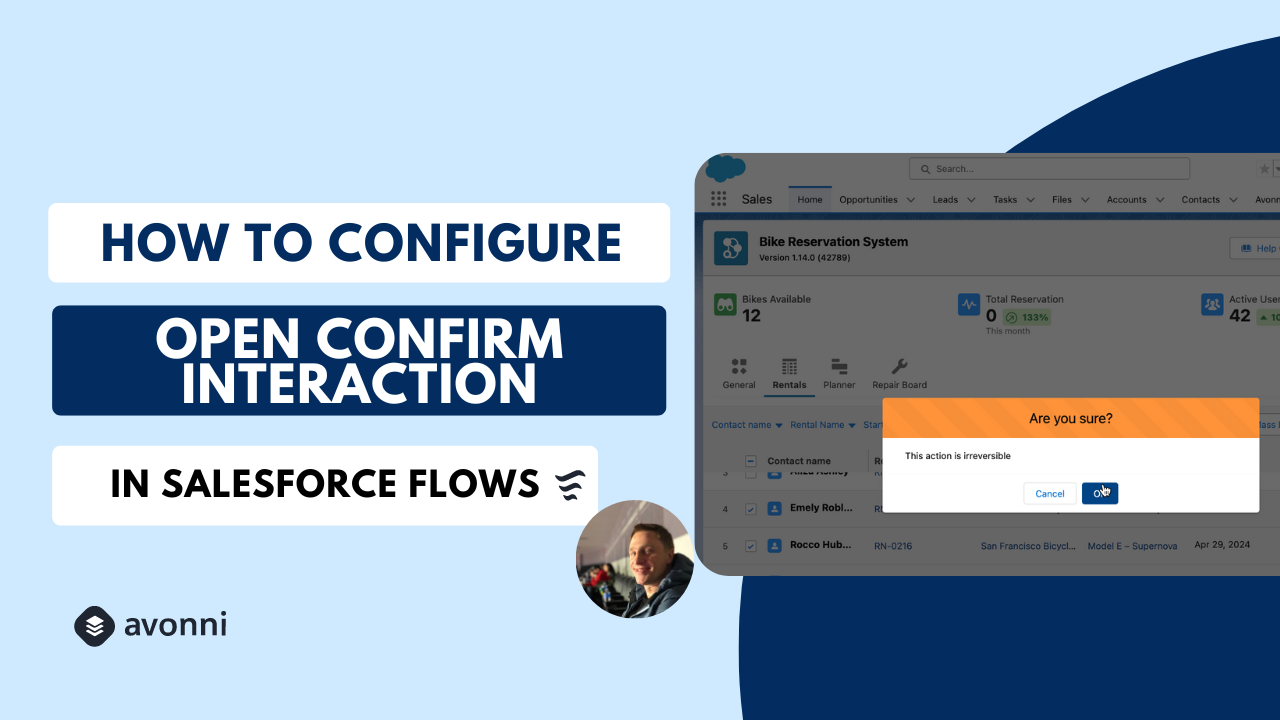
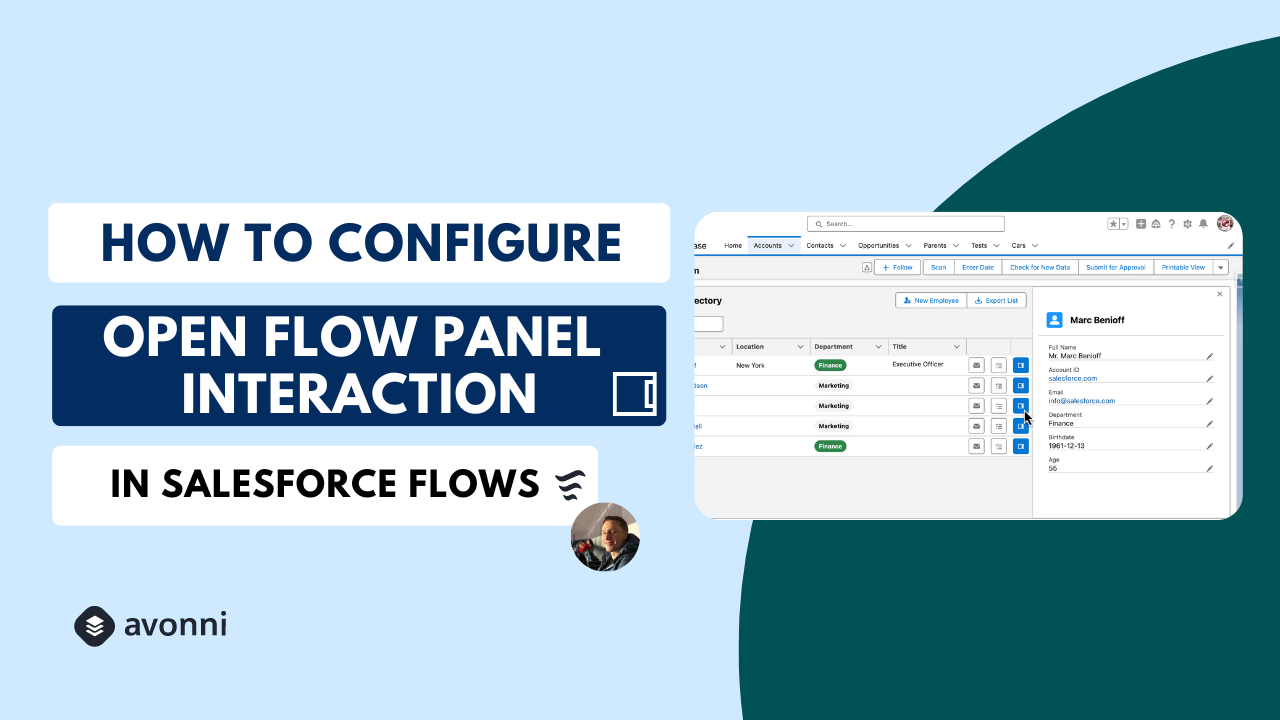
<table data-view="cards"><thead><tr><th></th><th></th><th></th><th data-hidden data-card-cover data-type="files"></th><th data-hidden data-card-target data-type="content-ref"></th></tr></thead><tbody><tr><td><strong>How to configure the On Confirm Interaction</strong></td><td></td><td></td><td><a href="https://27923732-files.gitbook.io/~/files/v0/b/gitbook-x-prod.appspot.com/o/spaces%2F1FUd4apB9YHgCEMUFbVb%2Fuploads%2Fgit-blob-d58fc848282a67d84dcfe910457d2db7c5dac4fc%2F21.png?alt=media">21.png</a></td><td><a href="https://youtu.be/PkNn51Onj30">https://youtu.be/PkNn51Onj30</a></td></tr><tr><td><strong>How to configure the Open Flow Panel Interaction</strong></td><td></td><td></td><td><a href="https://27923732-files.gitbook.io/~/files/v0/b/gitbook-x-prod.appspot.com/o/spaces%2F1FUd4apB9YHgCEMUFbVb%2Fuploads%2Fgit-blob-d686d91fffc5cb8d0b9cad190bd1159c26ce166e%2F22.png?alt=media">22.png</a></td><td><a href="https://youtu.be/GuhP4byzwyo">https://youtu.be/GuhP4byzwyo</a></td></tr></tbody></table>

## Use Cases

<table data-view="cards"><thead><tr><th></th><th></th><th></th><th data-hidden data-card-cover data-type="files"></th><th data-hidden data-card-target data-type="content-ref"></th></tr></thead><tbody><tr><td><strong>Build an advanced related list</strong></td><td></td><td></td><td><a href="https://27923732-files.gitbook.io/~/files/v0/b/gitbook-x-prod.appspot.com/o/spaces%2F1FUd4apB9YHgCEMUFbVb%2Fuploads%2Fgit-blob-ec4e78fd198bce67df74f541dafdc09919b05ee5%2Fmodern%20(33).png?alt=media">modern (33).png</a></td><td><a href="https://youtu.be/UiZTJRyTO_0">https://youtu.be/UiZTJRyTO_0</a></td></tr></tbody></table>


---

# Agent Instructions
This documentation is published with GitBook. GitBook is the documentation platform designed so that both humans and AI agents can read, navigate, and reason over technical content effectively. Learn more at gitbook.com.

## Querying This Documentation
If you need additional information that is not directly available in this page, you can query the documentation by asking a question.

Perform an HTTP GET request on the following URL with the `ask` and `goal` query parameters:

```
GET https://docs.avonnicomponents.com/flow/tutorials/videos.md?ask=<question>&goal=<user_goal>
```

`ask` is the immediate question: it should be specific, self-contained, and written in natural language.
`goal` is what the user is ultimately trying to achieve, the reason they need the answer. Sharing it helps GitBook give you a better, more relevant answer. A goal is most helpful when it describes the outcome the user wants rather than restating the question. For example, with `ask=how do I create an API token`, a goal like `automate deployments from our CI pipeline` lets GitBook tailor the answer to that use case.

The response will contain a direct answer to the question and relevant excerpts and sources from the documentation.

Use this mechanism when the answer is not explicitly present in the current page, you need clarification or additional context, or you want to retrieve related documentation sections.