> For the complete documentation index, see [llms.txt](https://docs.avonnicomponents.com/llms.txt). Markdown versions of documentation pages are available by appending `.md` to page URLs; this page is available as [Markdown](https://docs.avonnicomponents.com/experience-cloud/experience-cloud-ja/chtoriaru/components/card/creating-a-mapcard-showcase.md).
# MapCardのショーケースを作成する
## 概要
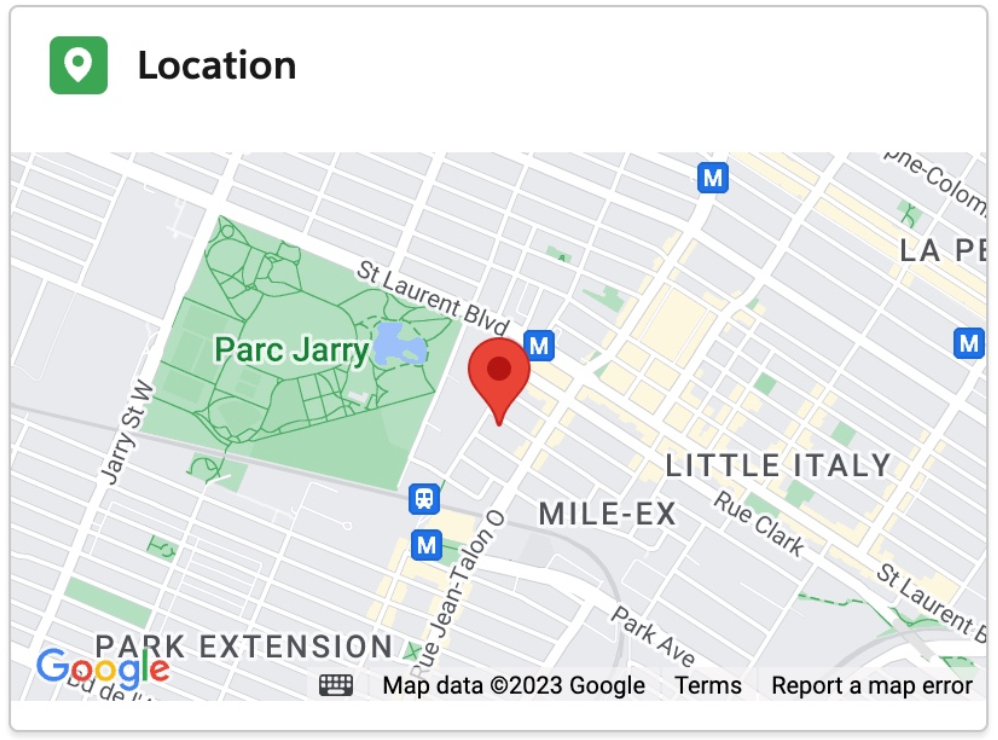
このチュートリアルでは、Avonni Card コンポーネントと Avonni Map コンポーネントを使用して、Experience Cloud で MapCard Showcase を作成する方法を効果的に解説します。この組み合わせは、現在のレコードの場所を視覚的に表示し、インタラクティブで情報豊かな要素によってユーザーインターフェースを充実させるのに最適です。
これらのコンポーネントを使用する理由
**Avonni Card:**
* **重要な情報を一元化:** Avonni Card は、必要な詳細情報を提示するための中心的な要素です。特定の項目や機能に関する情報を明確かつ簡潔に整理することで、ユーザーが要点をすばやく把握しやすくします。
* **強化された視覚的プレゼンテーション:** カスタマイズ可能なデザインにより、Avonni Card は重要なコンテンツを魅力的に強調するよう調整でき、提示される情報の視覚的な魅力を高めます。
**Avonni Map:**
* **地理的コンテキスト:** Avonni Map は、地理的な文脈を提供することで Avonni Card を補完します。カードで説明されている項目や機能に関連する場所を視覚的に表示し、ユーザーに情報の空間的な理解を提供します。
* **インタラクティブな探索:** ユーザーは地図を操作して場所を探索でき、より包括的で魅力的な体験を得られます。このインタラクティブ性により、Avonni Card に表示された情報に動的な要素が加わります。
## インタラクティブなステップバイステップ設定ガイド
{% @arcade/embed url="" flowId="gMoobriDJOAheXX0daXD" %}
---
# Agent Instructions
This documentation is published with GitBook. GitBook is the documentation platform designed so that both humans and AI agents can read, navigate, and reason over technical content effectively. Learn more at gitbook.com.
## Querying This Documentation
If you need additional information that is not directly available in this page, you can query the documentation by asking a question.
Perform an HTTP GET request on the following URL with the `ask` and `goal` query parameters:
```
GET https://docs.avonnicomponents.com/experience-cloud/experience-cloud-ja/chtoriaru/components/card/creating-a-mapcard-showcase.md?ask=&goal=
```
`ask` is the immediate question: it should be specific, self-contained, and written in natural language.
`goal` is what the user is ultimately trying to achieve, the reason they need the answer. Sharing it helps GitBook give you a better, more relevant answer. A goal is most helpful when it describes the outcome the user wants rather than restating the question. For example, with `ask=how do I create an API token`, a goal like `automate deployments from our CI pipeline` lets GitBook tailor the answer to that use case.
The response will contain a direct answer to the question and relevant excerpts and sources from the documentation.
Use this mechanism when the answer is not explicitly present in the current page, you need clarification or additional context, or you want to retrieve related documentation sections.