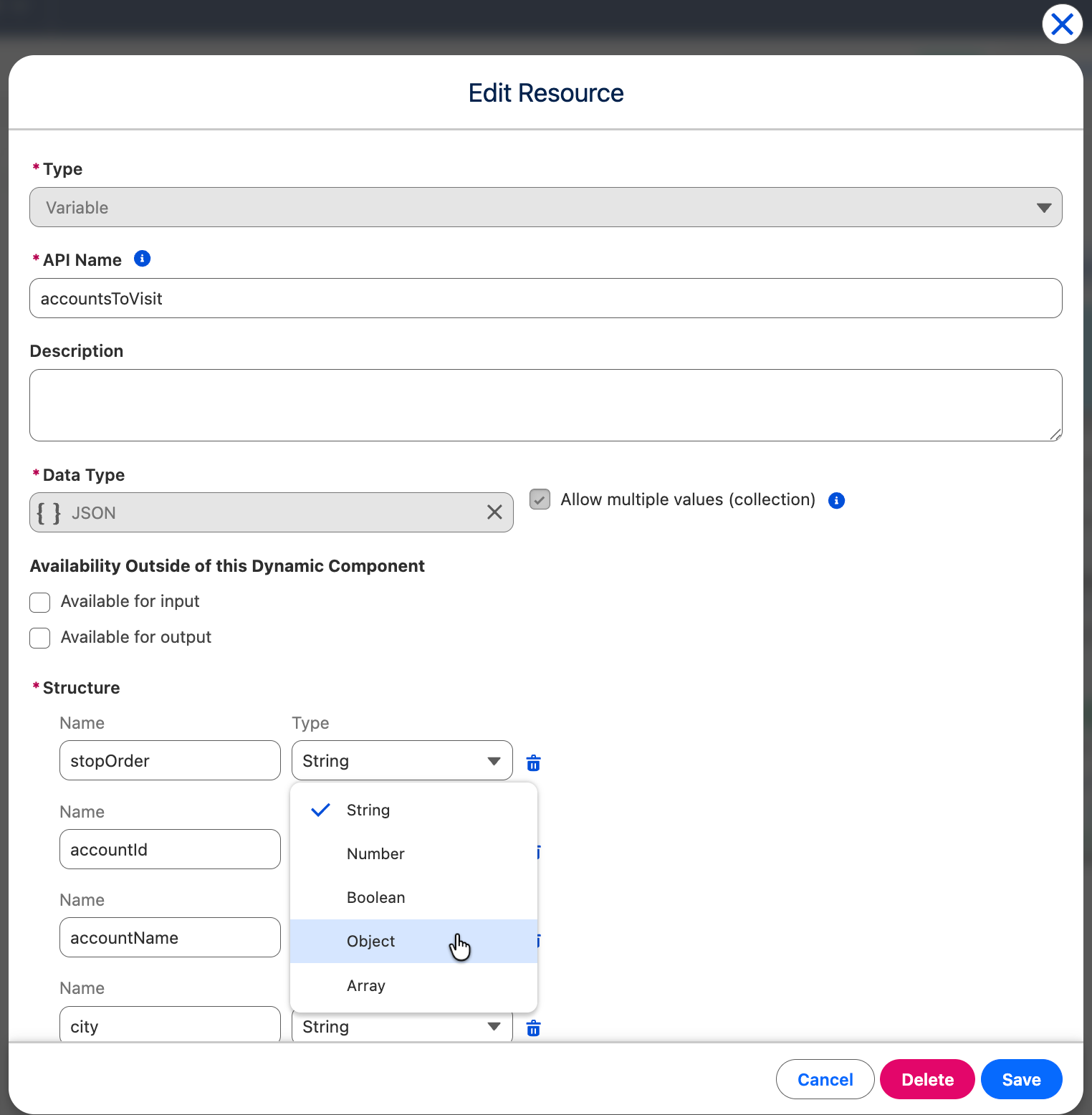
# Variable

Variable resources in Avonni Dynamic Components store data *temporarily* within a component. They are essential for dynamic behavior, but have key differences from variables in Salesforce Flows.

## Overview

A Variable is a named container holding a value of a specific data type. Variables are used to:

* **Track Component State:** Represent the current state (e.g., expanded/collapsed, filter applied, visibility flags).
* **Intermediate Calculations:** Hold temporary values during calculations.
* **Data Passing:** Share data between different parts of your component, and with nested components (using Input/Output).
* **Conditional Logic:** Control visibility or trigger actions.
* **Hold Record ID:** Hold a Salesforce record ID.

## Creating a Variable

1. **Resources Panel:** Click the **Resources** button.
2. **New Resource:** Click "+" or "New Resource."
3. **Select "Variable".**
4. **Configure:**
   * **API Name:** Unique, descriptive name (e.g., `isPanelVisible`, `selectedAccountId`).
   * **Description (Optional):** Explain the variable's purpose.
   * **Data Type:**
     * **Boolean:** `true` or `false`.
     * **Date:** A date.
     * **Date/Time:** A date and time.
     * **Number:** A number.
     * **Record:** A *reference* to a Salesforce record (typically the ID). Use an "On Load" interaction with "Get Records" to *populate* the full record data *before* the component renders.
     * **Text:** A string of text.
   * **Allow multiple values (collection):** If checked, the variable holds a *list* of values (of the chosen data type).
   * **Availability outside of this Dynamic Component:**
     * **Available for Input:** Allows a *parent* component (or URL parameter) to *set* this variable's value.
     * **Available for Output:** Allows a *parent* component to *read* this variable's value.
   * **Initial Value (Optional):** Set a default value.

## Using Variables

* **Displaying Values:** Bind component properties (like a Text component's `Value`) to the variable.
* **Component Properties:** Bind properties like `Visible` or `Disabled` to Boolean variables.
* **Filters:** Use variables in data source filters (e.g., in a Query Data Source).
* **Interactions:** Pass variables as input to actions, or capture action output into variables.
* **Formulas:** Use variables within Formula resources.

You *select* variables from a list in the Properties Panel or interaction configuration; you don't typically type special syntax.

## Important Considerations: Data Persistence (or Lack Thereof!)

* **Record Modification Resets Variables:** *Any* interaction that creates, updates, deletes, or upserts a Salesforce record will *reset all variables in the Dynamic Component to their initial values*. This is a key difference from Flows.
* **Workarounds for Persistence:** If you need to maintain values across record modifications, you have a few options, *none* of which are ideal, but they are workarounds:
  * **URL Parameters:** Pass data in the URL. This is limited and can make URLs messy.
  * **Custom Logic (Flows):** Use a Flow to handle the record updates and carefully manage data persistence *within the Flow*. Then, pass the final result back to the Dynamic Component. This is the most robust, but also most complex, option.
  * **Local Storage (Caution):** It could be possible, to explore using browser local storage (via JavaScript). *This is an advanced technique and has limitations and security implications.*
* **Read Only Data** For read-only data, it's working perfectly.
* **On load interaction:** Everytime a salesforce record is updated, the on load interaction is triggered, to refresh the context.

## Examples

### Displaying Account Details (On Load)

1. Create a Record Variable: `currentAccount` (Type: `Account`).
2. Add an "On Load" interaction to your *Dynamic Component*:
   * Action Type: `Get Records`
   * Object API Name: `Account`
   * Record ID: `@recordId`
   * Fields: Select `Id`, `Name`, `Industry`.
   * Record Variable: `{!currentAccount}`
3. Add Text components and bind their `Value` properties to `{!currentAccount.Name}`, `{!currentAccount.Industry}`, etc
